
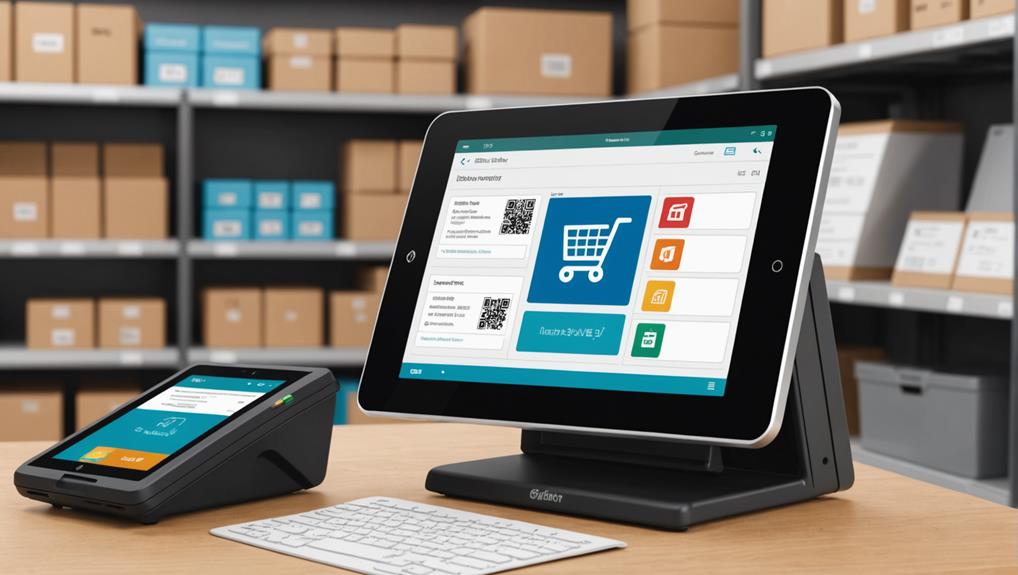
Essential POS features for effective inventory management include real-time inventory tracking, which lets you see stock levels instantly to prevent overstocking or shortages. Automated stock replenishment automatically orders products based on current sales trends, saving you time and reducing errors. Multi-location management ensures you've got an accurate overview across all sites, aiding in efficient stock transfers and allocation. Barcode scanning boosts transaction speed and maintains precise inventory records. Detailed inventory reporting offers insights into stock flow and helps anticipate demand, while supplier management capabilities streamline your interaction with vendors for smoother operations. Explore these features further to see how they can optimize your inventory management system.
Real-Time Inventory Tracking
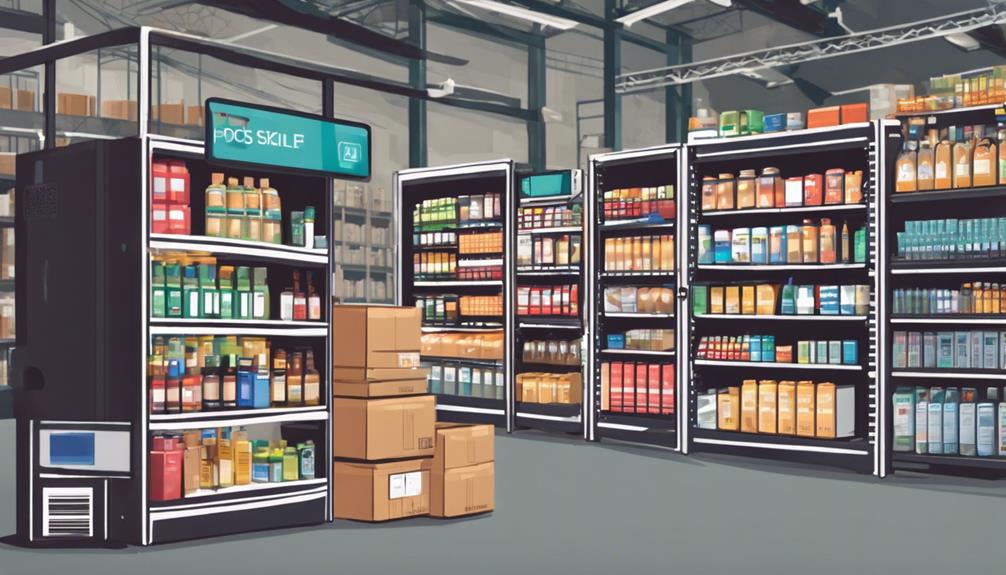
Real-time inventory tracking is crucial in managing your stock efficiently. You'll know exactly what's on your shelves and what needs attention. This immediate visibility helps you avoid the pitfalls of overstocking and understocking, which can tie up your capital or lead to lost sales.
When you integrate real-time tracking into your point-of-sale (POS) system, you're not just watching numbers change. You're gathering actionable data that informs your decisions on product ordering and sales strategies. For instance, you can identify trends in what sells at different times of the year, adjusting your inventory in anticipation of changing customer demands.
Moreover, this technology lets you respond swiftly to any discrepancies. If there's a mismatch between what should be in stock and what's actually available, you'll spot it right away. This can be a lifesaver, especially in high-volume retail environments where errors could go unnoticed for days or even weeks.
Imagine you're running a promotion and a particular item is flying off the shelves. With real-time tracking, you can see this as it happens, allowing you to make quick decisions to capitalize on customer interest without running out of stock prematurely. This keeps your customers happy and your sales figures healthy.
Automated Stock Replenishment
Building on the foundation of real-time tracking, automated stock replenishment transforms how you manage inventory by ensuring you never run low on essential items. This vital POS feature automatically detects when stock levels fall below a pre-set threshold and initiates a reorder process without your manual intervention.
It's like having a vigilant assistant who's always keeping an eye on your inventory needs.
You'll appreciate how this feature saves you time and reduces the human error associated with placing orders. Imagine not having to constantly check stock levels or manually enter purchase orders. Automated replenishment does this for you, streamlining your operations and allowing you to focus more on customer service and less on backend tasks.
Moreover, this system adapts to your sales patterns over time. It analyzes past sales data to predict future needs, adjusting reorder quantities accordingly to prevent both overstock and stockouts.
This means you're not just reacting to inventory needs; you're anticipating them.
Multi-Location Management

Managing inventory across multiple locations poses unique challenges, but with the right POS features, you can streamline this complex process. Imagine you're overseeing stock at stores in several cities—or even countries. Without a robust POS system, you'd be wrestling with spreadsheets or outdated reports, never quite sure if you're looking at the current numbers.
A top-tier POS system offers real-time inventory tracking across all your locations. You'll see exactly what's available, where, at any moment. This clarity not only saves you from stock-outs or excess inventory but also enables you to make informed decisions quickly.
Suppose a product flies off the shelves in one location but gathers dust in another; you can adjust your strategy on the fly, shifting stock to where it sells best.
Furthermore, consolidated inventory data aids in forecasting and planning. You'll predict demand more accurately, understanding trends across different regions. This means you can tailor your stock to each location's needs without the guesswork.
Also, consider the logistics of transferring goods between locations. A capable POS system simplifies these movements by automating the documentation and approval processes. You'll cut down on errors and save time, letting you focus more on growing your business.
Barcode Scanning Integration
As you optimize your inventory across multiple locations, integrating barcode scanning into your POS system can significantly enhance the accuracy and speed of your operations. This technology not only streamlines the process of tracking products but also reduces the chances of human error that often come with manual entries.
When you scan an item, the barcode reader immediately pulls up all the relevant data tied to that barcode from your POS system. This includes pricing, quantity on hand, and product details, making it easier for you to manage stock levels in real-time. It's particularly useful during peak sales periods when quick service is crucial.
Additionally, barcode scanning helps in maintaining up-to-date inventory records. Every scan updates your database instantly, ensuring that you always know what's in stock and what needs to be reordered. This seamless flow of information can help prevent overstocking or stockouts, which are common challenges in retail management.
Integrating barcode scanning into your POS also facilitates a smoother checkout process, enhancing customer satisfaction as there's less waiting time. This efficiency not only boosts sales but also improves the overall shopping experience, keeping your customers coming back.
Detailed Inventory Reporting
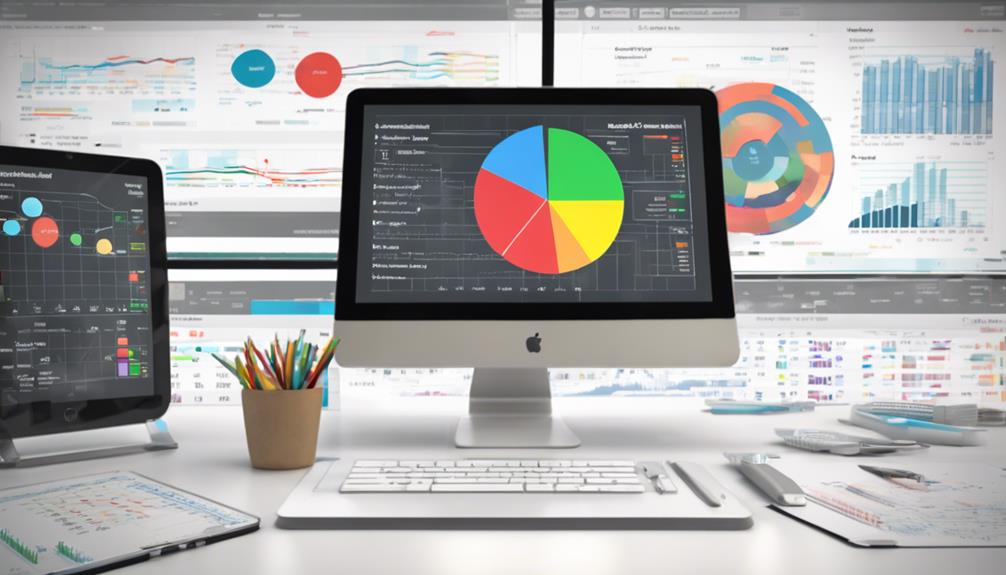
Effective inventory management relies heavily on detailed inventory reporting. You need clear visibility into your stock levels, sales trends, and product performance. With the right POS system, you can generate comprehensive reports that provide the insights you need to make informed decisions.
Imagine being able to pull up real-time reports on your best-selling products, seasonal trends, or items that aren't performing well. You'd see not only what's selling but also how fast it's moving. This can help you anticipate demand, manage stock levels more effectively, and avoid both overstocking and stockouts.
Moreover, detailed reporting enables you to track the lifecycle of each product. From the moment an item enters your inventory to the time it's sold, you'll have a clear trail of data. This transparency helps you identify any discrepancies or issues early, ensuring that you can address them promptly.
Additionally, these reports can highlight sales patterns and customer preferences, guiding your marketing strategies and promotional efforts. By understanding your customers' buying behaviors, you can tailor your inventory and marketing efforts to better meet their needs, ultimately boosting your sales and customer satisfaction.
Supplier Management Capabilities
Building on the foundation of detailed inventory reporting, your POS should also streamline how you interact with suppliers. Effective supplier management capabilities in your POS system can significantly ease the complexities of ordering, receiving, and managing supplier relationships.
Your POS should allow you to maintain a database of supplier contacts with critical information such as contact details, payment terms, and historical data on lead times and reliability. It's key that you can access this info quickly and update it easily.
Additionally, the ability to directly send purchase orders to suppliers from your POS system can save you time and reduce errors. Look for features that confirm when orders are received and alert you to any delays or discrepancies.
Another useful feature is tracking backorders. Your system should inform you which items are on backorder and their expected delivery dates, enabling you to manage your inventory proactively.
Finally, having a POS that provides analytics on supplier performance helps you negotiate better terms and make informed decisions about future partnerships.
Investing in a POS with robust supplier management capabilities not only optimizes your inventory management tasks but also strengthens your supply chain, ensuring smoother operations and more satisfied customers.
Frequently Asked Questions
How Does POS Inventory Management Impact Customer Satisfaction?
Effective POS inventory management ensures you've always got popular items in stock, preventing customer disappointment. It streamlines checkouts, reducing wait times, and accurately tracks preferences, enhancing your ability to meet customer needs efficiently.
Can POS Systems Predict Future Inventory Needs?
Yes, you'll find that advanced POS systems can predict future inventory needs by analyzing past sales data and trends, helping you optimize stock levels and minimize both overstock and stockouts effectively.
What Are the Costs Involved in Upgrading a Pos?
Upgrading your POS system can be costly. Expenses include software updates, hardware enhancements, and training. Costs vary based on the system's complexity and the scale of your operations. Budget carefully to avoid surprises.
How Secure Is Data in POS Inventory Systems?
When considering POS inventory systems, you should know they're generally secure, employing encryption and secure access protocols. However, it's crucial to regularly update and monitor the system to safeguard your data effectively.
Are There Mobile Options for POS Inventory Management?
Yes, you've got mobile options for POS inventory management that let you track sales and stock from anywhere. These apps often include features like barcode scanning and real-time inventory updates, making management on-the-go easier.
Conclusion
You've got the essentials to transform your inventory management! By integrating real-time tracking, automated replenishment, and multi-location management, you'll streamline your operations like never before. Don't forget the power of barcode scanning for accuracy and speed, along with detailed reports to keep you informed. And with robust supplier management tools, coordinating with your vendors becomes a breeze. Embrace these POS features, and watch your business efficiency soar while you stay ahead of the curve.
Related articles: Top POS Software Features for Effective Inventory Management · 7 Essential POS Features for Inventory Management · Revolutionize Inventory Management With POS Software Features