
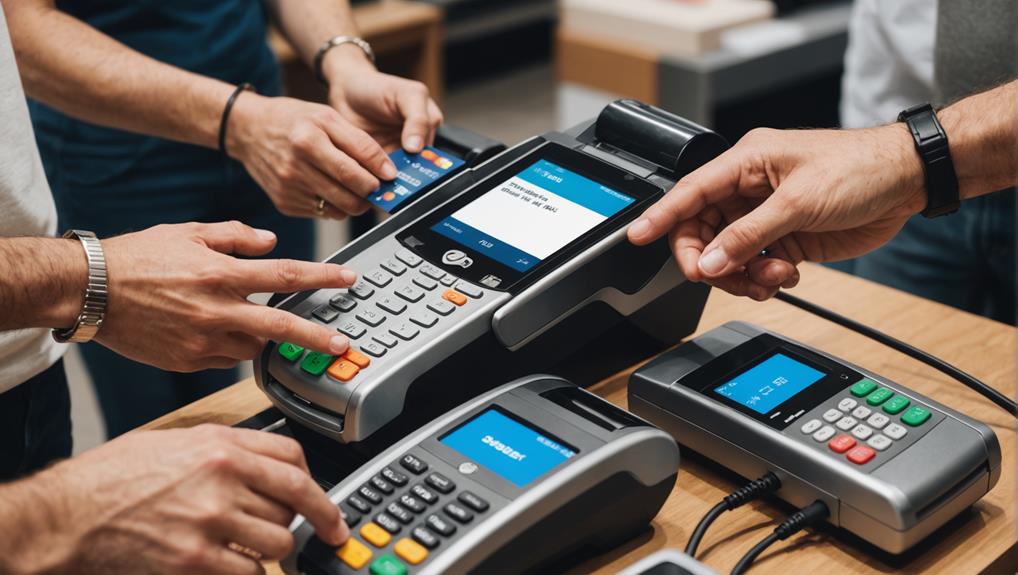
Integrating credit card processing into your POS system involves several steps that cater to your business's specific needs. Firstly, you'll need to evaluate your transaction volume and types, ensure your system supports various payment methods, and determine a budget that matches your scale. Choosing a POS system that's scalable and user-friendly is crucial, as is selecting one with reliable support options. You'll also tackle hardware compatibility, secure internet connections, and the setup of software and peripherals. Training your team effectively on the new system is essential for smooth operation. By understanding each step fully, you'll ensure a seamless integration tailored to your business needs.
Assessing Your Business Needs

Before diving into the myriad of credit card processing POS systems, it's crucial to assess your business needs. You've got to pinpoint exactly what you're looking for in a system.
Start by considering your transaction volume. Do you handle a high volume of sales daily, or are your transactions more sporadic? This impacts the type of system you'll need—whether it's designed for heavy loads or more occasional use.
Next, think about the nature of your transactions. Are they mostly in-store, or do you also have a significant number of online sales? Some POS systems offer better features for handling digital transactions, which might be essential if you're running an e-commerce site alongside a brick-and-mortar store.
Don't forget to factor in the types of payments you'll accept. Nowadays, customers pay not just with credit cards, but also through mobile payments and even cryptocurrencies. Ensure the POS system you choose can handle all the payment methods your customers might use.
Lastly, consider your budget. While it's tempting to go for cheaper models, remember that the quality and capabilities of your POS system can significantly affect customer satisfaction and your workflow efficiency.
Make sure it's a smart investment for your business's scale and scope.
Choosing the Right POS System
After assessing your business needs, selecting the right POS system becomes your next crucial step.
You'll want to ensure that the system you choose aligns perfectly with the unique aspects of your business. Start by considering the type of business you're running. If you're in retail, you'll need a system with strong inventory management features. For restaurants, a system with table management and tipping options is crucial.
Think about scalability. As your business grows, your POS system should grow with you. Opt for a system that offers updates and can handle increasing transactions without a hitch.
Also, consider the user experience. You and your employees will be using this system daily, so it needs to be intuitive and straightforward. A complicated system can slow down operations and lead to errors.
Don't forget to look at the support and service options. A reliable customer support system can save you a lot of headaches. Check if the provider offers 24/7 support and read up on customer reviews to gauge their service quality.
Understanding the Setup Requirements

Once you've chosen a POS system, it's essential to understand the setup requirements to ensure a smooth integration. First, you'll need to verify if your current hardware is compatible with the new POS system. Check your computer's operating system, memory, and processor speed against the POS provider's specifications.
Don't overlook your internet connection; a stable and fast connection is crucial for real-time processing and updates.
Next, consider the payment processing agreement. You'll need to apply for a merchant account if you don't already have one. This involves providing your business details and financial history. Be prepared for a credit check and possibly providing some documentation about your business.
You should also understand the data migration process if you're switching from another system. This means transferring all your product inventories, customer data, and past transactions to the new system.
Make sure you know what data can be transferred automatically and what might need manual entry.
Lastly, think about the training you and your staff will need to operate the new system effectively. Check if the POS provider offers training sessions or materials to help you get accustomed to the interface and features.
Installing Hardware and Software
You'll need to start by setting up the physical components of your POS system. This includes terminals, card readers, and receipt printers.
Ensure each device is correctly connected to your power source and network. It's crucial to follow the manufacturer's guidelines to avoid any technical issues.
Next, you'll install the POS software. Depending on your provider, you might've a physical disc or a download link.
Running the installation program usually involves following a series of prompts. Make sure your computer meets the software's minimum system requirements before proceeding.
Once installed, you'll have to configure the software settings to match your business operations. This includes setting up product codes, prices, and tax rates.
Finally, integrate your credit card processing by linking your merchant account with your POS software. This might require entering account details and configuring security settings to ensure safe transactions.
Testing the system is essential; run several transactions to verify that everything works as expected. This step is crucial to avoid any hiccups during real sales.
Training Staff on New System
Training your staff on the new POS system is crucial for ensuring smooth operations. It's not just about showing them how to use the hardware and software; it's about making them comfortable with the system to enhance efficiency and customer service.
Start by organizing comprehensive training sessions that cover all the functionalities of the new system. It's best to conduct these sessions in small groups to allow for individual attention and to address specific questions.
You'll want to include hands-on activities because practice makes perfect. Let your team members walk through typical transactions they'll encounter daily. This approach helps identify any gaps in their understanding and provides a real-time learning opportunity.
Also, consider creating a quick reference guide that they can use on the floor—it's a great tool for quick reminders.
Managing Transactions and Data Security
After ensuring your team is proficient with the new POS system, focus shifts to managing transactions and safeguarding customer data.
You'll need to familiarize yourself with the system's reporting tools and data management features. It's crucial to monitor transaction logs daily to detect any unusual activities that could signal a breach.
You should set up alerts for suspicious transactions, such as those exceeding a certain amount or originating from unexpected locations. This proactive approach helps you respond quickly to potential threats.
Maintaining up-to-date software is also key. Ensure you're running the latest version of your POS software, as updates often include security patches that protect against new vulnerabilities.
Encrypting data is your next line of defense. Make sure all sensitive customer information, such as credit card numbers, is encrypted both in transit and at rest. This makes it much harder for hackers to access readable data even if they manage to breach your system.
Lastly, don't overlook the importance of physical security. Secure your POS terminals against unauthorized access. Use strong, unique passwords and change them regularly.
If you ever suspect a data breach, act immediately to secure the system and notify affected parties. This responsiveness is vital to maintaining trust and minimizing damage.
Frequently Asked Questions
Can POS Systems Accept Cryptocurrency Payments?
Yes, some POS systems can accept cryptocurrency payments. You'll need to ensure the system supports crypto wallets and blockchain transactions. It's a growing trend, offering another payment option for your customers.
Are There POS Systems Designed for Mobile Businesses?
Yes, there are POS systems specifically designed for mobile businesses. They're compact, wireless, and versatile, ensuring you can process transactions anywhere. It's ideal for food trucks, market stalls, and outdoor events.
How Does Seasonal Business Affect POS Transaction Fees?
Seasonal business can increase your POS transaction fees during peak times due to higher sales volume. You'll pay more overall, but it's often offset by the greater revenue you're generating during busy periods.
Can POS Systems Integrate With Legacy Accounting Software?
Yes, POS systems can integrate with legacy accounting software. You'll need middleware or custom API solutions for seamless data transfer, ensuring your old systems communicate effectively with new POS technology for streamlined operations.
What Are the Environmental Impacts of POS Systems?
You're considering the environmental impacts of POS systems. They often increase electronic waste and energy consumption. Choosing systems with green technology or energy-efficient certifications can help mitigate these environmental effects.
Conclusion
You've taken a crucial step in evolving your business by integrating a credit card processing POS system. Remember, the right system aligns with your needs, streamlines transactions, and secures customer data. Make sure you're thorough in setting up and training your team. With everything installed and your staff well-versed, you'll see smoother operations and happier customers. Keep up with regular updates and security practices to ensure your business continues to thrive and protect sensitive information.
Related articles: Integrating Credit Card Processing With POS Systems · 3 Best Ways to Implement Credit Card Processing POS · Integrating Credit Card Processing With POS Systems