
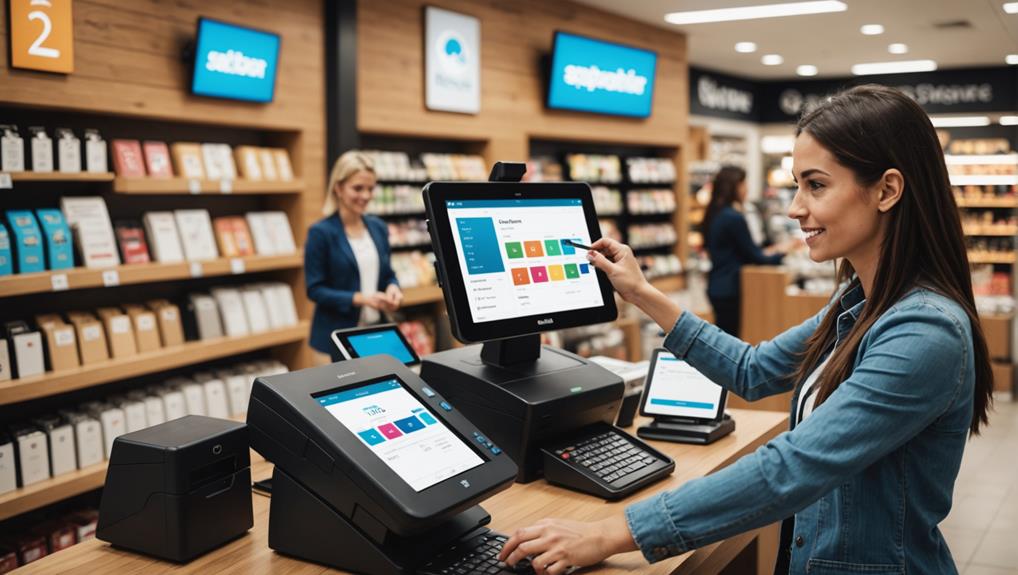
To integrate credit card processing with your POS system, you'll first want to ensure compatibility between your POS software and the credit card processor. Choose a processor that offers transparent fees and reliable customer support, confirming that your POS system supports the necessary payment protocols. Install a credit card reader that accommodates EMV and NFC technologies, and connect it to your POS terminal. After configuring the software with your merchant credentials, test the system thoroughly to catch any glitches. This setup not only speeds up transactions but also secures payment data. By streamlining this process, you can focus more on growing your business.
Understanding POS System Basics
Why should you care about the basics of a POS (Point of Sale) system? Understanding these fundamentals can significantly streamline how your business operates daily. A POS system isn't just for ringing up sales; it's a comprehensive tool that manages inventory, processes transactions, and collects data to inform your business decisions.
You might think it's just about the hardware – scanners, registers, and receipt printers – but the software behind the scenes is what truly powers your operations. This software can track sales trends, manage stock levels, and even help with staff scheduling. It's all there at your fingertips, making it easier to run your business efficiently.
Moreover, a robust POS system enhances customer experience. It speeds up the checkout process, ensures pricing accuracy, and can offer personalized customer interactions based on purchase history.
You'll find that a good system is indispensable for keeping everything running smoothly, from front-end sales to back-office management.
Choosing the Right Credit Card Processor
Selecting the right credit card processor is crucial for the seamless integration of payment systems into your existing POS setup. You'll want to consider several factors to ensure you're making the best choice for your business.
Firstly, look at the fees associated with each processor. You're likely to encounter a mix of transaction fees, monthly fees, and possibly even setup fees.
It's essential to understand how these will affect your overall costs, especially based on your sales volume. Choosing a processor with transparent pricing structures can save you from unexpected expenses down the line.
Secondly, assess the level of customer support offered. If you run into issues, you'll need reliable and accessible support.
Check if support is available 24/7 and whether it's reachable via phone, email, or live chat.
Lastly, consider the processing speed. The quicker your transactions are processed, the better the experience for your customers.
Slow processing can lead to longer lines and frustrated customers, which might affect your business negatively.
Evaluating Compatibility Requirements

After choosing your credit card processor, it's crucial to evaluate the compatibility requirements with your current POS system. This step ensures that the new setup will work smoothly without requiring excessive modifications or additional investments.
Firstly, check if your POS system supports the payment protocols that your processor uses. You'll need to confirm that both systems can communicate effectively, using the same language or standards for transaction processing. Don't assume compatibility; verify it by consulting with both the POS provider and the card processor.
Next, look at the software requirements. Your POS software should be up-to-date and capable of integrating with the processing software. Sometimes, updates or patches are necessary to enable this integration. It's wise to find out early if you'll need these updates, as they might involve downtime or additional costs.
Consider also the customer support and troubleshooting services offered by both parties. Should issues arise, you'll want assurance that assistance is readily available. Knowing who to contact and how they can help can save you considerable time and stress.
Setting Up Hardware Components
Setting up hardware components is your next crucial step in integrating credit card processing with your POS system. You'll need a few key pieces: a credit card reader, a receipt printer, and perhaps additional terminals, depending on your setup.
First, choose the right credit card reader. If you're handling chip cards and contactless payments, opt for a reader that supports EMV and NFC technologies. This future-proofs your system and ensures you meet current security standards.
Next, connect your credit card reader to your POS terminal. This usually involves plugging the reader into a USB port or connecting via Bluetooth. Ensure the connection is secure and the device shows up in your system's hardware list.
Then, set up your receipt printer. Connect it to your POS terminal, either through a wired connection or wirelessly. Load it with paper, and run a test print to confirm it's working correctly.
If you have multiple checkout stations, you'll need to repeat these steps for each station. Ensure all hardware components are compatible and properly connected.
Regularly check connections and maintain your hardware to prevent any disruptions during transactions.
Installing and Configuring Software
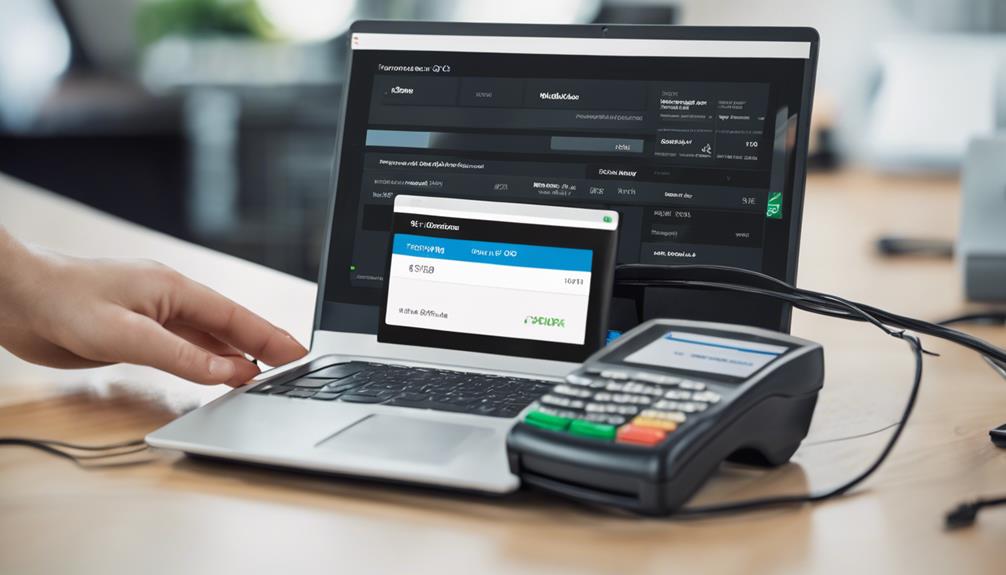
Once you've set up the necessary hardware, it's time to install and configure the software that will run your POS system. Start by choosing the right POS software that meets your specific business needs. You'll want to ensure it can integrate seamlessly with your chosen credit card processing system.
Next, download the software from the provider's site or insert the installation disc into your system. Follow the on-screen instructions to install the software. This process usually involves agreeing to the license terms, selecting the installation directory, and choosing whether to create shortcut icons.
Once the installation is complete, you'll need to configure the software settings. Begin by setting up the basic parameters such as store name, location, tax rates, and currency. Then, integrate your credit card processing by entering the credentials provided by your merchant services provider.
You'll also want to add your product inventory into the system, categorizing items with prices and descriptions. Next, configure user accounts for your staff, assigning appropriate access levels based on their roles. It's crucial to ensure that these settings are accurate to prevent unauthorized access and to facilitate efficient transaction processing.
With these steps, you're now ready to start using your POS system, but remember, testing thoroughly is key to smooth operation.
Testing the System Thoroughly
Now that you've configured your POS system and integrated your credit card processing, it's time to ensure everything functions as expected. You'll want to start by conducting a series of tests that mimic actual transactions. This approach helps you spot any glitches or inefficiencies in real-time processing.
Firstly, run a transaction using a test credit card number provided by your payment processor. Make sure the system correctly communicates with the credit card network and confirms authorization codes. You're also checking that the transaction data appears accurately on your POS interface and that the correct amount is processed.
Next, test how the system handles different types of transactions, such as refunds, voids, and tips adjustments. This step is crucial for identifying any potential issues that could disrupt daily operations. Pay attention to how quickly these transactions are processed and if there are any errors in the final amounts.
Additionally, it's important to verify the security measures in place. Ensure that all credit card information is encrypted and that no sensitive data is stored on your system. You don't want to compromise customer security or violate compliance standards.
Training Staff on New Processes
After thoroughly testing your POS system and credit card processing integration, it's crucial to train your staff on the new processes.
You'll want to start with a comprehensive training session that covers every aspect of the upgraded system. It's not just about showing them how it works; you need to ensure they understand why these changes were made and how it benefits both them and the customers.
First, demonstrate the new transaction procedures step-by-step. Let each team member practice these steps under your supervision, providing feedback and answering questions as they go.
It's also vital that you cover potential error scenarios and show them how to handle these issues smoothly.
Include some role-playing in your training sessions. This will help your staff get comfortable with the system in real-life situations. They can practice interacting with 'customers' (played by other team members), processing payments, and resolving common issues that may arise.
Lastly, make sure to provide written guides or quick reference cards that they can use as a cheat sheet until they feel confident with the system.
Continuous support and a willingness to answer questions post-training will help ease the transition and ensure everyone is up to speed.
Monitoring and Optimizing Performance
With your team well-trained on the new POS and credit card processing system, it's important to focus on monitoring and optimizing performance to ensure everything runs smoothly.
Start by setting clear benchmarks for transaction times, error rates, and customer feedback scores. These metrics will help you pinpoint areas where the system may be lagging or failing.
You'll also want to regularly review transaction reports. Look for patterns or inconsistencies in processing times or failures. If you spot an issue, don't hesitate to troubleshoot—sometimes, it's as simple as a software update or retraining staff on a specific function.
Don't overlook the feedback from your team and customers. They're your eyes and ears on the ground. If they report a recurring glitch or suggest an area for improvement, take it seriously. Implementing changes based on feedback can dramatically enhance system efficiency and user satisfaction.
Lastly, keep an eye on the latest updates from your POS and credit card processing providers. New updates can offer powerful tools for improving transaction speed and security.
Frequently Asked Questions
How Do POS Systems Handle Customer Data Privacy?
When you're dealing with POS systems, they ensure customer data privacy by encrypting personal information and complying with strict security standards to protect against unauthorized access or data breaches. It's all about keeping your information safe.
Can POS Systems Accept Cryptocurrency Payments?
Yes, you can use POS systems to accept cryptocurrency payments. They're equipped with software that converts crypto into traditional currency, ensuring a smooth transaction process that aligns with your business operations.
What Are the Typical Fees for Mobile POS Transactions?
You'll typically see fees ranging from 1.5% to 3.5% per transaction for mobile POS systems. These might include transaction fees, interchange fees, and assessment fees, depending on your provider's pricing structure.
How Does Seasonal Business Volume Affect POS System Performance?
Seasonal spikes in business volume can strain your POS system, potentially slowing it down or causing system crashes if it's not equipped to handle large, fluctuating transaction volumes effectively.
Are There POS Systems Designed Specifically for Pop-Up Shops?
Yes, there are POS systems designed specifically for pop-up shops. They're portable, easy to set up, and can handle high-volume transactions efficiently, making them ideal for your temporary retail needs.
Conclusion
Now that you've got your POS system and credit card processing integrated, make sure everything's working smoothly. Test all components, train your staff well, and keep an eye on the system's performance. Don't hesitate to tweak settings or upgrade software to enhance efficiency. Remember, a seamless transaction process not only saves time but also improves customer satisfaction. Stay proactive and keep optimizing to ensure your setup remains reliable and effective. You've got this!
Related articles: 3 Best Ways to Implement Credit Card Processing POS · Integrating Credit Card Processing With POS Systems · Why Do POS System Debit Card Fees Vary?