You can revolutionize your inventory management with advanced POS software features that streamline your operations and enhance customer satisfaction. Real-time tracking keeps your stock data updated with every transaction, reducing errors and preventing stock-outs. Automated reordering systems ensure you never run low by using historical data to predict needs and place orders as required. If you manage multiple locations, the centralized dashboard allows for seamless stock transfers and efficient resource management across all sites. Additionally, detailed sales insights and customizable alerts help you stay proactive with strategic adjustments and timely notifications. Explore further, and you'll discover how these tools can significantly improve your business dynamics.
Real-Time Inventory Tracking
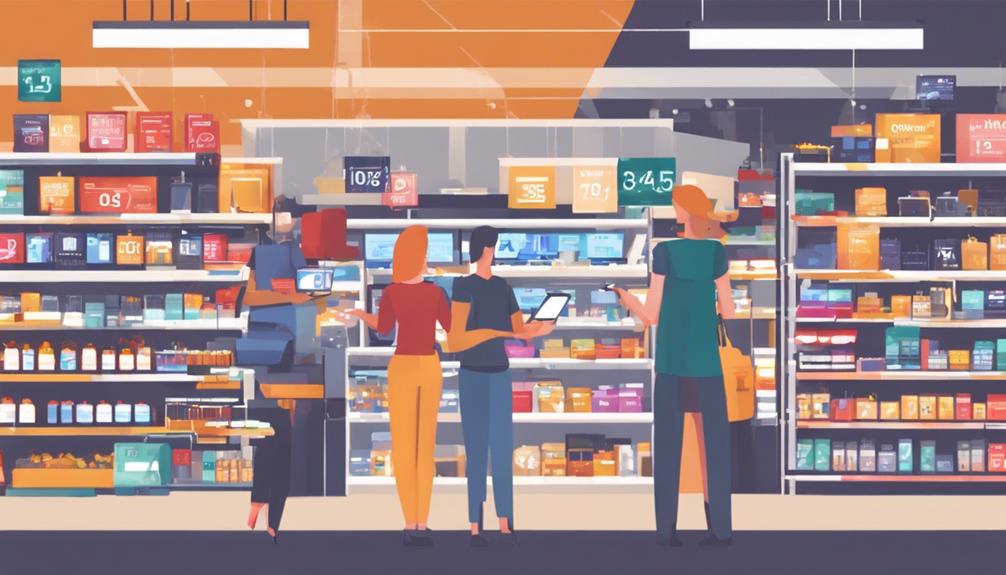
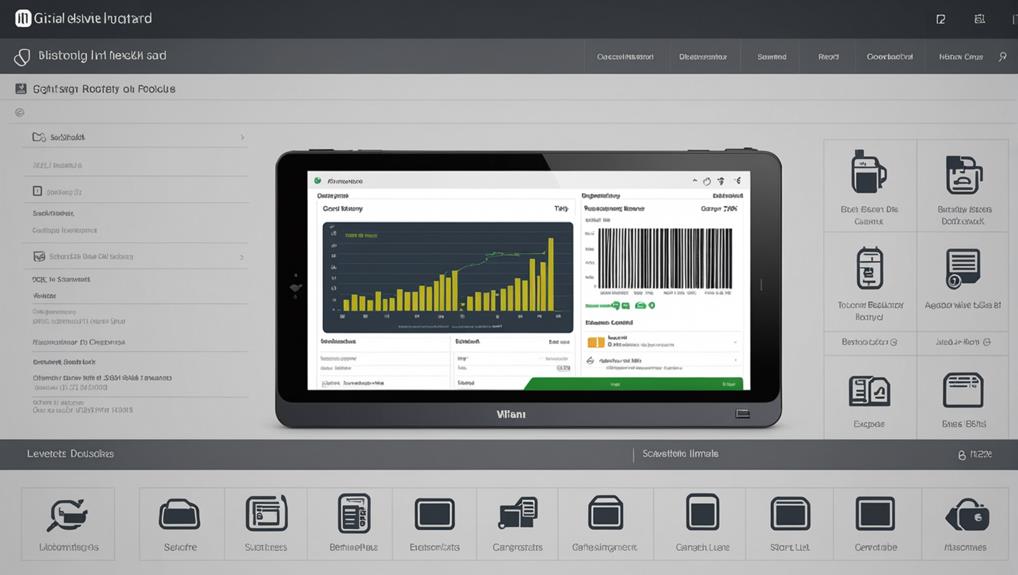
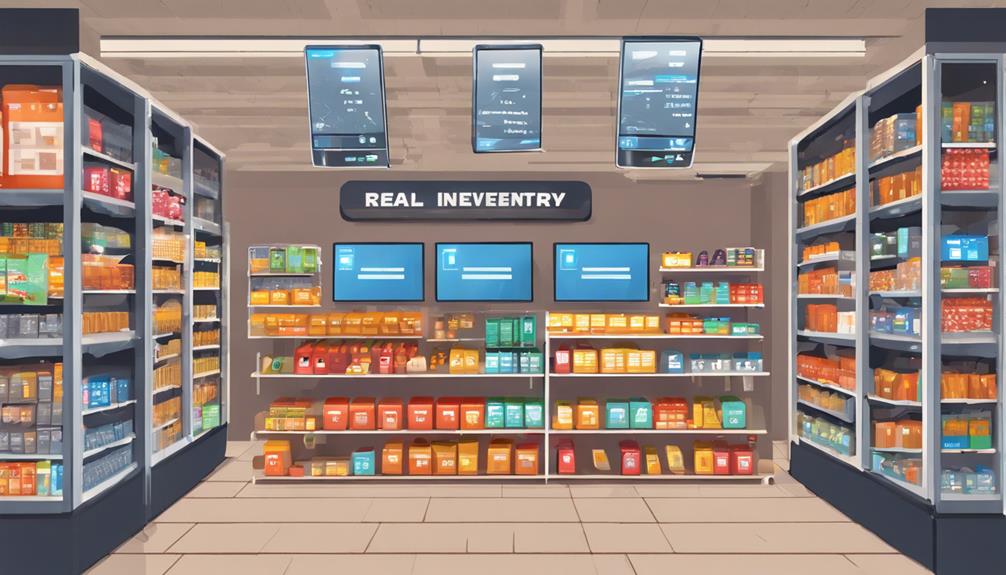
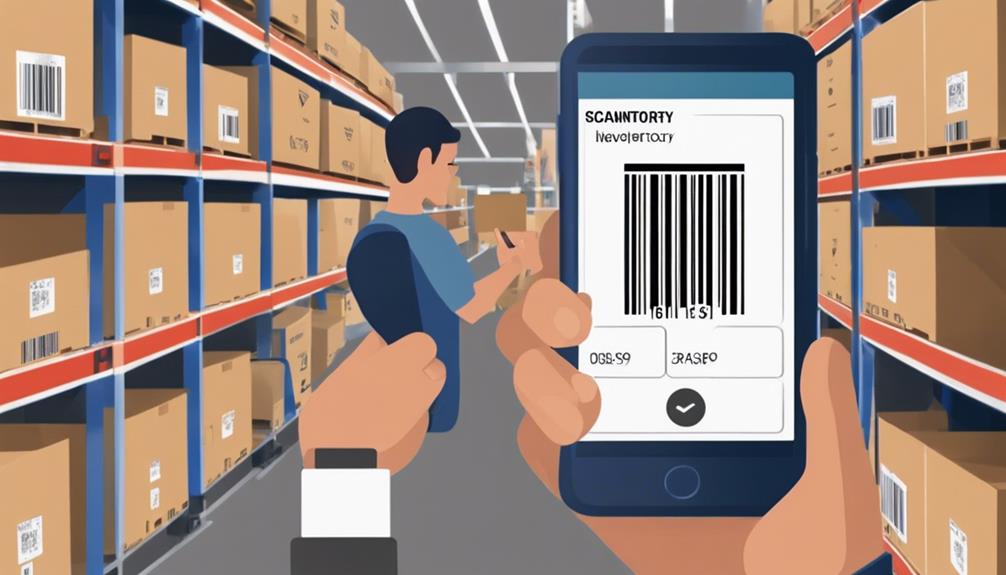
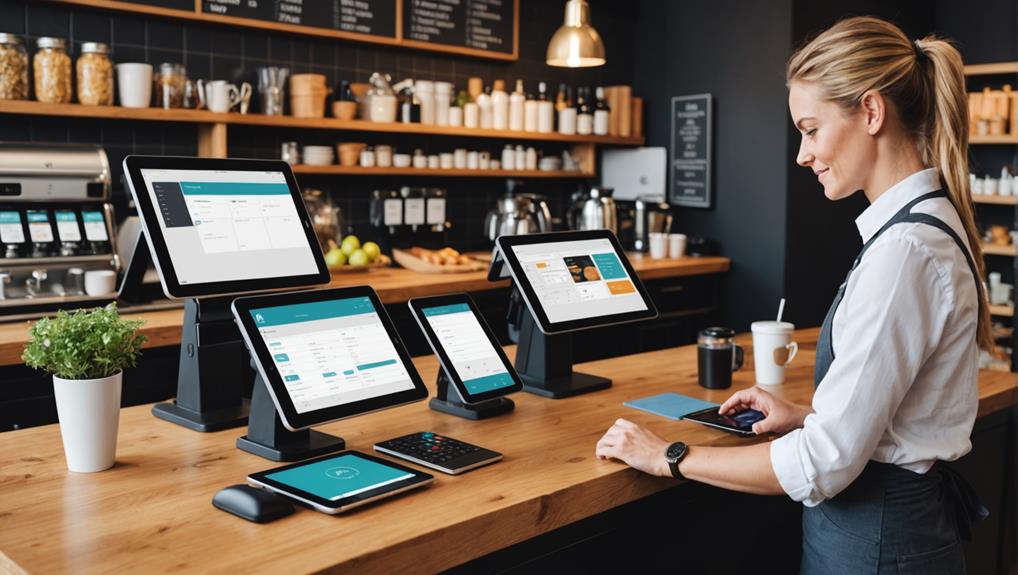
Real-time inventory tracking revolutionizes how you manage your stock, ensuring you always know what's available and what needs replenishing. This dynamic feature of POS software keeps your data up-to-date with every transaction.
Whether a product is sold, returned, or exchanged, the system immediately reflects these changes. This immediate updating eliminates the guesswork and manual counts that used to make inventory management a headache.
You'll experience fewer errors in your stock levels, which can lead to more satisfied customers. Imagine you're no longer telling a customer an item is in stock, only to find it's been sold out. Real-time tracking keeps you informed, helping you maintain a reliable store reputation.
Furthermore, this feature aids in identifying trends quickly. You'll see which items are flying off the shelves and which aren't, allowing you to adjust your ordering or marketing accordingly.
This efficient system not only saves time but also reduces the risk of overstocking or understocking. By having a clearer picture of your inventory at all times, you can make smarter decisions that directly impact your business's operational efficiency and profitability.
Automated Reordering Systems
Automated reordering systems streamline your inventory management by ensuring you're never out of stock on essential items. This feature is a game-changer, saving you from the tedious task of manually monitoring stock levels and placing orders. You'll set minimum stock thresholds, and when inventory dips below these, the system automatically triggers a replenishment order. It's that simple and efficient.
You're not just avoiding the nightmare of stock-outs, which can lead to lost sales and unhappy customers; you're also optimizing your inventory levels. This precision prevents overstocking, which ties up your capital unnecessarily and can lead to waste, especially with perishable goods.
Additionally, these systems adapt to changes in sales patterns, using historical data and algorithms to predict and adjust your inventory needs dynamically. This means you're always prepared, even during unexpected surges in demand.
Moreover, automated reordering keeps your operations lean and agile. By automating this crucial part of your supply chain, you free up time and resources that can be redirected to growing your business or enhancing customer service.
Multi-Location Stock Management
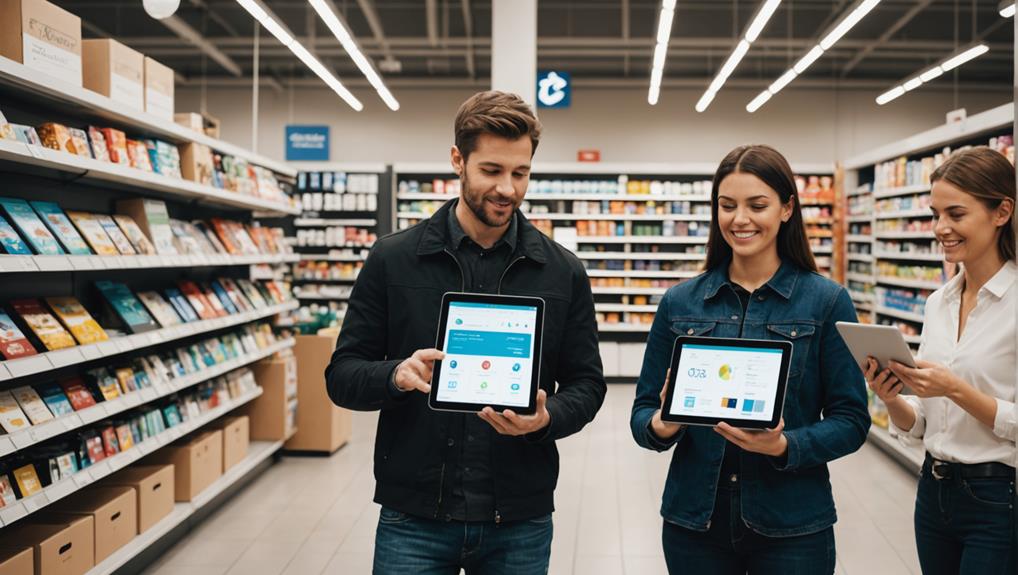
Managing stock across multiple locations presents unique challenges, but with the right POS software features, you can streamline this complex task. You're dealing with varying stock levels, diverse customer demands, and logistical considerations that can turn daily operations into a logistical nightmare. That's where multi-location stock management comes in.
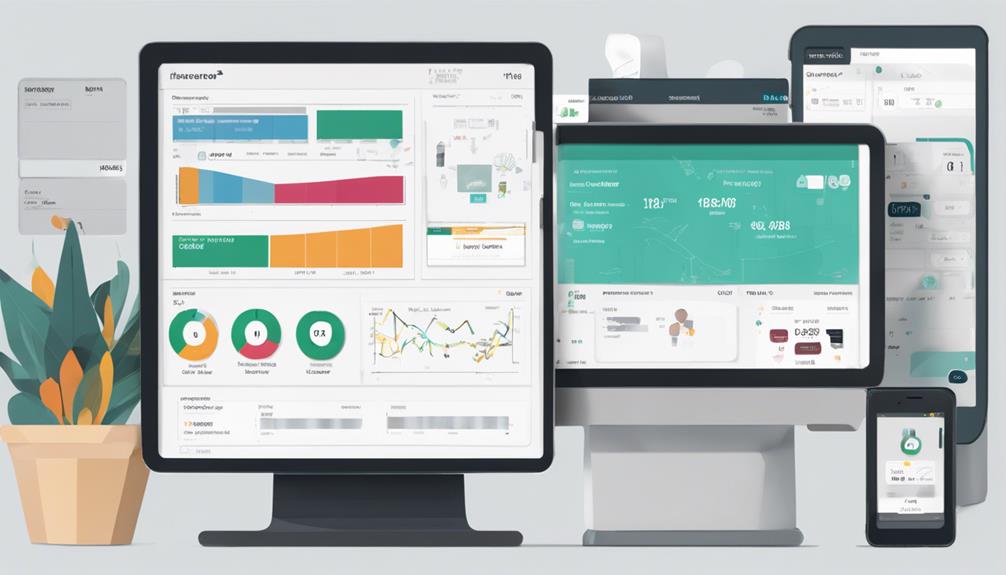
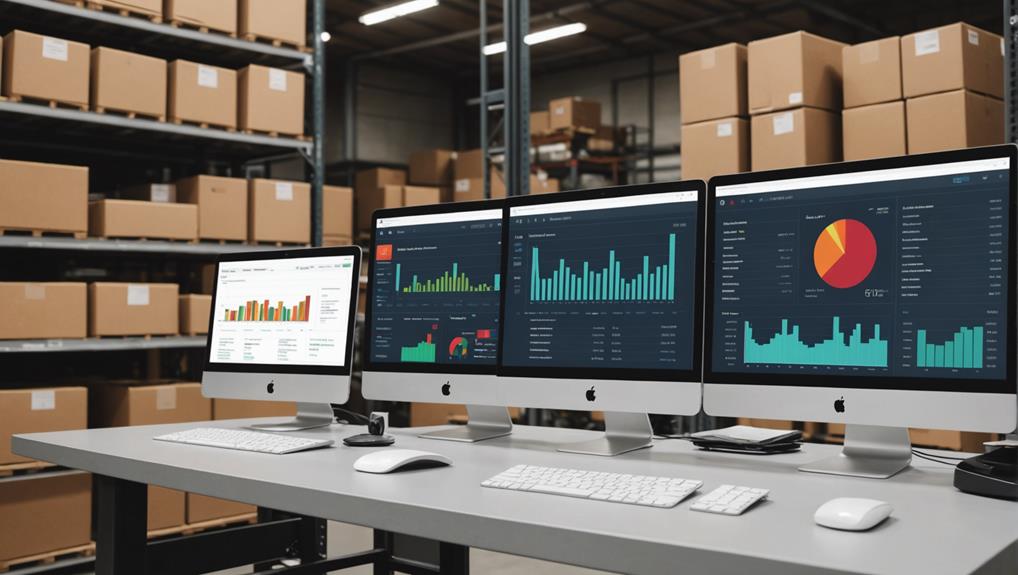
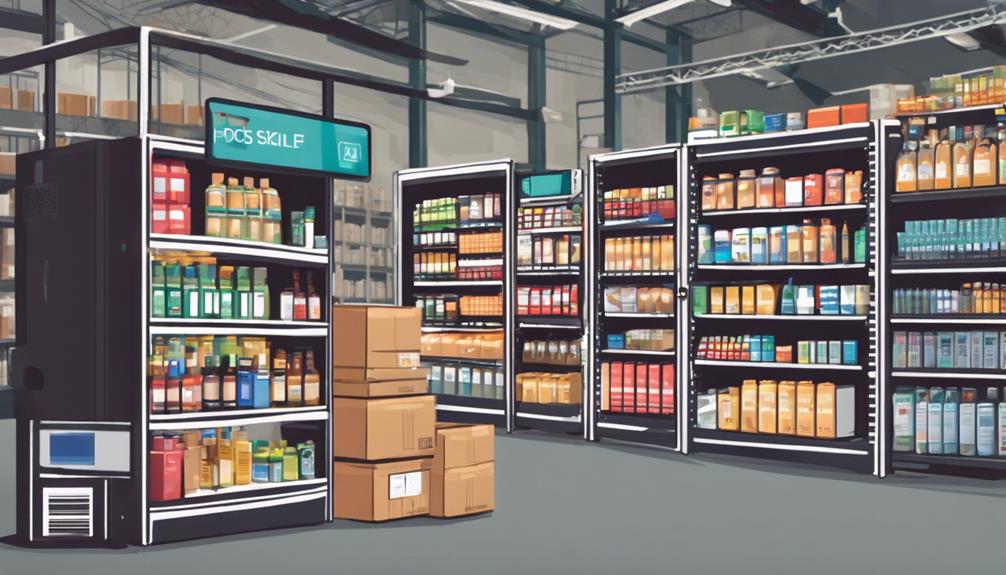
With powerful POS software, you get a real-time view of inventory across all your stores and warehouses. You can see which items are running low and which have surplus stock, all from a single dashboard. This kind of visibility helps you make informed decisions, like redistributing stock to meet demand without the need for manual checks.
Additionally, this software feature supports efficient stock transfers between locations. You won't just see stock levels; you'll be able to move items with just a few clicks, optimizing your inventory and reducing excesses or shortages. This not only saves you time but also significantly cuts down on logistics costs.
Imagine being able to manage and adjust your inventory automatically, based on up-to-date sales trends and stock availability. This reduces the risk of overstocking or stockouts, ensuring you meet customer expectations without tying up too much capital in unused inventory.
It's a smarter way to manage resources across all your locations.
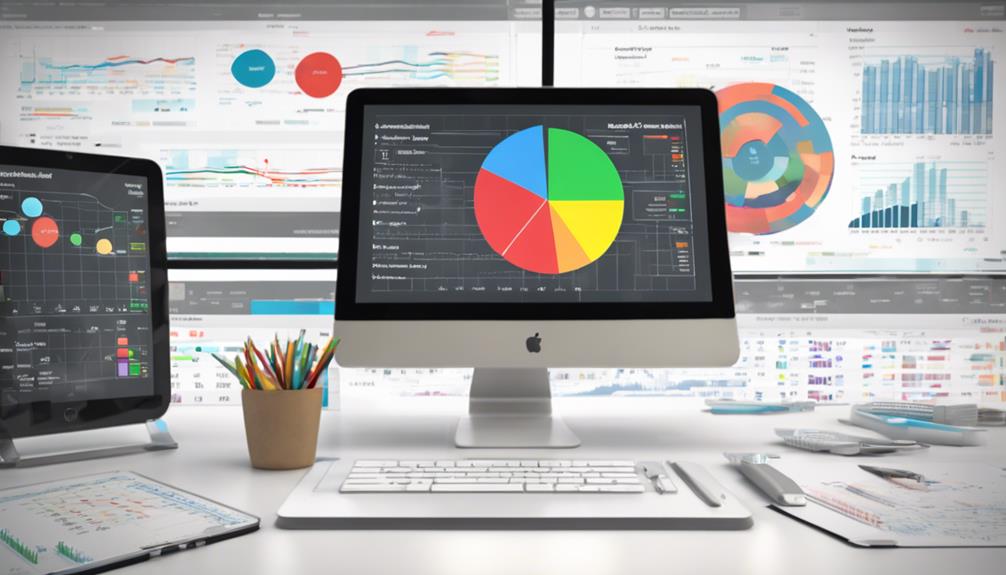
Detailed Sales Reporting Insights
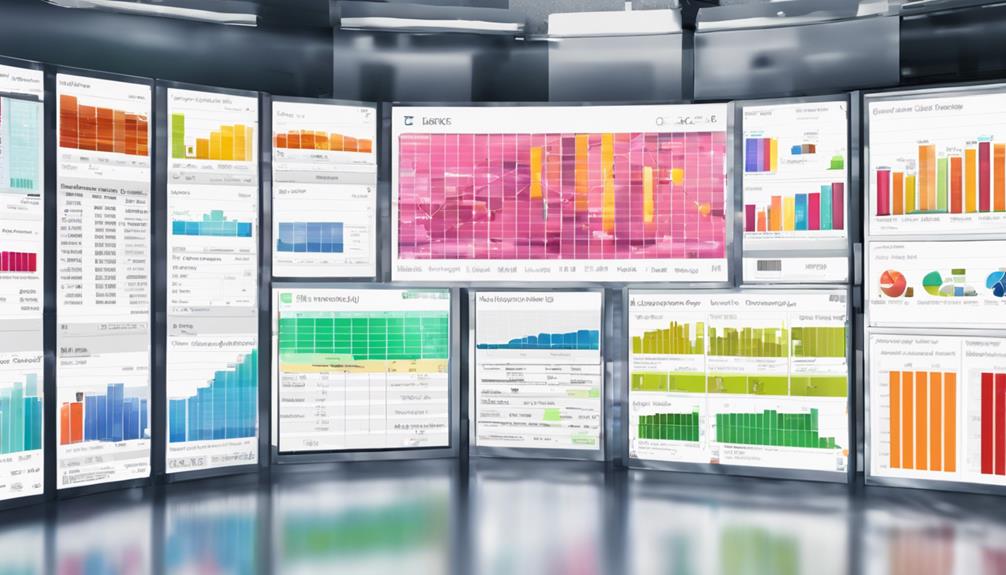
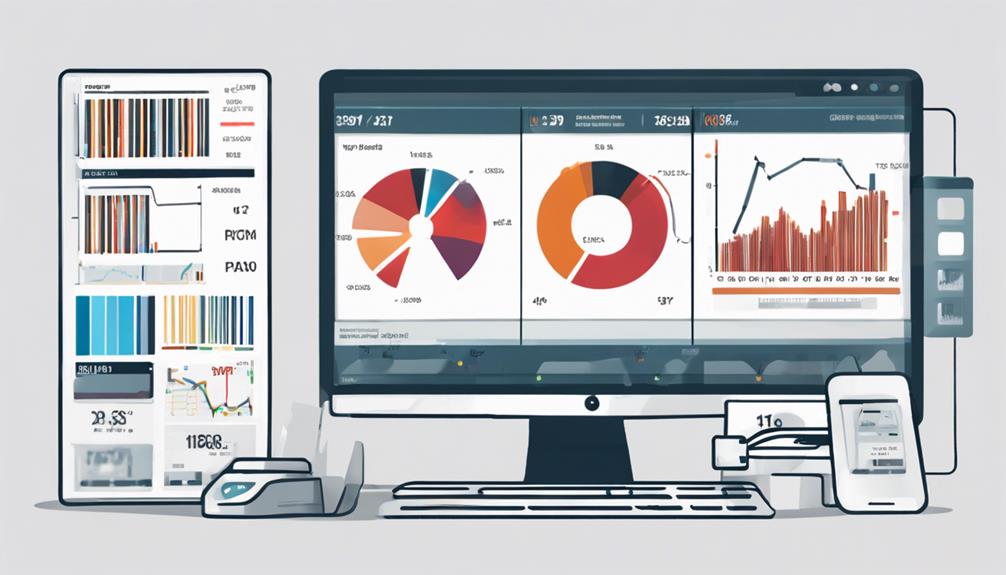
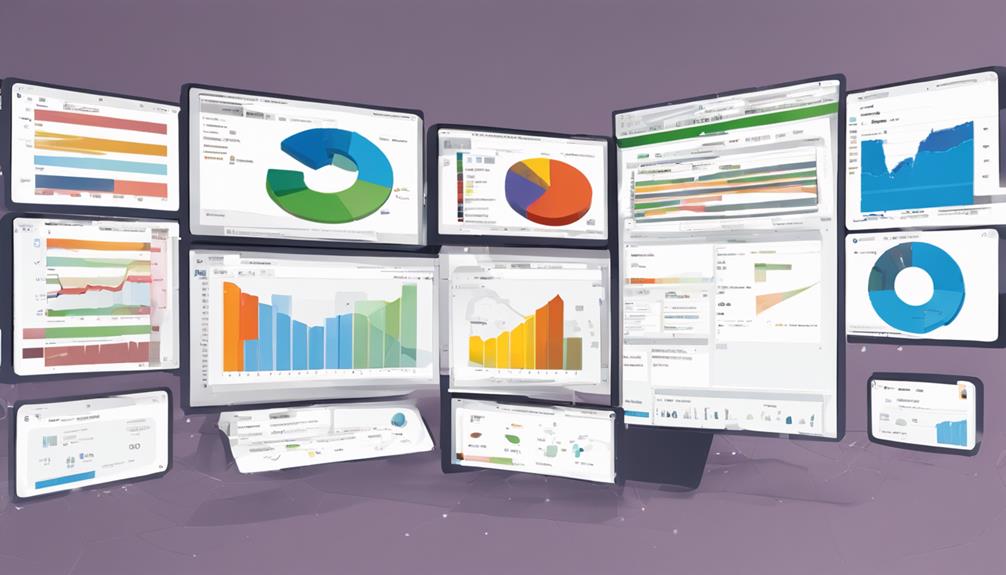
After mastering multi-location stock management, the next step is to understand how it affects your bottom line through detailed sales reporting insights. With the right POS software, you'll unlock a treasure trove of data that can dramatically improve your decision-making process. This isn't just about knowing how much you sold; it's about understanding the why, the when, and the how.
Imagine being able to see which products are flying off the shelves at different locations on any given day or hour. Detailed sales reports break down your transactions to reveal trends and patterns that you mightn't notice otherwise.
You'll know if a specific promotion is working better in one region than another, or if certain items sell better on weekdays versus weekends. This data helps you tailor your stock levels and marketing strategies more accurately, reducing waste and increasing profitability.
You can also track customer preferences and buying habits, allowing for more personalized marketing campaigns and product offerings. Armed with these insights, you're not just reacting to market changes; you're anticipating them.
Customizable Inventory Alerts
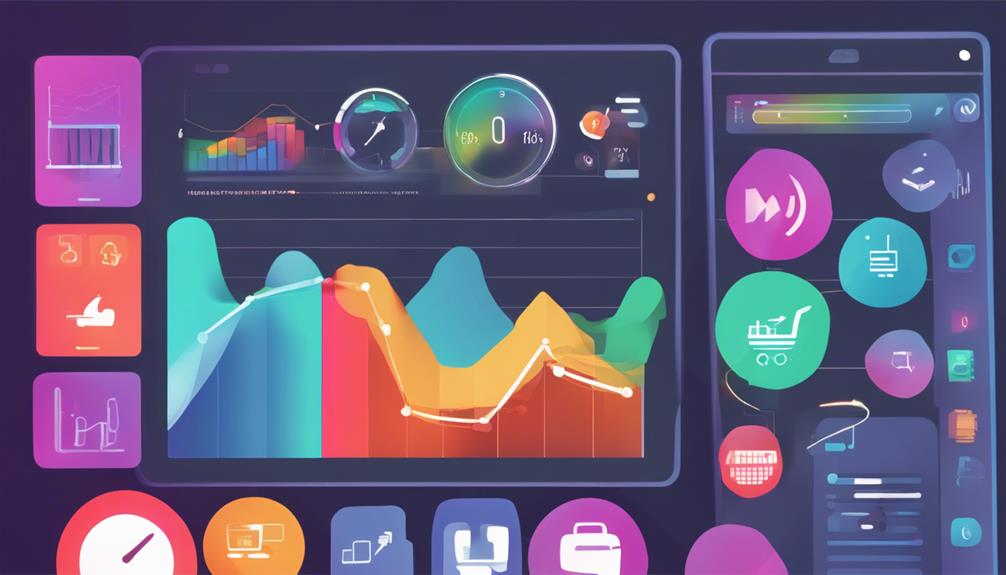
Keeping your inventory in check is crucial, and customizable inventory alerts in your POS software ensure you're never caught off guard. These alerts let you set specific thresholds for each product. When stock levels dip below these points, you'll get a notification. This means you can reorder before you run out, keeping your sales smooth and your customers happy.
You can tailor these notifications to fit the unique demands of your business. Maybe you've got items that sell faster during certain seasons, or perhaps some goods require more frequent restocking due to their popularity. You're in control, setting alerts that make sense for your situation, whether daily, weekly, or as each sale occurs.
What's more, you can choose how to receive these alerts—via email, text, or directly within the POS interface. This flexibility ensures you're always in the loop, no matter where you are.
Frequently Asked Questions
How Does POS Software Enhance Customer Service?
POS software lets you access customer purchase history and preferences quickly, enhancing personalized service. You'll streamline checkouts, manage returns efficiently, and keep inventory levels accurate, all improving the overall shopping experience for your customers.
Can POS Software Integrate With E-Commerce Platforms?
Yes, you can integrate POS software with e-commerce platforms to streamline your sales and inventory management, ensuring real-time updates across all channels and improving overall efficiency in managing your online and physical store sales.
What Are the Security Features of POS Software?
You'll find that POS software includes robust security features like encryption, two-factor authentication, and user access controls to protect your data and transactions from unauthorized access and potential security breaches.
How Does POS Software Handle Returns and Refunds?
POS software simplifies your returns and refunds by tracking each transaction. You can process them directly through the system, ensuring accuracy and updating your inventory in real-time, making it easier for you to manage.
What Training Is Required to Operate POS Software?
To operate POS software, you'll need basic computer skills training, which covers system navigation, transaction processing, and handling returns. Additional sessions might focus on security features and customer data management.
Conclusion
You've seen how the right POS software can completely transform your inventory management. With real-time tracking, automated reordering, and multi-location management, you're set to streamline operations like never before. The detailed sales reports and customizable alerts? They're your secret weapon for staying ahead. Take the plunge and upgrade your system. It's time to boost efficiency, reduce errors, and drive sales. Isn't it time your business experienced the next level of success? Embrace these features and watch your business thrive.
Related articles: How to Benefit From Cloud-Based POS Software Features · Why Choose Cloud-Based POS Software? · Top 3 Advantages of Cloud-Based POS Software