

To effectively sync your POS with inventory management, start by choosing software that integrates seamlessly with your current systems and supports growth. Automate data entry through barcode scanning and bulk imports to reduce errors and save time. Implement real-time updates to ensure your stock levels and sales data are always current, preventing stockouts. Regular sync checks help maintain accurate data, while thorough staff training on system features enhances operational efficiency. Properly manage inventory categories to streamline tracking and use robust reporting tools to gain insights and inform decisions. With these steps, you'll enhance both customer satisfaction and your inventory control, setting the stage for continuous improvements in your business practices.
Choose Compatible Software
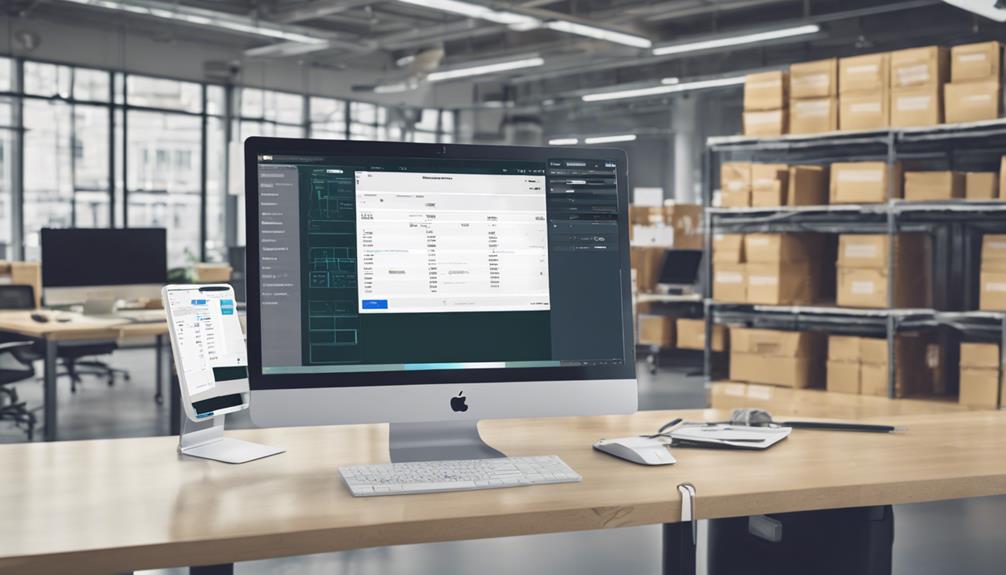
Selecting compatible software is crucial when you're aiming to sync your POS system with your inventory management. You'll want to ensure that the software you select not only integrates seamlessly but also supports all the functionalities you need. This means looking for features that handle real-time data syncing, compatibility with your existing hardware, and user-friendly interfaces that don't require extensive training.
Start by listing down all the features your current operations utilize and identify any gaps the new software needs to fill. It's essential to consider software that can scale with your business growth, avoiding the need to switch systems frequently.
Check for systems that support updates and integrations with new technologies as they emerge. Don't forget to read reviews and case studies from businesses similar to yours. This insight can be invaluable; it gives you a clearer picture of how the software performs in real-world scenarios.
Additionally, some vendors offer trial periods or demos—take advantage of these to test how well the software meshes with your current setup. Ultimately, the right software choice enhances efficiency and ensures that your POS and inventory systems work in harmony, setting a solid foundation for your business operations.
Automate Data Entry
Once you've chosen a compatible software, the next step is to automate data entry in your POS and inventory management systems. This move is crucial in minimizing the manual effort required and reducing the potential for human error. Here's how you can start.
First, you'll want to set up barcode scanning. By scanning items, you'll automatically update your inventory without the need to manually enter product details. This not only speeds up the process but also enhances accuracy.
Next, consider using bulk import features to upload multiple inventory items at once. Most systems allow you to import data from a spreadsheet, which can significantly cut down on the time you spend inputting data item by item.
Additionally, look into integrating your POS system with e-commerce platforms if you're also selling online. This ensures that your online sales are automatically reflected in your total inventory count.
Lastly, don't forget to train your staff on these new processes. They'll need to know how to handle the automated systems to ensure everything runs smoothly.
Automation is powerful, but it's most effective when everyone's on board and knows how to make the most of the technology.
Implement Real-Time Updates

Implementing real-time updates in your POS and inventory management systems can revolutionize how you manage stock levels and sales data. By syncing these systems to update instantly, you'll always know what's in stock, what's running low, and what's flying off the shelves. This immediate insight helps you make quicker, more informed decisions, reducing the risk of both overstocking and stockouts.
When you integrate real-time updates, you're setting up a dynamic system that reflects sales as soon as they happen. This means you can respond promptly to sales trends and adjust your inventory needs on the fly. For example, if a particular product starts selling unexpectedly well, you can reorder before you run out, ensuring that you don't miss out on potential sales.
Moreover, real-time data syncing reduces errors that often occur with manual entry or delayed batch updates. You won't have to guess or spend hours trying to reconcile your physical stock with sales records. Everything is updated automatically.
This seamless integration not only optimizes your inventory management but also enhances customer satisfaction by ensuring that popular items are always in stock.
Implementing these updates isn't just about keeping up; it's about staying ahead.
Regularly Schedule Sync Checks
While setting up real-time updates is crucial, it's equally important to regularly schedule sync checks to ensure that your systems are functioning correctly. You can't afford to overlook this step, as even the smallest discrepancies can snowball into significant inventory or sales issues. By dedicating time to periodic reviews, you'll catch errors before they become bigger problems.
You should establish a routine schedule for these checks. Whether it's daily, weekly, or monthly, sticking to a consistent timeline helps prevent issues from slipping through the cracks. During these checks, you're not just confirming quantities; you're also verifying that the data flow between your POS and inventory management system remains seamless and accurate.
Consider automating part of this process. Many systems can alert you to discrepancies that require your attention, reducing the need for constant manual oversight. However, don't rely solely on automation. It's wise to manually review reports and logs periodically to gain insights into any recurring issues or patterns of discrepancies.
Lastly, document your findings and the actions you take. This documentation will be invaluable for understanding past issues and strategizing improvements. By staying proactive, you ensure the reliability of your sales and inventory data, keeping your business on track.
Train Staff on Integration Features

To maximize the benefits of your integrated POS and inventory management system, it's essential to train your staff thoroughly on its features. You'll want everyone to be comfortable with the day-to-day operations and more advanced functionalities. This not only boosts efficiency but also ensures fewer mistakes and better customer service.
Start with basic training sessions that cover how to process sales transactions, check inventory levels, and handle returns. Ensure these sessions are hands-on, allowing your team to practice in a mock environment. You don't want their first real experience to be with a waiting customer!
Next, dive deeper into the specific features that set your system apart. Maybe it's the ability to track sales trends or the quick inventory reorder function. Whatever those features are, highlight them in separate training modules. This helps staff appreciate the tools at their disposal, making them more likely to utilize them effectively.
Manage Inventory Categories Effectively
Managing your inventory categories effectively can streamline your operations and reduce time spent on stock management. By organizing your products into well-defined categories, you'll find it easier to track inventory levels and make informed purchasing decisions. It's about keeping everything in its right place so you can access it quickly and accurately.
Start by defining categories that make sense for your business. Whether it's by type, brand, or function, the key is consistency. This way, you and your staff won't waste time guessing where items should go or where to find them. For instance, if you run a clothing store, you might categorize items by gender, type of clothing, and then by size and color.
Once your categories are set, integrate them into your POS system. This step ensures that every time a sale is made, your inventory counts are automatically updated.
It's crucial to maintain this categorization consistently across all platforms to avoid discrepancies.
Utilize Robust Reporting Tools

Robust reporting tools in your POS system can transform how you track inventory and understand sales trends. By implementing these tools, you'll gain real-time insights into which products are flying off the shelves and which ones aren't moving. This knowledge isn't just powerful; it's pivotal in making informed purchasing decisions and optimizing your stock levels.
Imagine being able to identify sales patterns at a glance. Reporting tools allow you to analyze data over various periods – think daily, weekly, or monthly. You'll spot trends faster, enabling you to adapt to customer preferences and seasonal demands more swiftly. It's about staying one step ahead, and these tools equip you to do just that.
Don't overlook the customization options either. You can set up reports that focus specifically on what matters most to your business. Whether it's tracking the success of promotional events or understanding the impact of weather on certain products, tailor your reports to meet your specific needs.
Lastly, you'll streamline your inventory audits. With accurate, up-to-date reports, you can conduct quicker, more efficient checks, ensuring your stock data aligns with what's actually on the shelves. This leads to fewer discrepancies and a better bottom line.
Frequently Asked Questions
How Does POS Integration Impact Customer Satisfaction?
When your POS system integrates seamlessly, you'll notice happier customers due to faster transactions and accurate stock information, ensuring they find what they need without hassle or disappointment. It streamlines their shopping experience significantly.
Can Syncing Reduce Employee Theft or Mismanagement?
Yes, syncing your POS with inventory can indeed help reduce employee theft and mismanagement by providing real-time tracking and automated checks that make discrepancies and unauthorized actions immediately noticeable and easier to address.
Are There Tax Benefits to Integrating POS With Inventory?
Yes, integrating your systems can indeed offer tax benefits. You'll streamline reporting and potentially reduce errors, which might lead to more accurate tax filings and possibly even deductions related to system management costs.
What Is the Average Cost of Setting up POS Synchronization?
The average cost for setting up POS synchronization varies widely, typically ranging from $1,000 to $10,000. You'll find the price depends on the complexity of your systems and any additional features you require.
How Does POS Integration Comply With Data Privacy Laws?
POS integration must adhere to data privacy laws by encrypting customer data and limiting access to authorized personnel only. You'll ensure compliance by regularly updating your system and adhering to industry-specific regulations.
Conclusion
You've got the tips to streamline your POS and inventory management—now put them to work! Choose software that talks to each other, automate those tedious data entries, and keep everything updated in real time. Don't forget to check the syncs regularly and train your team on all the features. Organize your inventory wisely and lean on powerful reporting tools to make informed decisions. With these strategies, you'll boost efficiency and keep your business running smoothly.
Related articles: 3 Best Ways to Sync POS With Inventory Management · 5 Key Steps to Sync POS With Inventory Management · Why Sync Your POS With Inventory Management?