

To secure your POS systems from fraud, start by implementing strong password policies and enabling multi-factor authentication (MFA) to add layers of security. Regularly update your POS software to patch vulnerabilities and use encrypted data transmission to protect customer information. Install anti-malware software, secure network connections, and limit access strictly to authorized personnel. Monitor your systems for suspicious activity and conduct regular security audits to spot potential risks. Train your employees thoroughly on these security protocols. Each of these steps plays a crucial role in protecting your business, and there's plenty more you can do to enhance your systems' security.
Implement Strong Password Policies

To safeguard your POS system effectively, you must implement strong password policies. It's not just about setting a password; it's crucial to establish rules that ensure these passwords are robust and tough to crack.
Start by requiring that all passwords be a mix of letters, numbers, and special characters. Also, make sure they're at least 12 characters long. This complexity makes it harder for cybercriminals to use brute force attacks to gain access.
You'll also need to enforce regular password changes. Every 60 to 90 days is a good benchmark. It might seem cumbersome, but frequent updates significantly lower the risk of security breaches.
Additionally, discourage the practice of using the same password across multiple sites or systems. If one system is compromised, it shouldn't lead to a domino effect.
Lastly, consider implementing multi-factor authentication (MFA). This adds an extra layer of security by requiring additional verification, such as a code sent to a mobile device, beyond just the password.
It's an effective way to double-check that the person accessing your POS system is indeed authorized. By taking these steps, you're not just protecting your system; you're safeguarding your business's future.
Regularly Update POS Software
Keeping your POS software updated is crucial for maintaining system security and functionality. Software developers often release updates that patch security vulnerabilities newly discovered in your system. By ensuring you're running the latest version, you're reducing the risk of cybercriminals exploiting these vulnerabilities to gain unauthorized access to your POS system.
It's not just about security; updates can also enhance the functionality of your POS system, introducing new features that can improve efficiency and the overall user experience. This could mean faster transaction processing, improved inventory management, or more intuitive user interfaces—all of which can contribute to smoother operations and better customer service.
You should set a regular schedule for checking and installing software updates. Many POS systems offer automatic update features, enabling updates to be downloaded and installed without disrupting your business operations.
However, it's wise to verify that these updates are correctly applied. Occasionally, manual intervention may be needed to ensure everything is running smoothly.
Use Encrypted Data Transmission
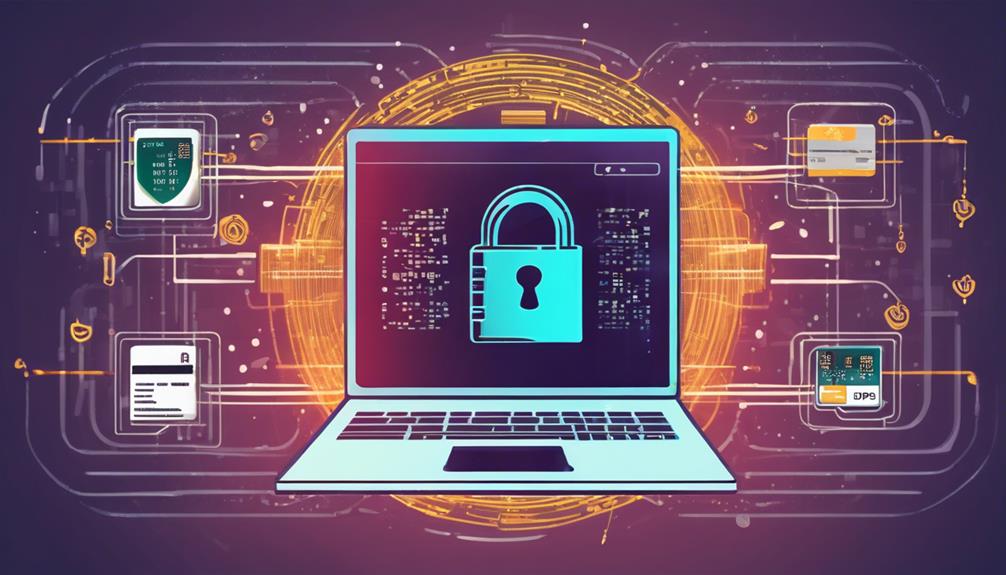
Securing your POS system's data during transmission is essential to prevent cyber thieves from intercepting sensitive information. To shield your transactions, you should utilize encryption technologies that scramble data as it travels from the point of sale to the payment processor. This makes it nearly impossible for unauthorized parties to decipher intercepted data.
Encryption transforms readable data into a secure code, which can only be decoded with a specific key. When you send customer card details over the internet, this encrypted format ensures that sensitive information remains confidential.
You'll want to ensure that your POS system uses up-to-date encryption standards, such as TLS (Transport Layer Security), which is the successor to SSL (Secure Sockets Layer).
Additionally, consider using end-to-end encryption (E2EE). This method protects data from the moment it's captured at your POS terminal until it reaches the final processing destination. With E2EE, even if data is intercepted mid-transmission, it remains secure and unusable to the intruder.
Implementing these encryption strategies not only protects your customers' data but also fortifies your business's reputation by enhancing trust.
Ensure you're regularly reviewing and upgrading your encryption methods to keep pace with evolving security threats.
Limit Access to POS Systems
While implementing encryption is crucial, it's equally important to limit access to your POS systems. You must ensure that each employee has the minimum level of access needed to perform their job. Not everyone needs access to every feature. By segmenting access rights, you're significantly reducing the risk of both accidental and malicious data breaches.
Start by assigning unique login credentials to each user. This not only keeps track of who accesses the system but also restricts unauthorized users from entering sensitive areas. Make it a policy to regularly update these credentials, especially after an employee leaves the company or changes positions.
Moreover, consider implementing physical security measures for your POS terminals. These could include locking them in secure areas when not in use or attaching them to counters to prevent theft. Restricting physical access can be as vital as controlling digital access.
Lastly, educate your staff about the importance of security practices. They should understand why restrictions are in place and how they can help protect the business. Regular training sessions will reinforce these practices and help maintain a secure environment for your POS systems.
Install Anti-Malware Software

Your POS system's security isn't complete without robust anti-malware software. This critical layer of protection helps shield your business from malicious software that can steal customer information or disrupt sales operations. By installing and maintaining anti-malware tools, you're actively preventing cybercriminals from exploiting vulnerabilities in your system.
You'll want to choose anti-malware that's specifically designed for POS systems. These programs are tailored to detect and neutralize threats that commonly target retail environments. Make sure the software updates automatically to combat the latest malware variants as they emerge.
It's not just about having the software installed; it's also about ensuring it's always up-to-date and running effectively. Don't overlook the importance of configuring your anti-malware settings according to your specific business needs. Certain features, like real-time scanning and heuristic analysis, are vital for detecting unusual activity that could indicate a breach.
Additionally, consider integrating this software with your existing firewall and network security measures to create a multi-layered defense system.
Conduct Regular Security Audits
Regular security audits are essential to maintaining the integrity of your POS system. By periodically examining your system, you'll identify vulnerabilities before they can be exploited by fraudsters. Think of these audits as a health check-up for your POS system, ensuring all security measures are functioning as they should.
You should set a schedule for these audits—monthly or quarterly might work best, depending on your business volume and complexity. During each audit, review your system for any unusual activities or unauthorized access attempts. This is your chance to catch discrepancies that could indicate a breach or an internal misuse of the system.
Don't just focus on the software; check the physical components of your POS systems as well. Ensure that all devices are accounted for and that no unauthorized devices have been added to your network.
It's also wise to review user access levels during these audits. Make sure that only authorized personnel have access to sensitive data and system configurations.
Lastly, consider hiring external security experts for an unbiased perspective. They can provide a deeper analysis and help you understand how to better protect your system. Regular audits, both internal and external, fortify your defenses against potential security threats.
Enable Multi-factor Authentication
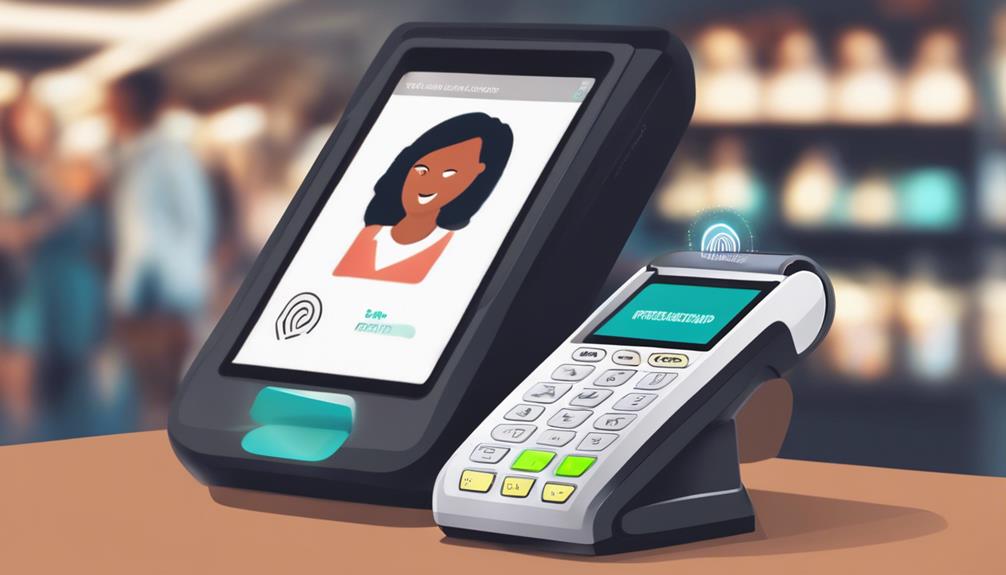
After ensuring regular security audits for your POS system, another effective measure to safeguard your data is enabling multi-factor authentication (MFA). MFA adds an extra layer of security by requiring two or more verification factors to access your system. This means that even if someone steals your password, they can't access your account without the additional factors.
You're probably familiar with MFA from other contexts, like logging into your email or bank account. For your POS system, you can set up MFA to require a combination of something you know (a password or PIN), something you have (a phone or security token), and something you're (biometric data such as fingerprints or facial recognition).
Implementing MFA can significantly reduce the risk of unauthorized access caused by stolen or weak passwords. It's also a deterrent for potential fraudsters, as the complexity of breaching multiple security layers is high.
To get started, choose an MFA method that fits your business operations and technology infrastructure. Many POS systems now offer integrated MFA options, or you can utilize third-party MFA applications.
Ensure all staff are trained on how to use MFA effectively—it's a small step that can make a big difference in your security strategy.
Secure Network Connections
Ensure your POS system's network connections are secure to protect against cyber threats. Use strong, unique passwords for your routers and switch to WPA3 encryption if it's available. This newer standard provides stronger user data protection and safeguards against password guessing. Avoid using default network settings; hackers often exploit these because they're widely known.
You should also set up a firewall to act as a barrier between your POS network and unauthorized access. This can help block malicious software and unauthorized users from accessing sensitive data.
Implementing a Virtual Private Network (VPN) for remote access ensures that data transmitted over the internet remains encrypted, significantly reducing the risk of interception.
Regularly update your network equipment's firmware and software. Manufacturers often release updates to patch security vulnerabilities. Overlooking these updates can leave your network exposed to exploits that target old flaws.
Lastly, isolate your POS system from other digital services that don't need direct access to it. This separation minimizes the risk of cross-contamination where one compromised device affects others on the same network.
Monitor POS for Suspicious Activity

Keep a vigilant eye on your POS system to detect any suspicious activity early. Monitoring your system isn't just a preventative measure; it's a vital part of maintaining the integrity of your transactions and protecting your customers' data.
Set up alerts for unusual patterns such as multiple failed transaction attempts, exceptionally large sales, or transactions occurring at odd hours. These could be signs of attempted fraud or a breach in your system.
You'll also want to regularly review transaction histories and reports. Look for inconsistencies or anomalies in the payment data. If you spot anything that doesn't seem right, investigate immediately. It's better to catch a potential issue before it escalates into a full-blown security incident.
Implementing automated anti-fraud tools can help. These systems use advanced algorithms to detect potentially fraudulent activity in real-time. They analyze transaction patterns and flag anything that deviates from the norm.
Train Employees on Security Protocols
To bolster your POS system's security, start by training all employees on your established security protocols.
It's crucial that everyone understands the importance of safeguarding customer data and detecting potential fraud.
Begin with comprehensive onboarding sessions that cover the fundamentals: from logging in securely to recognizing suspicious transactions.
Make sure you're regularly updating your team on any new threats or changes in procedures.
This isn't a one-time deal; it's an ongoing process.
Hold refresher courses and scenario-based training to keep everyone sharp.
You'll want to ensure that your staff can't only detect but also respond effectively to any security breaches.
Implement a clear reporting system.
Employees should know who to contact and what steps to follow if they suspect a security issue.
Empower them to act without hesitation—timely responses can mitigate potential damage.
Frequently Asked Questions
How Can Small Businesses Afford Advanced POS Security Measures?
You might think advanced POS security measures are costly, but there are affordable options. Start by adopting basic cybersecurity practices and consider budget-friendly, scalable solutions tailored to small business needs.
What Are Signs of a Compromised POS System?
You'll notice unusual account activity, unauthorized transactions, and frequent system crashes. Watch for altered settings and suspicious customer complaints. These are clear signs your POS system might be compromised. Stay vigilant and investigate promptly.
How Long Should POS System Passwords Be?
You should set your POS system passwords to be at least 12 characters long. Include a mix of uppercase, lowercase, numbers, and symbols to enhance security. Longer passwords are generally harder to crack.
Can POS Fraud Affect Business Credit Ratings?
Yes, POS fraud can indeed impact your business credit ratings. If fraudulent activities go undetected, they can lead to financial losses and affect your creditworthiness, making it harder for you to secure future financing.
What to Do Immediately After Detecting POS Fraud?
If you detect POS fraud, immediately alert your bank and credit card processor. Change all system passwords, review transaction logs for suspicious activity, and report the incident to the police. Act quickly to minimize damage.
Conclusion
You've got the essentials to shield your POS systems from fraud. Start by enforcing strong password policies and keeping your software up-to-date. Don't overlook the importance of encrypted data transmission and limit system access strictly to necessary personnel. Install robust anti-malware, enable multi-factor authentication, and ensure your network connections are secure. Always stay vigilant for any suspicious activities and train your team regularly on these security protocols. Secure systems lead to safe transactions, so take action now!
Related articles: Why Secure Your POS System Against Fraud? · Securing POS Systems: Fraud Prevention and Data Encryption · 5 Essential POS Data Protection and Encryption Tips