
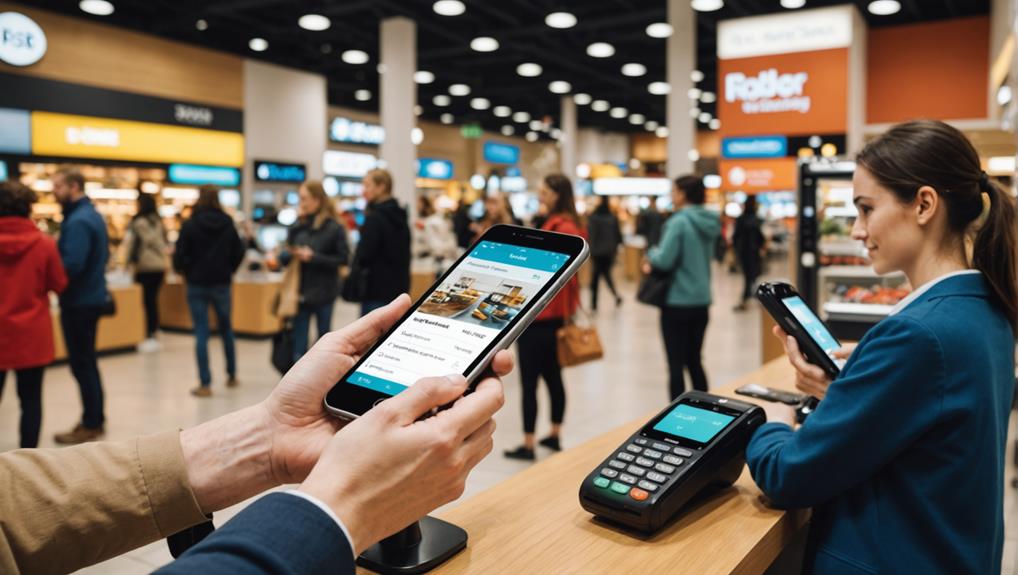
Setting up mobile payments with a POS system means you'll need to choose a POS software that supports various mobile payment methods like NFC, EMV chip, and QR codes. You'll have to ensure this software integrates smoothly with your existing hardware, considering connectivity and spatial requirements. Additionally, you'll configure the system to reflect your specific business needs — setting tax rates, integrating inventory management, and testing the setup through mock transactions to verify functionality. This setup not only enhances transaction efficiency but also secures your payments with advanced security measures. As you explore further, you'll discover how training and maintenance are equally crucial in optimizing your POS setup.
Understanding Mobile Payments

Mobile payments, the modern consumer's gateway to streamlined transactions, are rapidly transforming the way we handle money. As you dive into this world, you'll realize it's not just about swiping cards anymore. You're now part of a digital evolution that allows you to pay with just a tap or a click from your smartphone.
You might wonder what's fueling this shift. Well, it's largely due to the convenience and security mobile payments offer. When you use your phone to pay, you're not just saving time at the checkout; you're also leveraging advanced security features like encryption and tokenization. These technologies mask your sensitive financial details, drastically reducing the risk of fraud.
Moreover, this isn't limited to in-store purchases. Mobile payments encompass online transactions and peer-to-peer transfers, making them incredibly versatile. Whether you're buying a coffee, splitting dinner bills, or shopping online, mobile payment platforms seamlessly integrate these transactions into your daily routine.
Embracing mobile payments means stepping into a world where your wallet is essentially digital. You'll find managing your finances easier than ever before, with real-time tracking of your spending and instant notifications.
This isn't just the future; it's the present, simplifying how you interact financially in a rapidly advancing world.
Choosing the Right POS System
Why settle for less when selecting a POS system that can handle mobile payments? You're not just buying a tool; you're investing in the future of your business. The right POS system can transform your operations, making transactions smoother and more efficient.
First, consider the types of mobile payments you want to accept. Whether it's NFC, EMV chip, or QR codes, ensure the POS system supports all these technologies. You don't want to turn away customers because your system can't handle the latest payment methods.
Next, look at the software's user interface. It should be intuitive and easy to use. If your staff can't navigate the system quickly, it'll slow down your service and frustrate both employees and customers. A good POS system enhances service speed and accuracy.
Also, check for scalability. As your business grows, your POS system should grow with you. It should be able to handle increased transactions without hiccups, and adding new features or terminals should be straightforward.
Lastly, consider customer support. Reliable, accessible support can save you from a lot of headaches, especially during unexpected issues. Choose a provider known for excellent customer service.
Integration With Existing Hardware
When setting up a new POS system, it's crucial to consider how it'll integrate with your existing hardware. You don't want to find yourself stuck with incompatible devices or having to overhaul your entire setup, which can be costly and time-consuming.
First, assess the connectivity options of your current hardware. Does it support USB, Wi-Fi, or Bluetooth? Your new POS system must be compatible with these technologies to ensure seamless communication between devices. Check if you need any additional adapters or cables.
Next, consider the physical space on your sales floor. Ensure the new system can be installed without disrupting your current layout too much. It's not just about plugging in a new machine; it's about making sure it fits smoothly into your business environment.
Also, think about the power requirements. Does your existing hardware have the capacity to handle the new system without overloading? You might need to upgrade your power strips or reconsider your outlet placements.
Lastly, don't overlook the age and condition of your existing hardware. Older systems mightn't only be incompatible but could also slow down the performance of your new POS setup. Upgrading some older components might be necessary to take full advantage of modern payment solutions.
Software Requirements and Setup
After ensuring your hardware is ready, you'll need to focus on the software requirements for your POS system. The right software will help you seamlessly accept mobile payments, manage transactions, and provide valuable sales insights.
First, you'll need to choose a POS software that's compatible with the mobile payment methods you want to offer, such as Apple Pay, Google Wallet, or Samsung Pay. Make sure the software supports NFC (Near Field Communication) technology which is crucial for contactless payments.
Installation is the next step. Most POS software offers a straightforward setup process. You'll typically download and install the software on your POS device.
During installation, you'll configure settings specific to your business, like tax rates, product inventory, and employee access levels.
Once the software is installed, you'll run through a series of tests to ensure everything is functioning properly. This includes making test transactions to verify that mobile payments go through smoothly without any hitches.
Security Protocols for Mobile Payments
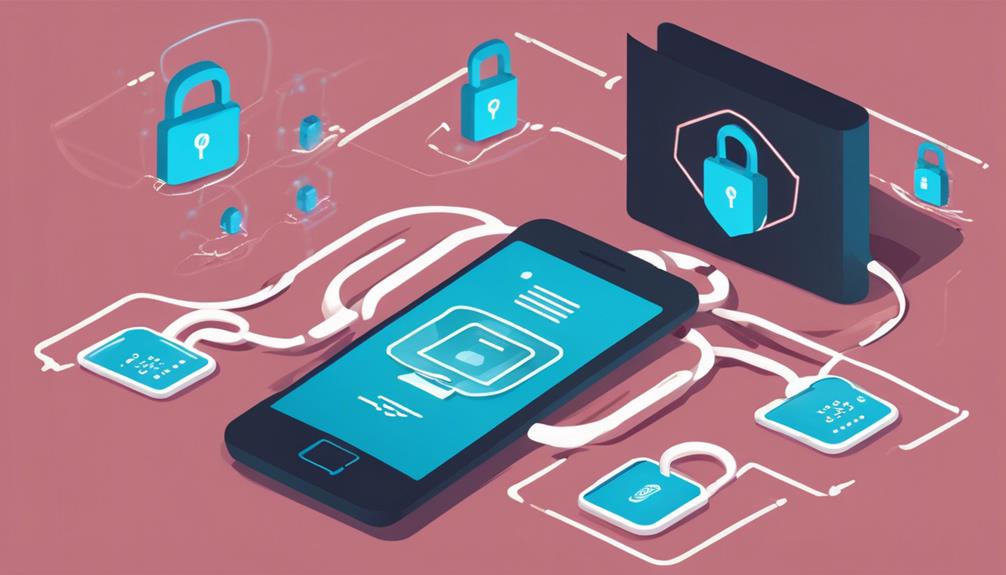
Ensuring robust security protocols for mobile payments is crucial to protect both your business and your customers. When you integrate mobile payments with your POS system, you're opening up a new avenue for transactions that, while convenient, can also be vulnerable to security threats. It's your responsibility to safeguard this channel.
Firstly, ensure that your mobile payment solution complies with the Payment Card Industry Data Security Standard (PCI DSS). This standard mandates that any system processing credit cards must have secure data networks, protect cardholder data, maintain a vulnerability management program, and implement strong access control measures.
You should also enable end-to-end encryption (E2EE) for all transactions. This means that data is encrypted from the moment it's captured at your POS until it reaches your payment processor, minimizing the risk of interception.
Additionally, consider using tokenization, which replaces sensitive card details with a unique identifier that can't be used outside the context of a specific transaction.
Training Staff on New Technology
Implementing robust security protocols is just one step; you also need to effectively train your staff on the new mobile payment technology integrated into your POS system.
Training isn't just about showing them how it works; you've got to ensure they're comfortable and confident using it. This can be a game-changer in enhancing customer experience and streamlining transactions.
Start by organizing comprehensive training sessions that cover everything from the basics of operating the technology to understanding the types of mobile payments your business will accept.
It's crucial that you tailor these sessions to suit different learning paces. Some staff might pick up the processes quickly, while others may need a bit more time and practice.
Make use of visual aids and hands-on practice scenarios to demonstrate common transactions.
This approach helps in retaining information effectively. Don't just tell them how it's done; show them, then let them do it themselves under supervision.
Testing and Troubleshooting
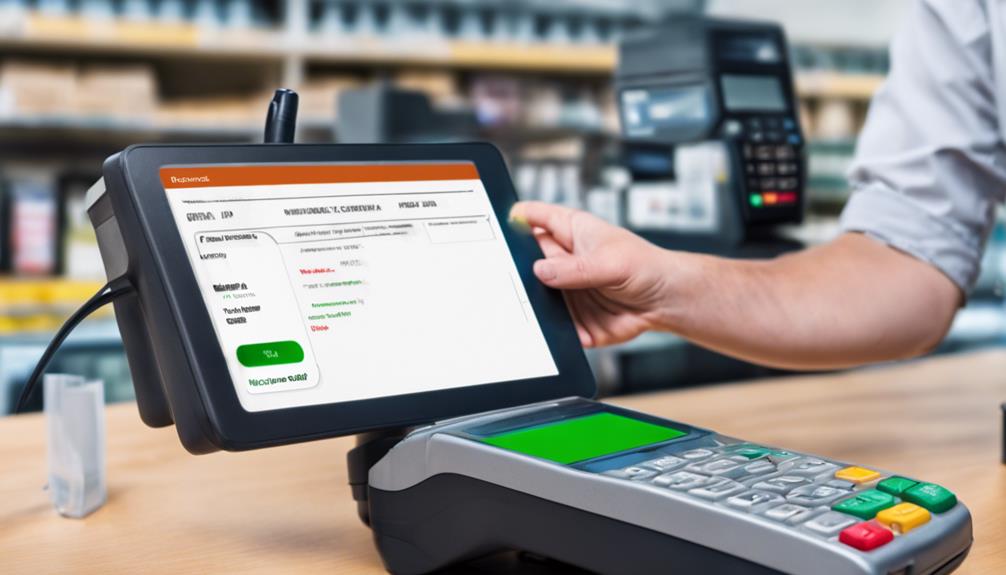
Once your team is trained, it's crucial to test the mobile payment system thoroughly before going live. You'll want to ensure that every component interacts seamlessly. Start by processing mock transactions to check if the POS system accurately records and processes payments.
Run through different scenarios—like refunds, failed transactions, and split payments—to see how the system handles them.
Don't forget to test the hardware too. Are the card readers registering swipes, taps, and chip inserts consistently? Is the mobile connectivity stable across different devices? These checks help you catch glitches that could disrupt daily operations.
Encounter an issue? Don't panic. Document the problem and how you reproduce it. This information is gold when troubleshooting.
Often, the fix might be as simple as updating the software or recalibrating a device. If problems persist, reach out to your POS provider. They can offer guidance and more specialized solutions.
Maintaining System Performance
After successfully setting up and testing your mobile payment system, it's vital to maintain its performance to ensure smooth daily operations. Regularly updating the software is your first line of defense. Software developers often release updates to patch security vulnerabilities and optimize functionality. Don't ignore these updates; they're crucial for keeping your system secure and efficient.
You'll also want to monitor transaction speeds and error rates. If you notice transactions are processing slower than usual or encountering frequent errors, it might indicate a hardware issue or a need for software optimization. Address these issues promptly to avoid impacting your customer experience.
Additionally, implementing a routine maintenance schedule for your hardware is essential. This includes cleaning physical components, checking connectivity cables, and ensuring all devices are charging properly. Neglecting hardware can lead to failures and interruptions, which could turn away customers.
Lastly, consider conducting regular training sessions for your staff. They should be comfortable using the POS system and aware of steps to take in case of malfunctions. Well-trained employees can help minimize downtime and provide better service, keeping your system running smoothly and your customers happy.
Frequently Asked Questions
How Do Mobile Payments Impact Customer Loyalty and Retention?
Mobile payments streamline transactions, making shopping quicker and easier for you. This convenience boosts your satisfaction, thereby increasing loyalty and likelihood of returning, which is crucial for businesses aiming to retain their customer base.
Are There Tax Implications for Using Mobile Payments?
Yes, there are tax implications for using mobile payments. You'll need to report all transactions as income, and specific regulations may apply depending on your location. Always consult a tax professional for detailed advice.
Can Mobile Payments Handle International Currencies?
Yes, you can handle international currencies with mobile payments. They're designed to convert and process various currencies, making transactions seamless for you, whether you're dealing with euros, yen, or dollars.
What Environmental Impact Does Switching to Mobile Payments Have?
Switching to mobile payments reduces paper usage and energy consumption linked to traditional banking infrastructures. You'll contribute to cutting down waste and CO2 emissions, making your transactions more environmentally friendly.
How Does Customer Data Privacy Vary by Region With Mobile Payments?
You'll find customer data privacy standards for mobile payments vary widely by region. Each area has its own regulations, so you must ensure compliance based on where you're operating or processing payments.
Conclusion
You've made it through setting up mobile payments with your POS system! Remember, keeping your software updated and routinely checking security protocols will safeguard your transactions. Don't skimp on staff training; ensure everyone's confident with the new tech. Regularly test and troubleshoot to nip any issues in the bud quickly. By maintaining system performance, you'll provide seamless, secure service to your customers. You're all set to streamline operations and boost your business with mobile payments!
Related articles: Why Switch to Mobile Payments at Your POS? · 7 Tips for Setting up Mobile Payments With POS · 7 Steps to Set up Mobile Payments With POS