

To protect your POS data effectively, you'll need to implement strong encryption techniques, like AES-256, which scramble sensitive information, making it unreadable to unauthorized users. Secure your network connections with WPA2 or WPA3 and use VPNs to safeguard data in transit. Don't forget about regular software updates, which patch vulnerabilities and fend off potential cyber-attacks. Including multi-factor authentication adds an extra layer of security, significantly reducing the risks of unauthorized access. Also, control employee access based on their job roles to minimize exposure. With continuous monitoring of your systems, you can detect threats early and respond promptly. Exploring further, more nuanced strategies could enhance your security posture even more.
Understanding POS Data Risks

Retailers, your point-of-sale (POS) system is a goldmine for cybercriminals. Every swipe, tap, or entry at your registers involves sensitive data that's highly attractive to these thieves. Think about it: you're handling not just payment card information but also personal details of countless customers daily. The risks? They're substantial and multifaceted.
First off, if your system isn't secured, data breaches can occur, leading to financial losses and damaged reputations. Cybercriminals are constantly evolving their tactics, exploiting any weak spot from outdated software to simple human error.
You're not just worrying about external threats but also internal ones. Employees, often overlooked as potential risks, can misuse or mishandle data without proper controls and monitoring in place.
Moreover, compliance with data protection standards isn't optional. Failing to meet legal requirements can result in hefty fines and legal troubles. You must stay informed about these regulations, which are designed to safeguard customer information but also to guide you in fortifying your POS system against attacks.
Keeping these risks in mind is crucial. You've got to be vigilant and proactive to protect your business and maintain your customers' trust.
Implementing Strong Encryption
To safeguard your POS data against unauthorized access, you should implement strong encryption. Encryption transforms your sensitive data into a format that can't be read without the correct decryption key. This means even if hackers intercept your data, they can't use it.
You'll want to use advanced encryption standards, like AES-256, recognized globally for its strength and effectiveness. When you encrypt data, do it at both the point of entry and before it's stored. This dual approach ensures your data's protected from the moment it's captured.
Don't forget to manage your encryption keys properly. Store them separately from the encrypted data and use a secure key management service. Regularly update and rotate these keys to minimize risks associated with key theft or exposure.
Also, consider implementing end-to-end encryption. This method encrypts data at its origin and only decrypts it at its final destination, reducing the risk of unauthorized access during transmission stages.
Securing Network Connections

Securing your network connections is crucial for protecting POS data from cyber threats. By taking proactive steps, you can shield your system from unauthorized access and potential breaches. Here's how you can strengthen your network security effectively.
Firstly, ensure that your Wi-Fi network is encrypted, using protocols like WPA2 or WPA3. These security standards provide robust protection against intrusions. You should also consider setting up a separate network exclusively for your POS systems. This isolation prevents access to your POS systems from other devices that are less secure and could be compromised.
Additionally, use a VPN to encrypt data transmission between your POS system and external networks. A VPN adds an extra layer of security by masking your IP address and encrypting internet traffic, which makes it significantly harder for cybercriminals to intercept or manipulate your data.
Don't forget to regularly change passwords and use complex combinations that are difficult to guess. Implementing two-factor authentication (2FA) adds another layer of security, requiring not just a password and username but also something that only the user has on them, like a token or a smartphone app, to access the system.
Regular Software Updates
Keeping your POS system's software up to date is essential for safeguarding against the latest security threats. Manufacturers frequently release updates to fix vulnerabilities that could be exploited by hackers. By neglecting these updates, you're leaving the door wide open for cyberattacks that can compromise customer data and harm your business's reputation.
You might think it's a hassle to install updates, especially if your system seems to be running smoothly. However, the risks of operating with outdated software far outweigh the inconvenience. These updates often include patches for security holes that, while perhaps not evident to you, are well-known to cybercriminals.
To streamline the update process, set your system to automatically download and install updates as they become available. This ensures you're always protected without having to manually check for new releases.
Moreover, keep a log of all updates for compliance purposes and to maintain an audit trail. This record-keeping can be invaluable in the event of a security breach, as it demonstrates your proactive approach to data security.
Multi-Factor Authentication
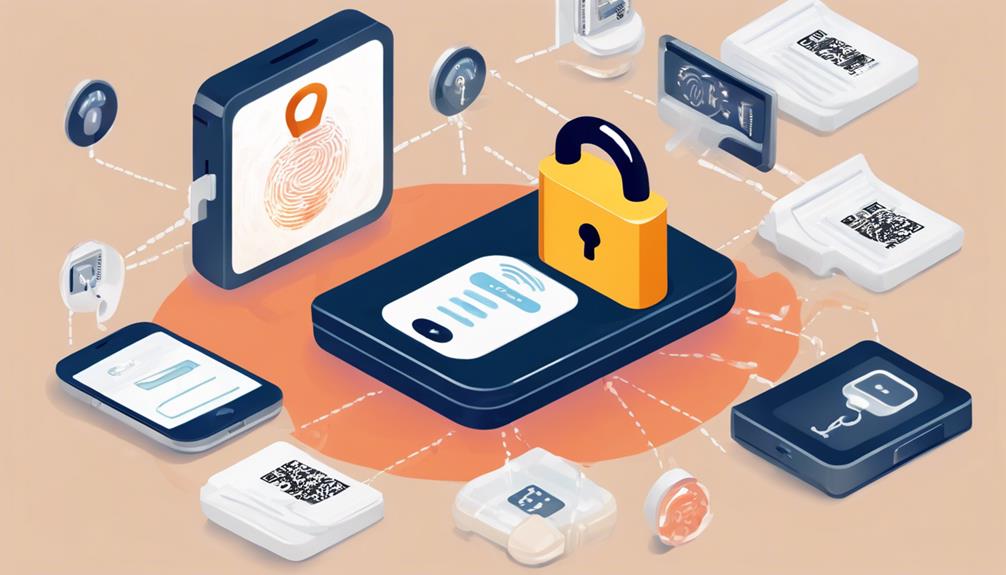
Implementing multi-factor authentication (MFA) significantly boosts the security of your POS system. By requiring multiple forms of verification, you're not just relying on passwords alone, which can be easily compromised.
Instead, MFA ensures that even if a password is stolen, unauthorized users can't access your system without an additional verification factor.
You might wonder what forms these factors could take. Commonly, they include something you know (like a password or PIN), something you have (such as a smartphone app or hardware token), and something you're (using biometrics like fingerprints or facial recognition).
By combining these elements, the security of your POS system is significantly enhanced.
Moreover, setting up MFA isn't as daunting as it might seem. Most platforms offer straightforward guides to help you integrate it smoothly.
Once set up, it works seamlessly in the background, providing robust security without disrupting the user experience.
Employee Access Controls
Most businesses overlook the critical role that employee access controls play in safeguarding POS data. You might think restricting access is about mistrust, but it's actually about minimizing the risk of accidental or malicious breaches. By carefully managing who can access what, you're not only protecting sensitive information but also ensuring that your operations run smoothly.
To start, you need to determine the minimum level of access each role requires. Don't just hand over the keys to the kingdom; tailor access based on job function. For instance, your sales staff might only need to process transactions, not access financial reports or customer data.
Implementing tiered access controls can significantly reduce potential vulnerabilities. You wouldn't give every employee the code to the safe, so why allow unrestricted access to your POS system? Make sure you're also regularly updating these permissions. As roles change, so too should access rights.
Lastly, consider using unique user IDs for each employee. This doesn't just track who accessed what and when; it also prevents sharing of login credentials, a common security faux pas.
Continuous Monitoring Practices

You'll find that continuously monitoring your POS system is an indispensable strategy for detecting and responding to security threats in real time. By implementing a robust monitoring system, you're not just tracking sales and inventory; you're actively safeguarding sensitive data from potential breaches.
Firstly, set up alerts for unusual activities. If there's an unexpected access attempt or a deviation from typical transaction patterns, you'll be notified immediately. This prompt response can help prevent a minor security issue from escalating into a major breach.
Additionally, consider integrating a comprehensive analytics tool that reviews transaction data in real time. This will help you spot trends that might indicate fraudulent activities or operational inefficiencies. By analyzing this information, you can make informed decisions quickly, enhancing both security and business operations.
Don't forget to regularly update your monitoring tools and protocols. Cyber threats evolve rapidly, and your defenses should too. Regular updates paired with continuous monitoring form a dynamic defense that adapts to new threats as they arise.
Frequently Asked Questions
How Does POS Data Theft Impact Customer Trust and Loyalty?
When your POS data is stolen, it severely damages customer trust and loyalty. People feel unsafe and might stop shopping with you, leading to significant losses in revenue and potentially long-term brand damage.
What Are the Costs Associated With a POS Data Breach?
You'll face hefty fines, legal fees, and recovery costs after a POS data breach. Additionally, you risk losing customers and revenue due to damaged trust, impacting your business's long-term financial health.
Can POS Systems Integrate With Other Retail Management Tools?
Yes, you can integrate POS systems with other retail management tools like inventory management, CRM, and accounting software to streamline operations, improve data accuracy, and enhance customer experiences across all your sales channels.
How Often Should POS Hardware Be Replaced or Upgraded?
You should replace or upgrade your POS hardware every 3-5 years to ensure it meets current technology standards and operates efficiently, minimizing system vulnerabilities and maintaining compatibility with new software updates and features.
What Are the Legal Consequences of Failing to Protect POS Data?
If you fail to protect POS data, you could face hefty fines, legal actions, and damage to your business reputation. It's essential to adhere to data protection laws to avoid these consequences.
Conclusion
To wrap it up, you've got to shield your POS data with the best strategies. Encrypt all sensitive information, secure your network, and update software regularly. Don't forget to set up multi-factor authentication and restrict employee access to essential data only. Always keep an eye on your systems with continuous monitoring. By following these steps, you're not just protecting your business; you're safeguarding your customers' trust. Take action today to ensure your POS data remains secure!
Related articles: How to Implement Advanced POS Fraud Detection Tech · Next-Gen POS Fraud Prevention: Key Technologies Explored · What Is Cutting-Edge POS Fraud Detection Technology?