
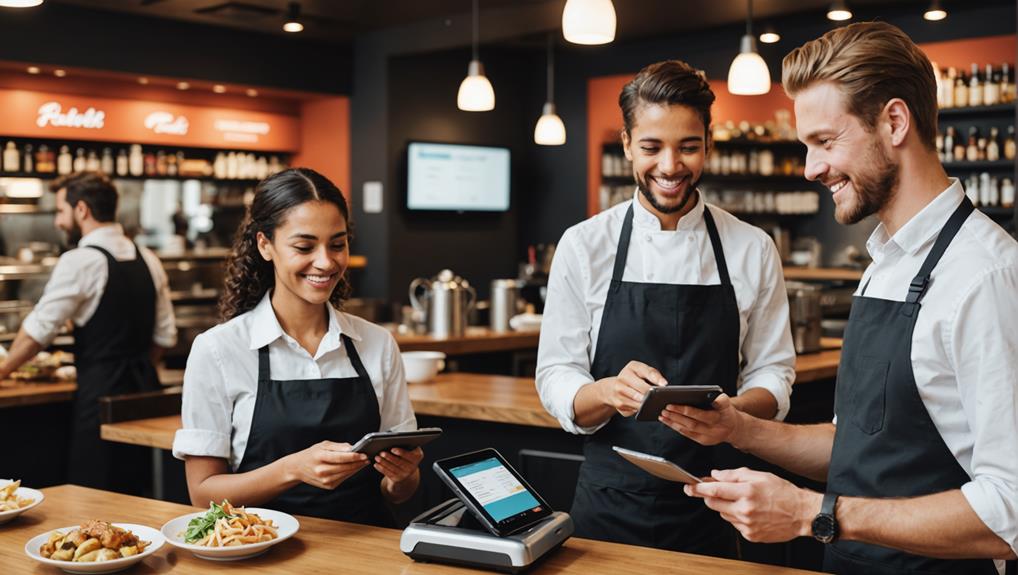
Customizing your POS system ensures it meets the specific needs of your restaurant, enhancing workflow efficiency and customer satisfaction. Start by evaluating your team's interactions and the order process to identify bottleneck points that need streamlining. Choose durable hardware like high-resolution touchscreens and fast receipt printers to withstand busy hours. Implement a user-friendly software interface that integrates real-time inventory, sales reporting, and multi-application syncing to keep operations smooth. Don't overlook training your staff effectively on the new systems to maximize their confidence and efficiency. As you explore these aspects, you'll uncover deeper insights into perfecting your restaurant's service delivery.
Assessing Your Restaurant's Workflow
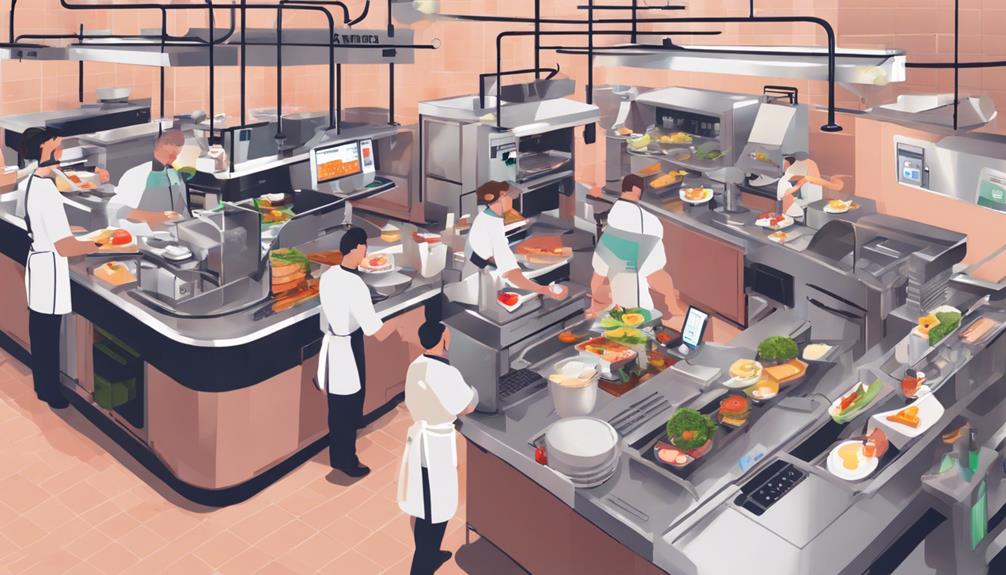
To optimize your restaurant's efficiency, start by assessing its workflow. You've got to watch how your team interacts during peak hours—note any bottlenecks in the process, whether it's at the order station, kitchen, or delivery points. Are your chefs waiting too long for order tickets? Is there a pile-up of customers waiting to be seated or served? Identifying these critical points helps pinpoint where you need improvements.
Next, analyze the steps involved in completing an order. From the moment a customer walks in, to placing an order, to receiving their meal, and finally making a payment, every step should be seamless. Are your staff members doubling back too often? Are they manually entering orders into a system that's not intuitive? These are areas where a well-tailored POS system can streamline operations.
Choosing the Right Hardware Components
Once you've assessed your restaurant's workflow, the next step is selecting the right hardware components for your POS system. You'll need to consider several key pieces that are essential for smooth operation.
First, think about the touchscreen monitors. Opt for high-resolution, durable screens that can withstand the rigors of a busy restaurant environment. You don't want screens that crack easily or can't handle a few splashes.
Then, there's the receipt printer. Go for thermal printers; they're faster and quieter than dot matrix printers, saving you time during busy hours. Make sure it's compatible with your POS software and can handle your transaction volume.
Cash drawers are another must. Choose ones that are sturdy and can lock automatically. It's also wise to pick a drawer that integrates seamlessly with your POS system for automatic opening during transactions.
Don't forget about scanners for bars or quick-serve cafes. They speed up the checkout process by quickly reading barcodes, helping to keep lines short.
Lastly, consider the overall connectivity of all devices. Ensure they can easily connect with each other and your POS system. This avoids technical headaches and helps keep your operations running smoothly.
Software Features to Consider
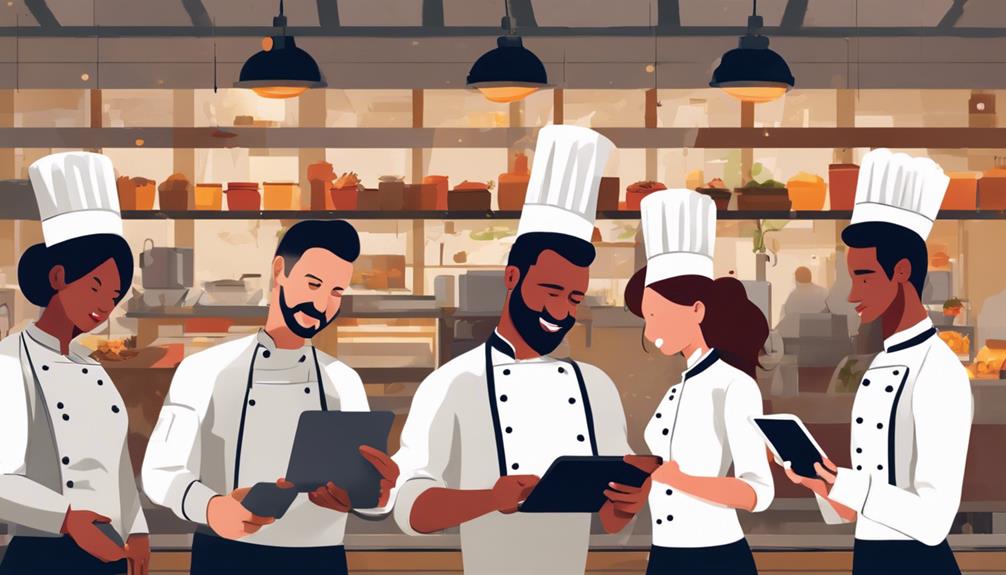
Selecting the right software features is just as crucial as choosing the hardware for your restaurant's POS system. You need to consider the specific needs of your operation to enhance efficiency and customer satisfaction.
Firstly, focus on the user interface (UI). It's essential that your staff can navigate the system easily. A complex UI can lead to slower service and errors, which you'll want to avoid. Look for a POS software that offers a clean, intuitive interface.
Inventory management is another critical feature. It allows you to track stock levels in real time, helping you to avoid overordering or running out of key ingredients. This feature should enable you to monitor your inventory turnover and identify trends, which can be invaluable for planning your purchases and menu adjustments.
Sales reporting tools are also vital. They should provide you with detailed insights into your sales patterns, helping you to understand your most popular items, peak times, and customer preferences. This data is crucial for making informed decisions about your menu and pricing strategy.
Lastly, consider the security features of the software. Ensure it complies with payment industry standards and protects customer data effectively. Security isn't just necessary; it's imperative for maintaining your customers' trust and your business's reputation.
Integrating With Other Applications
Integrating your POS system with other applications can significantly streamline your restaurant's operations. When you sync your POS with inventory management software, you'll find it easier to track your stock levels in real-time. This means you won't be caught off guard by sudden shortages or excesses, ensuring that you're always ready to meet your customers' demands.
Linking your POS to scheduling tools also simplifies managing your staff. You can view labor costs alongside sales data, helping you make informed decisions about staffing needs based on busy periods or seasonal trends. This integration keeps your labor expenses in check and boosts operational efficiency.
Don't overlook the benefits of connecting your POS with accounting software. This setup automates the transfer of financial data, reducing the risk of human error and saving you countless hours on bookkeeping tasks. You'll have quicker access to financial insights, allowing for timely adjustments in strategy and spending.
Lastly, integrating with email marketing tools can enhance your promotional efforts. By automatically capturing customer data from transactions, these tools help tailor marketing campaigns that are more likely to increase customer retention and boost sales, all without stepping into the complexities of enhancing customer experience directly through your POS.
Enhancing Customer Experience Options
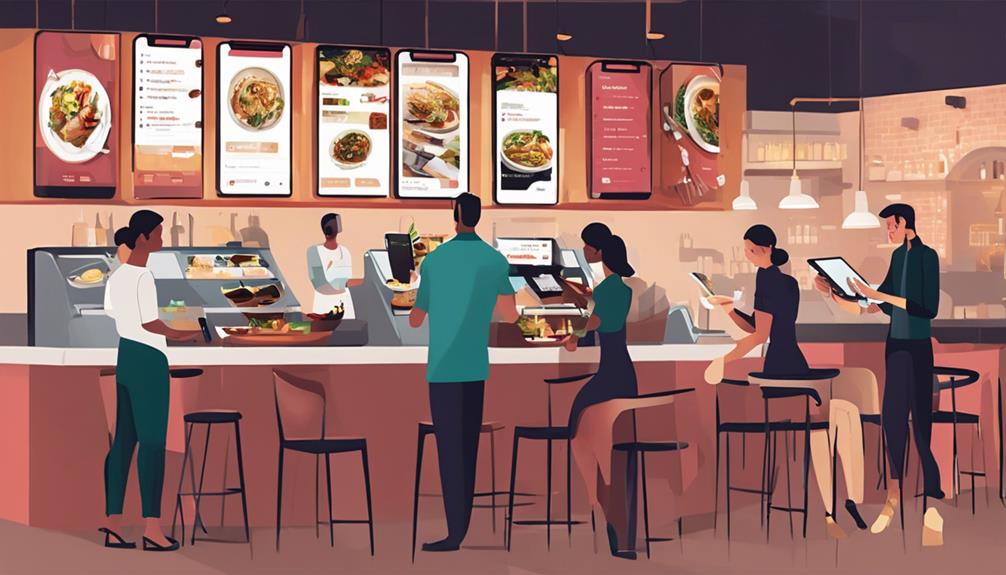
After enhancing your restaurant's operational efficiencies through smart integrations, it's time to focus on elevating the dining experience for your customers. Customizing your POS system can significantly boost the way diners interact with your service, making their visits not just meals, but memorable experiences.
Imagine allowing customers to select their table or order their food right from their smartphones. By integrating these features, you're not just simplifying the process, you're giving them control, which greatly enhances their satisfaction.
Additionally, consider implementing loyalty programs within the POS. This would enable diners to earn points and redeem rewards directly from their receipts, encouraging repeat business and boosting customer loyalty.
Don't forget about payment flexibility. Today's diners expect various payment options. Whether it's mobile payments, contactless credit cards, or even cryptocurrency, ensuring that your POS system supports multiple payment methods will keep you ahead of the curve and cater to a broader audience.
Lastly, real-time feedback through your POS can be a game changer. By prompting customers to rate their experience before they leave, you gather valuable insights instantly, which allows you to address any issues immediately and continuously refine the dining experience.
Training Staff on New Systems
Once you've customized your POS system, it's crucial to effectively train your staff on how to use the new features. Don't underestimate this step; your system's success hinges on their comfort and proficiency with it.
Start with a hands-on training session. You'll want to break down the training into manageable parts, focusing first on basic operations before moving to more complex transactions. Use real-life scenarios to help them understand each function. This approach makes the abstract more concrete, and it's easier for your team to grasp how the system fits into their daily tasks.
Make sure everyone practices on the system during these sessions. It's not enough to just watch and listen; they need to engage with the technology directly. This hands-on experience can significantly boost their confidence and reduce errors when they go live.
Security Features and Compliance
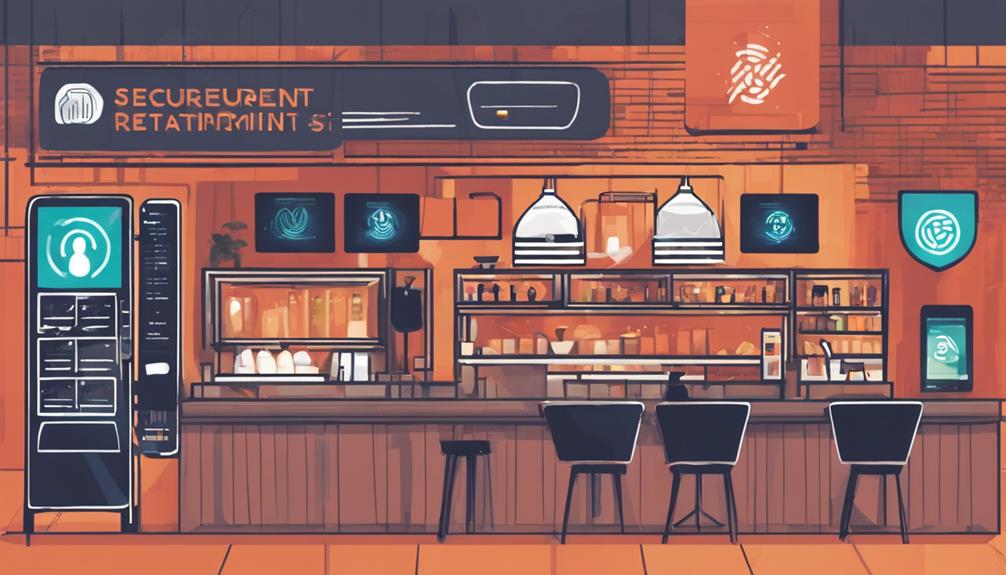
While ensuring your team is proficient with your new POS system, don't overlook the importance of security features and compliance. Protecting customer data isn't just a nice-to-have; it's a must. You're not only safeguarding your reputation but also adhering to strict regulations that can affect your business significantly if ignored.
First off, ensure your POS system complies with the Payment Card Industry Data Security Standard (PCI DSS). This isn't just for credit cards; it covers any system that handles card payments. Failing to comply can lead to hefty fines or even the revocation of your card processing privileges.
Next, consider encryption. Your POS should encrypt data the moment it's entered, making it unreadable to anyone without authorized access. This is crucial for preventing data breaches that could lead to fraud or identity theft.
Also, don't forget about access controls. You should be able to set different permission levels within your POS system. This means only authorized personnel can access sensitive information or perform certain operations. It's a simple yet effective way to minimize internal threats.
Taking these steps not only ensures compliance but also builds trust with your customers, knowing their information is secure at your establishment.
Ongoing Support and Upgrades
Beyond the initial setup and training, it's crucial to have reliable ongoing support and regular upgrades for your POS system. As your restaurant evolves, so should your technology. You'll find that having access to a dedicated support team can alleviate unexpected issues quickly, ensuring your operations don't skip a beat.
Whether it's a hardware malfunction or software hiccups, immediate support is vital to keep your business running smoothly.
Furthermore, the culinary industry doesn't stand still, and neither should your POS system. Regular software updates not only fix bugs but also introduce new features that can enhance efficiency and provide more value to your customers.
These upgrades can help you keep up with the latest industry standards and compliance requirements, giving you an edge over competitors who might lag behind in technology.
Consider choosing a POS provider that offers comprehensive support and proactive upgrades. Look for 24/7 customer service availability and check for feedback from other users about their support experience.
Frequently Asked Questions
What Initial Costs Are Involved in Setting up a POS System?
You'll face initial costs like hardware purchases, software licensing, and installation fees when setting up a POS system. Don't forget ongoing expenses for maintenance and updates to keep everything running smoothly.
How Long Does Installation Typically Take?
Installation typically takes a few hours to a full day, depending on your system's complexity and the training required. You'll be up and running quickly with proper preparation and professional help.
Can a POS System Handle Multiple Locations?
Yes, a POS system can handle multiple locations. You'll be able to track inventory, sales, and staff across all sites from one central system, ensuring your operations are streamlined and efficient.
Are There POS Systems Designed Specifically for Food Trucks?
Yes, there are POS systems specifically designed for food trucks. They're compact, mobile, and equipped with features tailored to handle the fast-paced, limited-space environment you're working in.
How Does Weather Affect Outdoor POS System Performance?
Weather impacts your outdoor POS system significantly; extreme temperatures can affect touchscreen sensitivity and hardware integrity. Moisture from rain or snow also poses risks, potentially damaging components and disrupting normal operations.
Conclusion
As you customize your POS system, remember to keep your restaurant's unique workflow in mind. Choose hardware that withstands your kitchen's pace and software that simplifies tasks. Integrate applications that enhance service and consider features that elevate the customer experience. Prioritize strong security measures and ensure compliance. Don't overlook the importance of training your staff thoroughly. Finally, secure ongoing support and plan for future upgrades to keep your system efficient and state-of-the-art. Tailor every aspect, and watch your restaurant thrive.
Related articles: 10 Best Tailored POS Systems for Restaurants · 10 Tips for POS Software With Loyalty Features · Top 10 POS Systems With Integrated Loyalty Features