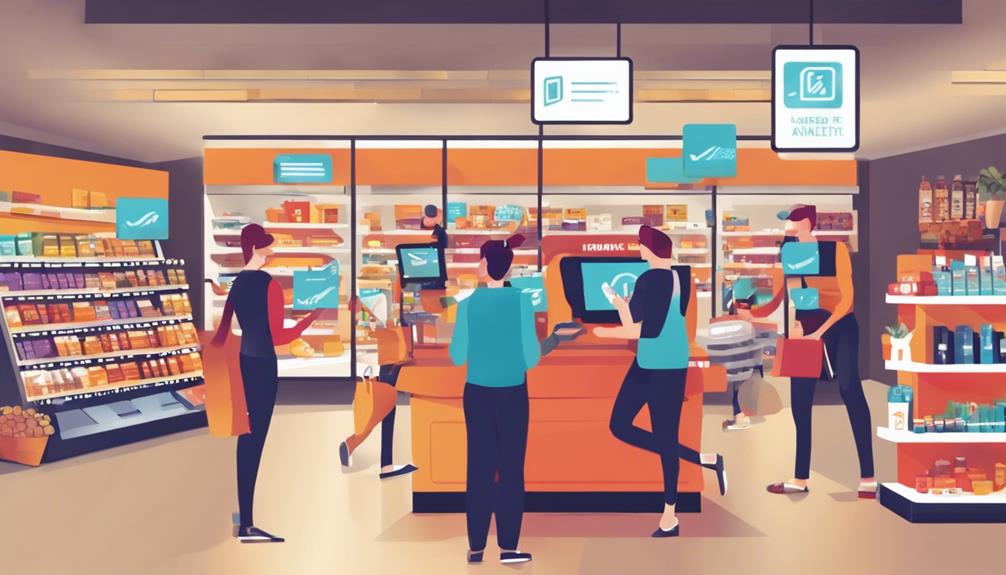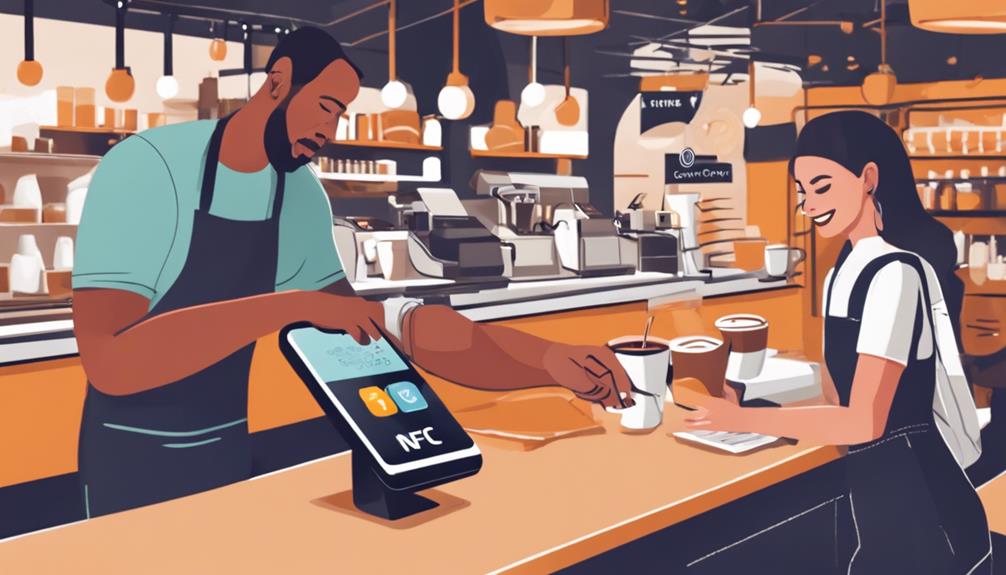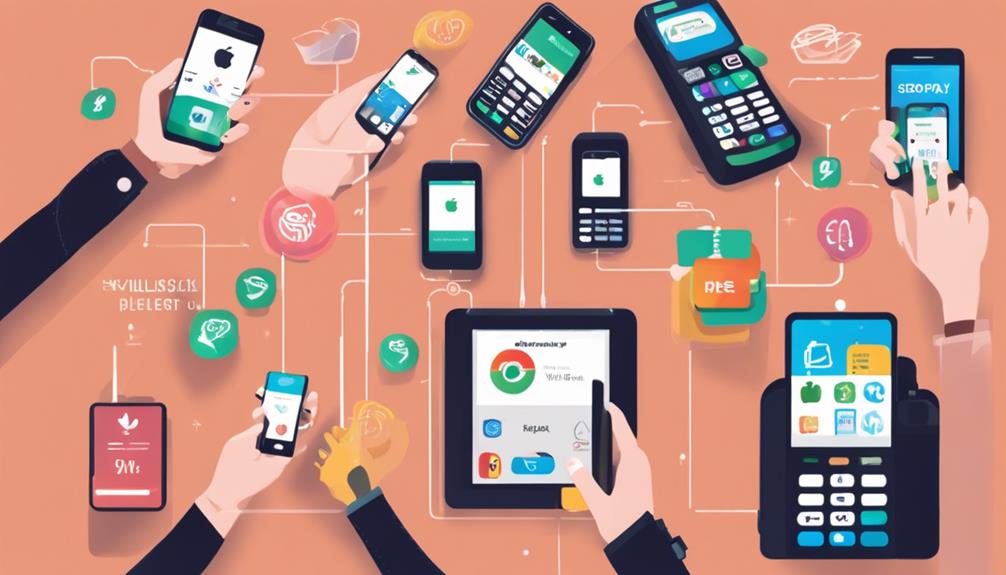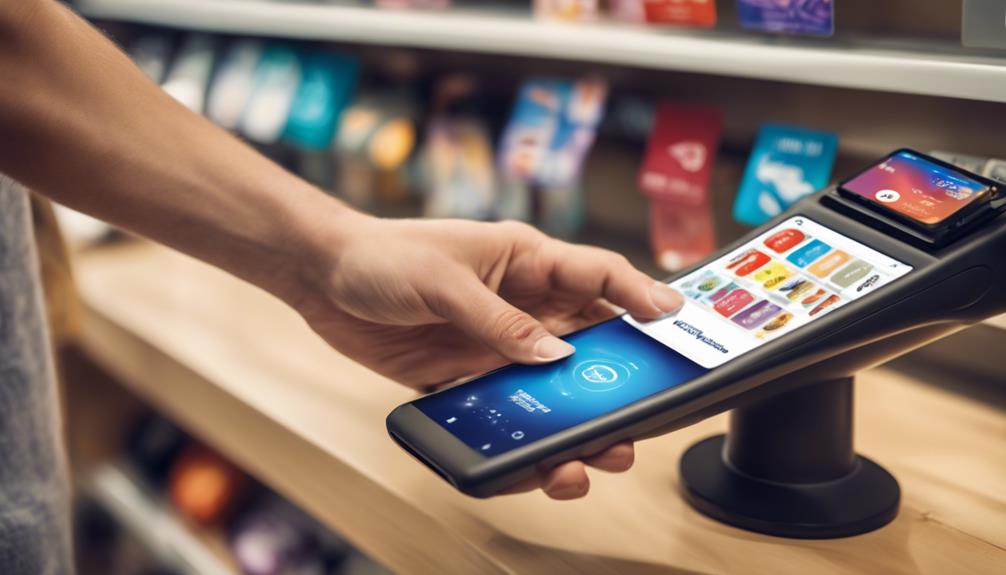
What Does Setting up Mobile Payments With POS Entail?

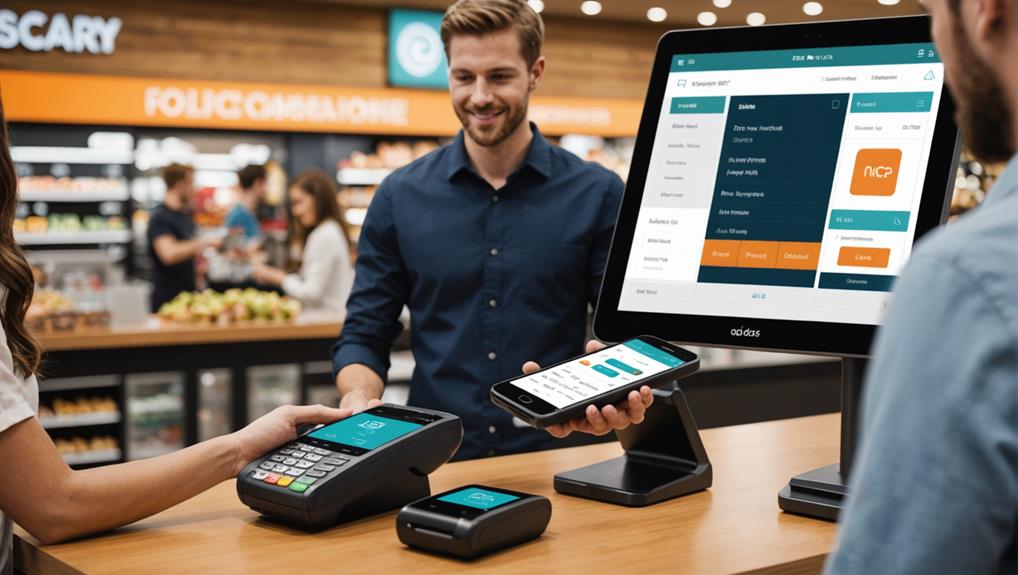
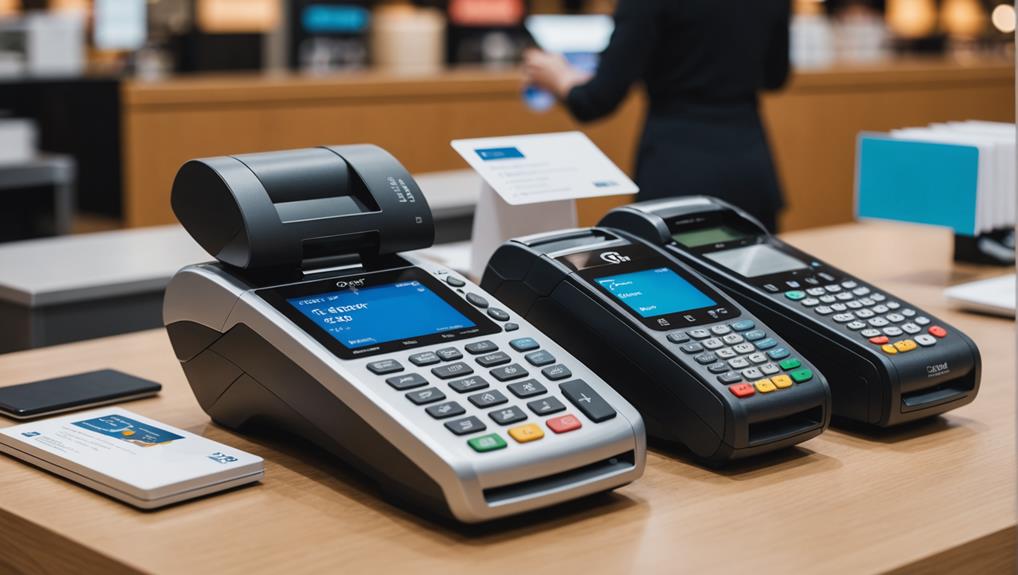
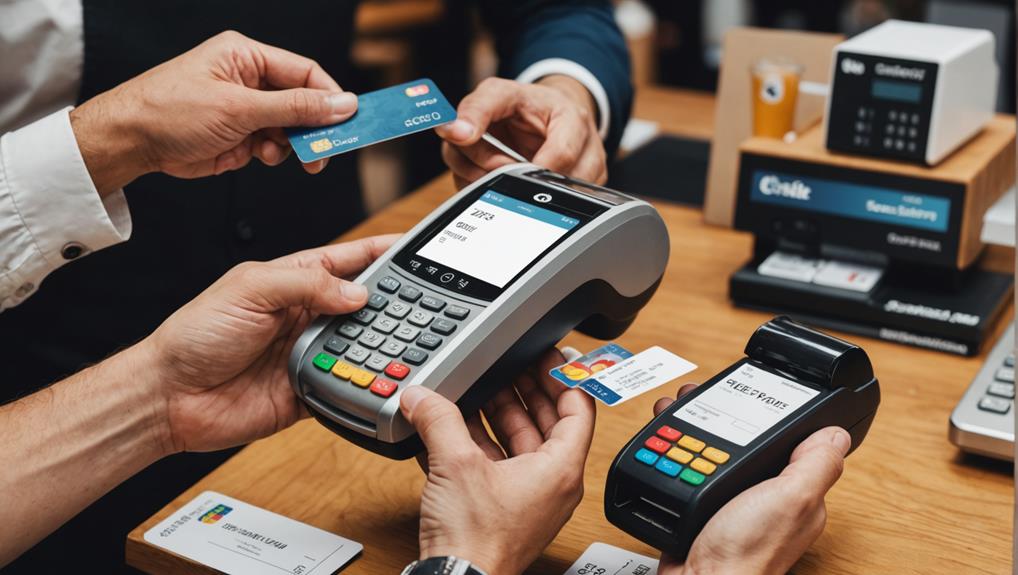
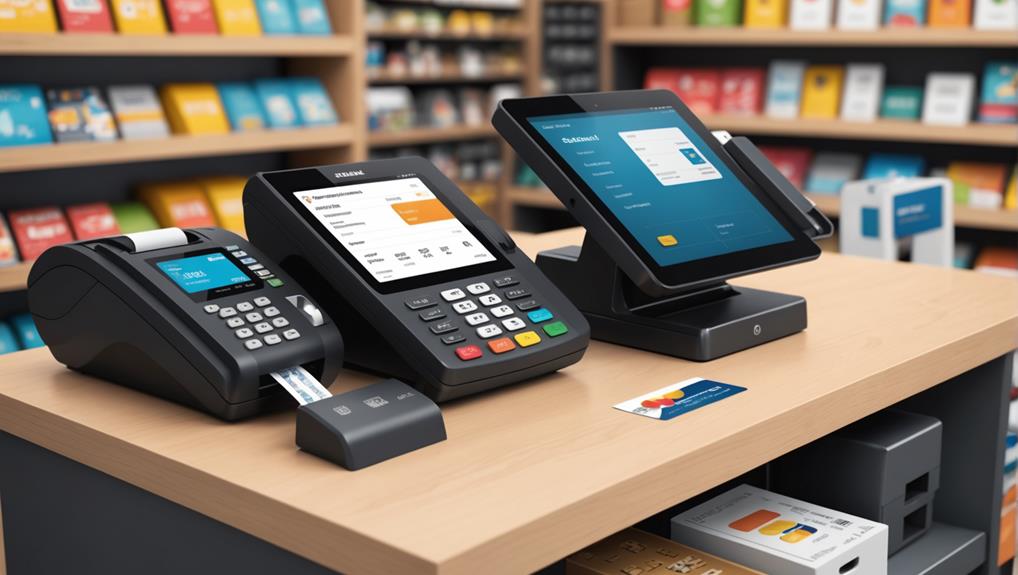
Setting up mobile payments with a POS system means you'll need to choose a POS software that supports various mobile payment methods like NFC, EMV chip, and QR codes. You'll have to ensure this software integrates smoothly with your existing hardware, considering connectivity and spatial requirements. Additionally, you'll configure the system to reflect your specific business needs — setting tax rates, integrating inventory management, and testing the setup through mock transactions to verify functionality. This setup not only enhances transaction efficiency but also secures your payments with advanced security measures. As you explore further, you'll discover how training and maintenance are equally crucial in optimizing your POS setup.

Understanding Mobile Payments

mobile payment systems explained

Mobile payments, the modern consumer's gateway to streamlined transactions, are rapidly transforming the way we handle money. As you dive into this world, you'll realize it's not just about swiping cards anymore. You're now part of a digital evolution that allows you to pay with just a tap or a click from your smartphone.

You might wonder what's fueling this shift. Well, it's largely due to the convenience and security mobile payments offer. When you use your phone to pay, you're not just saving time at the checkout; you're also leveraging advanced security features like encryption and tokenization. These technologies mask your sensitive financial details, drastically reducing the risk of fraud.

Moreover, this isn't limited to in-store purchases. Mobile payments encompass online transactions and peer-to-peer transfers, making them incredibly versatile. Whether you're buying a coffee, splitting dinner bills, or shopping online, mobile payment platforms seamlessly integrate these transactions into your daily routine.

Embracing mobile payments means stepping into a world where your wallet is essentially digital. You'll find managing your finances easier than ever before, with real-time tracking of your spending and instant notifications.

This isn't just the future; it's the present, simplifying how you interact financially in a rapidly advancing world.

Choosing the Right POS System

Why settle for less when selecting a POS system that can handle mobile payments? You're not just buying a tool; you're investing in the future of your business. The right POS system can transform your operations, making transactions smoother and more efficient.

First, consider the types of mobile payments you want to accept. Whether it's NFC, EMV chip, or QR codes, ensure the POS system supports all these technologies. You don't want to turn away customers because your system can't handle the latest payment methods.

Next, look at the software's user interface. It should be intuitive and easy to use. If your staff can't navigate the system quickly, it'll slow down your service and frustrate both employees and customers. A good POS system enhances service speed and accuracy.

Also, check for scalability. As your business grows, your POS system should grow with you. It should be able to handle increased transactions without hiccups, and adding new features or terminals should be straightforward.

Lastly, consider customer support. Reliable, accessible support can save you from a lot of headaches, especially during unexpected issues. Choose a provider known for excellent customer service.

Integration With Existing Hardware
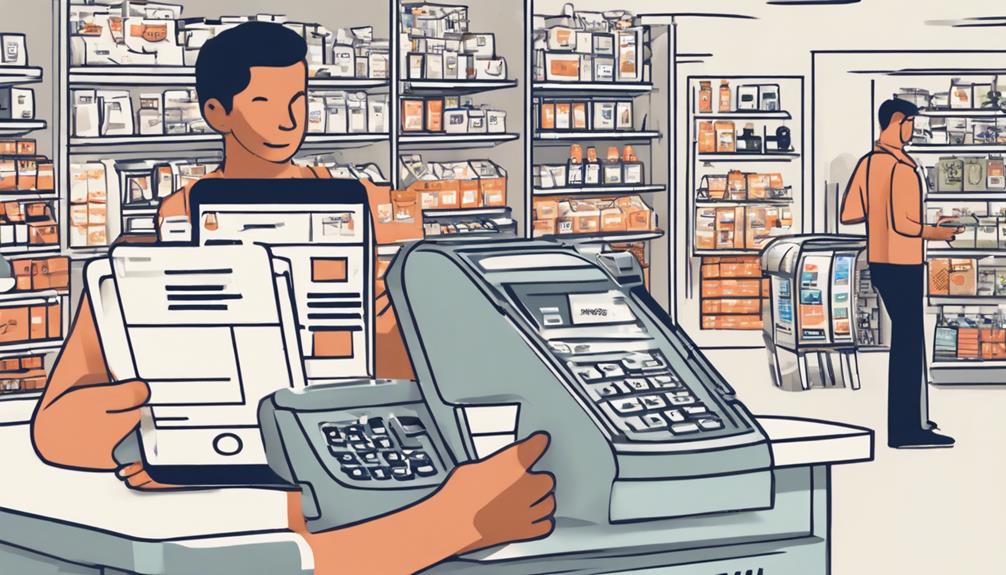
seamless hardware compatibility integration

When setting up a new POS system, it's crucial to consider how it'll integrate with your existing hardware. You don't want to find yourself stuck with incompatible devices or having to overhaul your entire setup, which can be costly and time-consuming.

First, assess the connectivity options of your current hardware. Does it support USB, Wi-Fi, or Bluetooth? Your new POS system must be compatible with these technologies to ensure seamless communication between devices. Check if you need any additional adapters or cables.

Next, consider the physical space on your sales floor. Ensure the new system can be installed without disrupting your current layout too much. It's not just about plugging in a new machine; it's about making sure it fits smoothly into your business environment.

Also, think about the power requirements. Does your existing hardware have the capacity to handle the new system without overloading? You might need to upgrade your power strips or reconsider your outlet placements.

Lastly, don't overlook the age and condition of your existing hardware. Older systems mightn't only be incompatible but could also slow down the performance of your new POS setup. Upgrading some older components might be necessary to take full advantage of modern payment solutions.

Software Requirements and Setup

After ensuring your hardware is ready, you'll need to focus on the software requirements for your POS system. The right software will help you seamlessly accept mobile payments, manage transactions, and provide valuable sales insights.

First, you'll need to choose a POS software that's compatible with the mobile payment methods you want to offer, such as Apple Pay, Google Wallet, or Samsung Pay. Make sure the software supports NFC (Near Field Communication) technology which is crucial for contactless payments.

Installation is the next step. Most POS software offers a straightforward setup process. You'll typically download and install the software on your POS device.

During installation, you'll configure settings specific to your business, like tax rates, product inventory, and employee access levels.

Once the software is installed, you'll run through a series of tests to ensure everything is functioning properly. This includes making test transactions to verify that mobile payments go through smoothly without any hitches.

Security Protocols for Mobile Payments
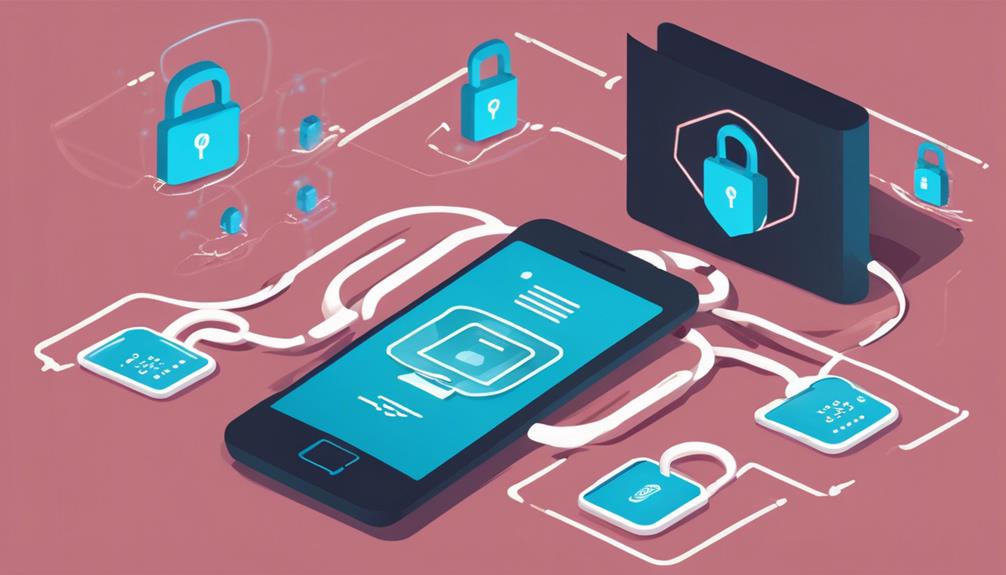
mobile payment security measures

Ensuring robust security protocols for mobile payments is crucial to protect both your business and your customers. When you integrate mobile payments with your POS system, you're opening up a new avenue for transactions that, while convenient, can also be vulnerable to security threats. It's your responsibility to safeguard this channel.

Firstly, ensure that your mobile payment solution complies with the Payment Card Industry Data Security Standard (PCI DSS). This standard mandates that any system processing credit cards must have secure data networks, protect cardholder data, maintain a vulnerability management program, and implement strong access control measures.

You should also enable end-to-end encryption (E2EE) for all transactions. This means that data is encrypted from the moment it's captured at your POS until it reaches your payment processor, minimizing the risk of interception.

Additionally, consider using tokenization, which replaces sensitive card details with a unique identifier that can't be used outside the context of a specific transaction.

Training Staff on New Technology

Implementing robust security protocols is just one step; you also need to effectively train your staff on the new mobile payment technology integrated into your POS system.

Training isn't just about showing them how it works; you've got to ensure they're comfortable and confident using it. This can be a game-changer in enhancing customer experience and streamlining transactions.

Start by organizing comprehensive training sessions that cover everything from the basics of operating the technology to understanding the types of mobile payments your business will accept.

It's crucial that you tailor these sessions to suit different learning paces. Some staff might pick up the processes quickly, while others may need a bit more time and practice.

Make use of visual aids and hands-on practice scenarios to demonstrate common transactions.

This approach helps in retaining information effectively. Don't just tell them how it's done; show them, then let them do it themselves under supervision.

Testing and Troubleshooting
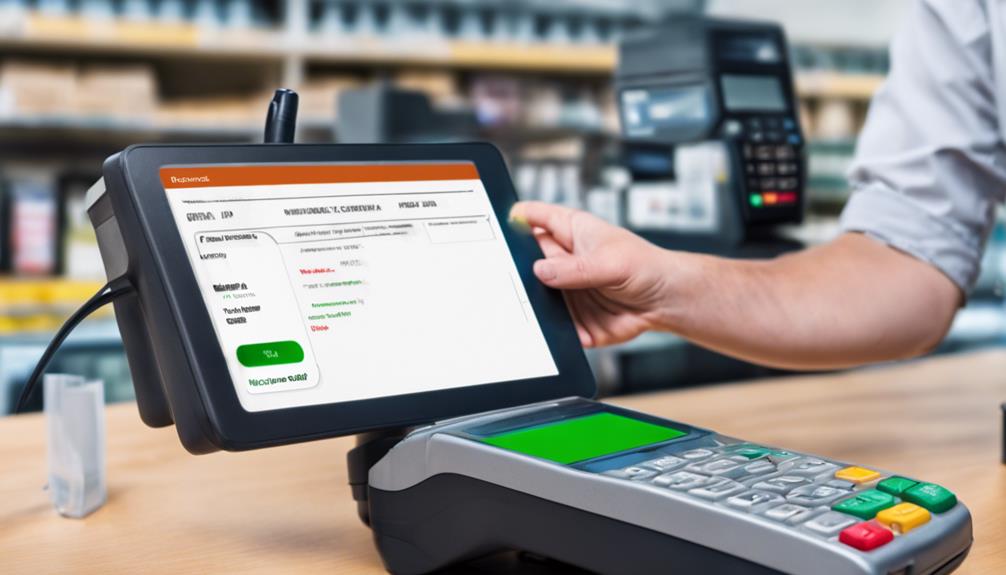
diagnosing issues effectively

Once your team is trained, it's crucial to test the mobile payment system thoroughly before going live. You'll want to ensure that every component interacts seamlessly. Start by processing mock transactions to check if the POS system accurately records and processes payments.

Run through different scenarios—like refunds, failed transactions, and split payments—to see how the system handles them.

Don't forget to test the hardware too. Are the card readers registering swipes, taps, and chip inserts consistently? Is the mobile connectivity stable across different devices? These checks help you catch glitches that could disrupt daily operations.

Encounter an issue? Don't panic. Document the problem and how you reproduce it. This information is gold when troubleshooting.

Often, the fix might be as simple as updating the software or recalibrating a device. If problems persist, reach out to your POS provider. They can offer guidance and more specialized solutions.

Maintaining System Performance

After successfully setting up and testing your mobile payment system, it's vital to maintain its performance to ensure smooth daily operations. Regularly updating the software is your first line of defense. Software developers often release updates to patch security vulnerabilities and optimize functionality. Don't ignore these updates; they're crucial for keeping your system secure and efficient.

You'll also want to monitor transaction speeds and error rates. If you notice transactions are processing slower than usual or encountering frequent errors, it might indicate a hardware issue or a need for software optimization. Address these issues promptly to avoid impacting your customer experience.

Additionally, implementing a routine maintenance schedule for your hardware is essential. This includes cleaning physical components, checking connectivity cables, and ensuring all devices are charging properly. Neglecting hardware can lead to failures and interruptions, which could turn away customers.

Lastly, consider conducting regular training sessions for your staff. They should be comfortable using the POS system and aware of steps to take in case of malfunctions. Well-trained employees can help minimize downtime and provide better service, keeping your system running smoothly and your customers happy.

Frequently Asked Questions

How Do Mobile Payments Impact Customer Loyalty and Retention?

Mobile payments streamline transactions, making shopping quicker and easier for you. This convenience boosts your satisfaction, thereby increasing loyalty and likelihood of returning, which is crucial for businesses aiming to retain their customer base.

Are There Tax Implications for Using Mobile Payments?

Yes, there are tax implications for using mobile payments. You'll need to report all transactions as income, and specific regulations may apply depending on your location. Always consult a tax professional for detailed advice.

Can Mobile Payments Handle International Currencies?

Yes, you can handle international currencies with mobile payments. They're designed to convert and process various currencies, making transactions seamless for you, whether you're dealing with euros, yen, or dollars.

What Environmental Impact Does Switching to Mobile Payments Have?

Switching to mobile payments reduces paper usage and energy consumption linked to traditional banking infrastructures. You'll contribute to cutting down waste and CO2 emissions, making your transactions more environmentally friendly.

How Does Customer Data Privacy Vary by Region With Mobile Payments?

You'll find customer data privacy standards for mobile payments vary widely by region. Each area has its own regulations, so you must ensure compliance based on where you're operating or processing payments.

Conclusion

You've made it through setting up mobile payments with your POS system! Remember, keeping your software updated and routinely checking security protocols will safeguard your transactions. Don't skimp on staff training; ensure everyone's confident with the new tech. Regularly test and troubleshoot to nip any issues in the bud quickly. By maintaining system performance, you'll provide seamless, secure service to your customers. You're all set to streamline operations and boost your business with mobile payments!

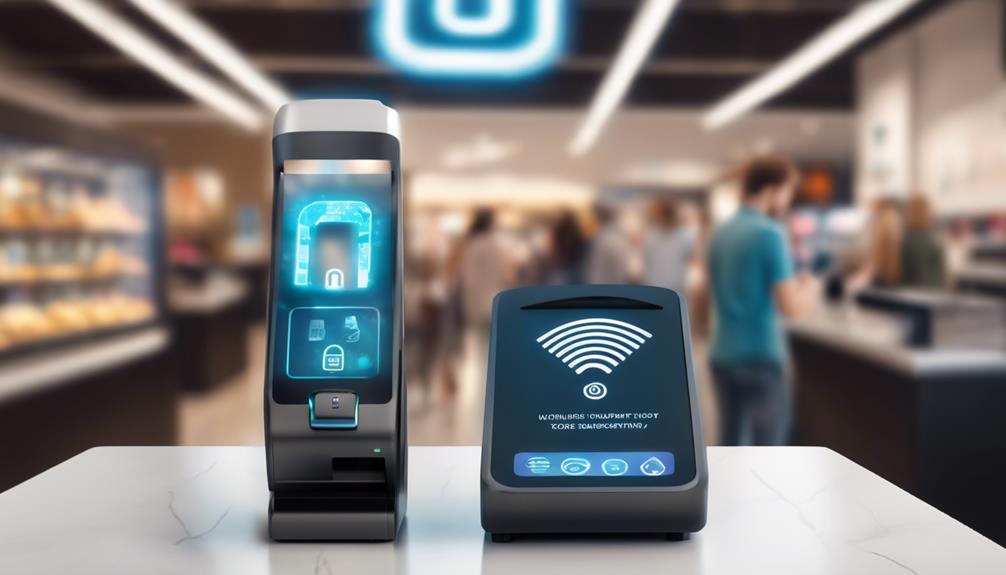
Exploring New Features in NFC-Enabled POS Systems

NFC-enabled POS systems have ramped up your transaction process's security and efficiency. By tapping your device, you can now complete secure transactions in seconds, thanks to advanced encryption and biometric verification like fingerprint or facial recognition. These systems seamlessly integrate with mobile wallets, are user-friendly, and offer customizable interfaces suited to your specific business needs. They also provide valuable analytics for better business decisions and are built to expand with your growing business. Exploring the newest features of these systems shows potential boosts in sales and customer satisfaction. There's much to uncover about how these innovations could benefit you further.

Enhanced Security Protocols

strengthened safety measures implemented

NFC-enabled POS systems often incorporate advanced security protocols to safeguard your transactions. These systems leverage encryption technology that scrambles your data as it's transmitted, ensuring that sensitive information isn't easily intercepted by unauthorized parties.

You'll find comfort in knowing that each transaction generates a unique, one-time code, making it nearly impossible for fraudsters to replicate or reuse your payment details.

Additionally, NFC systems are equipped with dynamic data authentication. This means they can verify the legitimacy of a card or mobile device each time you tap to pay, significantly reducing the risk of counterfeit fraud.

You're not only protected by the technology itself but also by the continuous updates and patches that developers roll out to tackle new security threats.

Moreover, many systems require biometric verification, such as fingerprint or facial recognition, adding an extra layer of security. You can rest easy knowing that even if your card or phone is stolen, the thief won't be able to make unauthorized purchases easily.

These combined features ensure that NFC-enabled POS systems provide you with one of the safest ways to conduct your transactions, keeping your financial data secure against evolving threats.

Speed of Transactions

While the security features of NFC-enabled POS systems are impressive, their ability to speed up transactions is equally significant. When you're running a business, every second counts. NFC technology simplifies the transaction process, allowing customers to pay by simply tapping their card or device near your POS terminal. This eliminates the need for swiping cards or manually entering payment details, which not only cuts down the transaction time significantly but also reduces the queue at your checkout counter.

Imagine the difference during peak hours. Traditional methods might take anywhere from 15 to 30 seconds per transaction. NFC, on the other hand, can process payments in just a few seconds. This swiftness can enhance customer satisfaction as they spend less time waiting. Moreover, faster transactions mean you can serve more customers in the same amount of time, potentially increasing your sales and profits.

Additionally, NFC-enabled systems often require fewer steps to complete a payment. There's no need for customers to confirm the amount, select a payment type, or wait for a receipt unless they request one.

The system handles these elements automatically, making your operations smoother and letting you focus more on customer service than on managing transactions.

Integration With Mobile Wallets

mobile wallets integration solutions

Beyond speeding up transactions, NFC technology also seamlessly integrates with mobile wallets, providing you a modern payment solution that meets the demands of today's tech-savvy consumers. This integration lets you tap into a simpler, more streamlined shopping experience.

Whether you're using Apple Pay, Google Wallet, or any other popular mobile wallet, NFC-enabled POS systems can recognize and process your payment in seconds.

As a consumer, you don't have to dig through your purse or wallet for cards anymore. Just a quick tap of your smartphone or smartwatch, and you're set. It's not just about convenience; it's also about security. Mobile wallets often require biometric confirmation like a fingerprint or facial recognition, adding an extra layer of security beyond the traditional PIN or signature.

For business owners, this means potentially reduced transaction times and increased customer satisfaction. You'll likely see a decrease in the queue at the checkout counter, which can translate into more sales during peak hours.

Moreover, the adoption of this technology can significantly lower the risk of credit card fraud, as NFC payments are encrypted and constantly evolving to integrate advanced security measures.

User-Friendly Interfaces

Many NFC-enabled POS systems feature user-friendly interfaces that make transactions effortless for both you and your customers. When you're running a business, the last thing you want is a payment system that's hard to navigate. That's why the intuitive layout of these systems is such a game changer.

You'll find that most interfaces are designed with simplicity in mind, displaying only essential information. This means less time training staff and more time focusing on customer service.

The screens are typically large and clear, with responsive touch functions that don't lag. You don't have to press multiple buttons to complete a transaction; a few taps are all it takes. Plus, the readability factor is high—vital information stands out, making it easy to confirm payment amounts and process payments quickly.

This efficiency not only speeds up the checkout process but also reduces the chances of errors, ensuring that every transaction is smooth and accurate.

Moreover, many of these systems come with step-by-step prompts that guide you through each transaction. This is especially helpful during busy periods when quick, accurate input is essential.

Customization and Flexibility

tailored solutions and adaptability

After discussing the streamlined interfaces of NFC-enabled POS systems, let's consider their adaptability to your business's unique needs.

One of the most compelling aspects of modern NFC-enabled POS systems is their ability to be customized. You're not just stuck with a one-size-fits-all solution; you can tailor aspects to fit the specific requirements of your business.

Imagine being able to modify your POS interface so that it aligns perfectly with your operational workflow. Whether you're running a boutique, a café, or a multi-branch enterprise, the flexibility is there. You can choose which features are prominent, adjust payment options, and even integrate with your existing inventory and employee management systems. This means less time fumbling through irrelevant options and more time enhancing your customer service.

Furthermore, these systems grow with your business. Starting small? No problem. You'll find that as your business expands, your POS system can easily scale up, adding new modules and features without disrupting your daily operations.

It's not just about adapting to your current needs but also anticipating your future growth.

With NFC-enabled POS systems, you're in control, ensuring that every transaction is as fast, efficient, and personalized as it can be.

Advanced Analytics Capabilities

As your business leverages NFC-enabled POS systems, you'll gain access to advanced analytics that transform raw data into actionable insights.

These sophisticated tools are designed to not only track sales and inventory but also to understand customer behaviors and preferences in unprecedented ways.

Imagine being able to pinpoint exactly which products are your top sellers at different times of the day or which promotions are driving the most traffic. These systems integrate various data points to provide a comprehensive view of your business landscape.

You'll see which items aren't performing well, allowing you to make informed decisions about what to stock or discontinue.

Additionally, NFC-enabled POS systems can segment customer data, offering insights into who your customers are and how they interact with your business.

This enables you to tailor marketing strategies effectively, targeting specific demographics with personalized offers and promotions that resonate.

What's more, this data isn't just a snapshot; it's available in real-time.

This means you can quickly adapt to trends as they emerge, rather than relying on outdated reports.

You'll be equipped to anticipate market shifts, optimize your operations, and ultimately enhance your profitability.

This level of analysis was once only accessible to large corporations but is now at your fingertips, empowering you to compete at a new level.

Frequently Asked Questions

How Does Weather Affect NFC POS System Functionality?

Weather can impact your NFC POS system, especially if it's exposed to extreme conditions. Cold can slow down performance, and moisture might cause malfunctions. You'll want to ensure your devices are adequately protected.

Can NFC POS Systems Operate Without Internet Access?

Yes, NFC POS systems can operate without internet access for basic transactions by using stored data, but you'll need connectivity for processing online payments or syncing transaction data to cloud services.

Are NFC POS Systems Compatible With All Smartphones?

Yes, NFC POS systems are generally compatible with most smartphones that have NFC capabilities. You'll find they work with both Android and iOS devices, ensuring a broad compatibility for seamless, hassle-free transactions.

What Is the Lifespan of an NFC POS Device?

You'll find that the lifespan of an NFC POS device typically ranges from 5 to 7 years, depending on usage and maintenance. Regular updates and proper care can extend its functionality even longer.

How Are NFC POS Systems Maintained or Serviced?

To maintain NFC POS systems, you'll regularly update software and replace hardware components as needed. It's crucial to clean them and check for security updates to prevent malfunctions and breaches.

Conclusion

As you explore the latest NFC-enabled POS systems, you'll appreciate the advanced security and lightning-fast transactions they offer. Integrating seamlessly with mobile wallets and boasting user-friendly interfaces, these systems can be customized to fit your unique business needs. Plus, their advanced analytics capabilities provide invaluable insights into customer behavior and sales trends. Embrace these innovations to not only streamline your operations but also enhance the overall shopping experience for your customers.

Key Features of NFC-Enabled POS Systems

NFC-enabled POS systems offer you swift and secure payment solutions that streamline the checkout process, minimize physical contact, and are compatible with various devices like smartphones and contactless cards. They also boost security by generating unique transaction codes and encrypting data. These systems integrate seamlessly with popular mobile wallets, ensuring a quick tap completes your transaction. Real-time data synchronization across platforms keeps inventory and pricing accurate, enhancing operational decisions. Plus, they enrich your customers' shopping experience by reducing wait times and integrating loyalty programs directly at payment. Discover how these features can transform your business operations and improve customer satisfaction.

Contactless Payment Efficiency

seamless digital transaction experience

Contactless payment systems, utilizing NFC technology, have revolutionized the speed and simplicity of transactions. You no longer have to fumble through your wallet for cash or cards. Instead, you simply tap your smartphone or NFC-enabled card on the POS terminal, and you're done in seconds.

This rapid transaction not only saves you time but also streamlines the checkout process, reducing the queue length in stores.

You'll find that NFC payments cut down on the physical contact involved. During busy shopping periods or in fast-paced environments like coffee shops or transit stations, this efficiency is a game-changer.

It's particularly helpful in today's world, where minimizing contact is often desired for health reasons.

Moreover, the versatility of NFC technology means you can use it with a variety of devices. Whether it's a wearable, a smartphone, or a contactless card, the flexibility is there.

You're not tied to one form of payment, which broadens your options and enhances your convenience.

Enhanced Security Protocols

Beyond the convenience of NFC-enabled payments lies a robust layer of security that protects your financial information. When you tap your card or device, the system generates a unique, one-time code. This code, often called a token, represents your account details during the transaction, ensuring that your actual card numbers aren't transmitted or stored at the point of sale. This dramatically reduces the risk of your sensitive data being intercepted or fraudulently replicated.

Moreover, NFC transactions are tightly secured with encryption. From the moment your device communicates with the POS terminal, the data exchanged is encrypted. This means that even if someone could intercept the information, it'd be incredibly difficult to decode and misuse.

You'll also find that NFC-enabled POS systems require authentication, such as a PIN or a fingerprint, before a transaction can be approved. This adds an extra layer of security by verifying that it's really you making the purchase, not someone who's unauthorized access to your device.

These enhanced security features make NFC not just fast and convenient but also one of the safest payment methods available today. So, you can tap and go with the peace of mind that your financial information is well-protected.

Integration With Mobile Wallets

mobile wallets integration strategy

NFC-enabled POS systems seamlessly integrate with mobile wallets, streamlining your shopping experience even further. When you're ready to check out, you don't have to dig through your bag for cash or cards. Instead, you simply tap your smartphone or smartwatch against the POS terminal. It's that easy.

This integration isn't just about convenience; it's also about flexibility. You can choose from various mobile wallets like Apple Pay, Google Wallet, or Samsung Pay, depending on what device you're carrying. What's more, these systems are designed to support multiple wallets, ensuring you're never left at a loss due to compatibility issues.

Imagine you're in a rush and all you've got is your phone. With NFC-enabled POS systems, that's all you need. You walk up to the counter, tap your device, and you're done. The transaction is quick, contactless, and secure. There's no physical contact, no need to hand over your card to anyone, and no buttons to press.

This level of integration simplifies your transactions and reduces the time you spend at checkout. It's a win-win for you and the retailer, enhancing the efficiency of the purchasing process and reducing queue times significantly.

Real-Time Data Synchronization

Real-time data synchronization is a game changer for businesses using NFC-enabled POS systems. When you integrate these systems into your operations, you're not just streamlining transactions; you're also ensuring that all your data is consistently updated across every platform you use. This means the second a sale is made, your inventory and accounting systems are immediately informed, reducing errors and enhancing efficiency.

Imagine you're running a promotion or adjusting prices. With real-time synchronization, any changes you make are instantly reflected across all channels. You don't have to worry about discrepancies between what's shown online and what's available in-store. This synchronization not only saves you time but also prevents potential conflicts caused by outdated information.

Moreover, this feature supports your decision-making process. You get access to up-to-the-minute data, allowing you to make informed choices quickly. Whether it's reordering stock based on current sales trends or planning your staffing requirements for peak times, you have accurate data at your fingertips.

This responsiveness to changing business conditions is invaluable.

Customer Experience Improvements

enhanced customer satisfaction efforts

Enhancing customer experience is crucial, and NFC-enabled POS systems play a significant role in this improvement. As you explore new ways to streamline your business, consider how these systems make transactions smoother and faster. Imagine your customers breezing through checkout lines with a simple tap of their smartphones. There's no fumbling for cash or cards, reducing wait times significantly.

Moreover, NFC technology isn't just about speed; it's also about engagement. You can personalize customer interactions by integrating loyalty programs and promotional offers directly at the point of sale. This way, you're not just processing a transaction; you're creating a connection. Each tap can be an opportunity to delight customers with rewards or discounts that feel tailor-made for them.

Another critical aspect is the reduction of errors. With NFC, the chances of miskeyed entries or misplaced payments drop dramatically. You'll see fewer discrepancies at the end of the day, which means less time spent on reconciliations and more time focusing on customer service.

Investing in NFC technology transforms the checkout process into a seamless, enjoyable part of the shopping experience. It's a smart move that can lead to happier customers and a healthier bottom line. Consider this as you plan to enhance your service offerings.

Hardware and Software Requirements

Before diving into the integration of NFC-enabled POS systems, it's essential to understand the hardware and software requirements needed to support this technology.

You'll need an NFC reader that can communicate with mobile devices or contactless cards. This hardware is often integrated into modern POS terminals, but can also be added as an external device if your current system doesn't support NFC.

On the software side, your POS system must be capable of processing NFC transactions. This means it should have the necessary application programming interfaces (APIs) to handle the specific communication protocols used by NFC tags and devices.

You'll need to ensure that your POS software is updated and compatible with these standards.

Additionally, security is a vital component. Your system should include encrypted data transmission capabilities to protect customer information during NFC transactions.

Make sure your software supports the latest security protocols and that it's compliant with industry regulations such as PCI DSS for payment data security.

Lastly, consider the user interface of your POS system. It should be intuitive and easy to use, ensuring that transactions are quick and seamless.

This will enhance the overall customer experience, leveraging the speed and convenience of NFC technology.

Frequently Asked Questions

How Does Weather Affect Nfc-Enabled POS System Functionality?

You might notice that extreme temperatures can affect your NFC-enabled POS system's functionality, potentially leading to slower response times or hardware malfunctions. Keep your device protected from severe weather for optimal performance.

Are Nfc-Enabled POS Systems Compatible With Older Card Technologies?

Yes, you'll find that many NFC-enabled POS systems are compatible with older card technologies, including magnetic stripe and chip cards, allowing you to process a wide range of payment types seamlessly.

What Training Is Required for Staff Using Nfc-Enabled POS Systems?

You'll need to train your staff on basic operations, troubleshooting, and customer assistance specific to NFC transactions. It's generally straightforward, focusing on hands-on practice to ensure smooth, efficient customer interactions.

Can NFC POS Systems Operate Without Internet Connectivity?

You can't use NFC POS systems without internet connectivity as they need it to process transactions securely and efficiently. Ensure your setup's connected to avoid disruptions in your sales activities.

How Does NFC Technology Impact POS System Battery Life?

NFC technology generally drains your POS system's battery faster because it requires power to communicate with contactless devices. You'll notice a decrease in battery longevity during high usage of NFC transactions.

Conclusion

You've seen how NFC-enabled POS systems transform transactions. They make payments faster and safer, seamlessly sync with mobile wallets, and enhance the checkout experience. Remember, you'll need specific hardware and software to get started. By integrating these systems, you're not just keeping up with technology—you're also providing a smoother, more secure service that customers appreciate. Embrace the change, and watch how it positively impacts your business efficiency and customer satisfaction.

Top Features of NFC-Enabled POS Systems Explained

NFC-enabled POS systems offer you remarkable enhancements in speed, security, and integration. By simply tapping a smartphone or card, you can breeze through payments, especially during busy hours, boosting customer satisfaction. These systems secure transactions using advanced encryption and tokenization, protecting against fraud. They also mesh seamlessly with your existing tech, making adoption a breeze. Plus, detailed analytics help you fine-tune your business operations based on customer behavior and sales trends. You'll appreciate how contactless payments not only speed up service but also position your business as forward-thinking. There's even more to discover on how these features can revolutionize your service delivery.

Enhanced Customer Checkout Speed

accelerated shopping experience improvements

NFC-enabled POS systems drastically cut down transaction times at checkout. You've probably experienced the frustration of long lines at the store, waiting for each person to fumble with cash or slowly type in their PIN.

Now, imagine waving your smartphone or tapping your credit card, and you're done in seconds. That's the convenience NFC technology offers at POS terminals.

This technology isn't just fast; it's incredibly user-friendly. You don't need to dig through your wallet for the right card or worry about entering your PIN correctly in a hurry. Just tap and go.

It's particularly handy during peak hours or in fast-paced environments like coffee shops or transit stations, where speed is of the essence.

Moreover, you'll find that businesses that adopt NFC are often seen as tech-savvy and customer-oriented. This perception can enhance customer satisfaction and potentially increase loyalty and repeat business.

For you, as a consumer, it translates to less time spent in queues and more time enjoying your purchases or moving on with your day.

Improved Security Measures

While NFC-enabled POS systems streamline your payment process with speed, they also bolster your transactions with enhanced security measures. You'll find that these systems utilize advanced encryption technology, ensuring that customer data is securely transmitted during each transaction. This means that personal information is converted into a complex code before it's sent over networks, significantly reducing the risk of data theft or interception.

Moreover, NFC technology often includes secure element chips that store encrypted data safely on the device. This chip is tamper-resistant and protects sensitive information even if the POS system itself is compromised. You're not just relying on one security feature; it's a layered approach that guards against various threats.

Another key security feature is tokenization. This replaces your customers' sensitive data, like credit card numbers, with unique identification symbols. These tokens are useless to hackers, as they can't be reverse-engineered back into the original data. This doesn't just protect your customers; it also minimizes your liability in the event of a data breach.

You'll appreciate that these systems require no physical contact, which inherently reduces the risk of credit card skimmers and other fraud devices. With NFC, you're not only making transactions quicker but also a lot safer.

Seamless Integration Options

smooth integration solutions available

Beyond enhancing security, NFC-enabled POS systems offer seamless integration options that can revolutionize your business operations. These systems are designed to work harmoniously with your existing software, from inventory management to customer relationship management (CRM) tools, ensuring you don't have to overhaul your tech stack.

You'll find that syncing your new NFC-enabled POS with the software you already use eliminates the steep learning curve often associated with adopting new technology. This means you can integrate NFC technology smoothly without disrupting your business flow.

Furthermore, most modern POS systems are built on open platforms which support plugins and extensions. This flexibility allows you to add features as your business grows or as your needs change, without needing a completely new system.

Moreover, the ability to integrate seamlessly means you can connect various payment systems and e-commerce platforms. Whether you're selling in-store, online, or through mobile applications, everything can be centralized into one system.

This not only simplifies your operations but also provides a consistent shopping experience for your customers.

Detailed Transaction Analytics

Integrating NFC-enabled POS systems not only streamlines your operations but also provides you with detailed transaction analytics that can transform how you understand your sales data. These systems capture a wealth of information with each tap, including transaction times, amounts, and consumer behavior trends. This data is crucial for tailoring your marketing strategies and inventory management.

With these analytics, you're not just seeing numbers; you're gaining insights into what products are hot-sellers, which promotions are working, and at what times your store is most frequented. You can also track the effectiveness of different payment methods and reward programs, all integrated within your POS system. This level of detail helps you make informed decisions about product placement and promotional tactics.

Moreover, this technology allows you to identify purchasing patterns and customer preferences, enabling you to offer personalized experiences and deals. You'll better understand the peaks and troughs of your business cycle, helping you to optimize staffing and operational resources.

In essence, detailed transaction analytics from your NFC-enabled POS system don't just report on your business—they help you grow it. By analyzing this data, you can fine-tune every aspect of your operations, ensuring you meet your customers' needs more effectively and boost your profitability.

Contactless Payment Benefits

convenient fast secure transactions

Contactless payment systems offer you significant advantages, streamlining transactions to enhance both customer satisfaction and operational efficiency. When you tap your card or device, the process isn't just quick; it's secure, reducing the risk of fraud with advanced encryption methods. You don't have to fumble for cash or wait for change, and queues move faster, which is a relief during peak hours.

Moreover, these systems can boost your sales. Customers tend to spend more when they're using contactless methods due to the ease of transaction. It's not just about speed; it's also about the seamlessness. You'll find the payment process is so smooth that it encourages repeat business. People love convenience, and when you provide that, they come back.

Additionally, contactless payments reduce your overhead costs. You're not dealing with as much cash, so there's less need for secure handling and banking services. It also means less wear and tear on your hardware since devices aren't physically swiped or inserted.

Implementing this technology positions you as a modern, forward-thinking business. It's a small upgrade that speaks volumes about how you value customer interaction and efficiency. This isn't just an investment in technology—it's an investment in customer satisfaction and loyalty.

Frequently Asked Questions

How Does NFC Impact Battery Life on Mobile Devices?

NFC impacts your mobile device's battery life by consuming power only when active. It's designed to be efficient, so the drain isn't significant compared to other functions on your phone.

Are Nfc-Enabled POS Systems Compatible With All Smartphones?

Yes, most NFC-enabled POS systems are compatible with all modern smartphones that support NFC technology, so you shouldn't have trouble using your device for contactless payments at these terminals.

Can NFC POS Handle Multiple Currencies?

Yes, NFC POS systems can handle multiple currencies, making it easier for you to accept payments from international customers without hassle. This feature enhances your business's flexibility and customer service effectiveness.

What Is the Average Cost of Installing an NFC POS System?

You're looking at an average cost between $500 to $2000 for installing an NFC POS system. Factors like brand, features, and scale of operations largely influence the final installation price.

How Does Weather Affect NFC Connectivity and Functionality?

Weather can impact your NFC's connectivity and functionality, especially in extreme conditions. Cold or wet weather might slow down or disrupt communication between devices, affecting transactions and overall performance at your point of sale.

Conclusion

You'll love how NFC-enabled POS systems transform your business. They not only speed up the checkout process, making your customers happier, but also ramp up security, keeping transactions safe. The seamless integration with other tech means you're getting a smoother operation all round. Plus, the detailed analytics help you pinpoint exactly where you're succeeding and what you need to tweak. And don't forget the convenience of contactless payments—it's a game changer for you and your customers alike!

What Features Does NFC-Enabled POS Offer?

NFC-enabled POS systems let you streamline your transactions by allowing contactless payments through various devices like smartphones and NFC-enabled cards. You'll enjoy quicker checkouts as each transaction processes in less than a second with enhanced security using unique, encrypted codes. It's not just about speed; these systems also improve your shopping experience by integrating loyalty programs and providing targeted promotions. Enhanced security features like tokenization and two-factor authentication safeguard your sensitive details, promoting a safer transaction environment. With added conveniences like mobile wallet compatibility and real-time data analytics, you're set for a more efficient and tailored customer interaction. Discover how these features could transform your business operations.

Contactless Payment Capabilities

seamless digital transaction experience

Contactless payment capabilities have revolutionized the checkout process, offering you a quicker and safer way to pay. This technology utilizes near-field communication (NFC) to enable you to complete transactions simply by tapping your card or smartphone near a point-of-sale (POS) terminal. You don't have to fumble through your wallet for cash or cards, nor do you need to remember a PIN for every transaction.

The rise of NFC technology means that you can use a variety of devices for payments, including smartphones, smartwatches, and NFC-enabled credit or debit cards. This flexibility ensures you're never caught off guard if you forget your wallet at home.

Additionally, each transaction is completed using a unique, encrypted code, enhancing security against potential fraud. You'll find that this encryption shields your financial details from being exposed during the transaction process.

Moreover, contactless payments are incredibly fast, typically requiring less than a second to process. This speed significantly cuts down your time at the checkout, allowing you to breeze through lines more efficiently than ever before.

With NFC technology, you're not just paying; you're upgrading to a faster, more secure way to handle your transactions every day.

Enhanced Customer Experience

NFC-enabled POS systems not only streamline your transactions but also significantly enhance your overall shopping experience. By using this technology, you're treated to a more personalized shopping journey. Imagine walking into a store and receiving promotions or discounts directly to your phone, tailored just for you, based on your past purchases and preferences. That's the power of NFC!

Moreover, these systems often integrate loyalty programs seamlessly. You can earn and redeem points with a simple tap of your phone, eliminating the need to carry multiple loyalty cards. This integration makes every visit more rewarding without the hassle of physically managing tokens or coupons.

NFC technology also enables more secure transactions. Since you don't need to hand over your card or enter a PIN on a possibly compromised keypad, you're less exposed to fraud. Every transaction uses a unique, encrypted code, making it extremely difficult for fraudsters to steal your financial information.

The convenience extends to returns and exchanges as well. With NFC, your purchase history can be easily accessed, making these processes smoother and quicker, without the need for keeping physical receipts.

This level of simplicity and security profoundly enhances your shopping experience, making it more enjoyable and safe.

Increased Transaction Speed

enhanced processing efficiency

Speeding up transactions is one of the standout benefits of integrating NFC technology at your point of sale. When you adopt NFC-enabled POS systems, you're not just installing a new way to process payments; you're significantly reducing the time it takes for each customer interaction. This speed is primarily due to the contactless nature of NFC transactions, which don't require physical swiping or inserting of cards.

Imagine the difference during peak hours. Customers simply tap their NFC-enabled devices or cards near the POS terminal, and the payment processes almost instantaneously. There's no fumbling for cash, no waiting for chip cards to process—a quick tap, and it's done. This streamlined process can shave valuable seconds off each transaction, adding up to significant time savings over the course of a day.

For you, this means shorter lines and happier customers. The quicker you can move customers through the checkout, the more customers you can serve. This efficiency not only improves customer satisfaction but also boosts your throughput, potentially increasing your revenue.

Integrating NFC technology at your POS is a smart move to keep your business running smoothly and your customers coming back.

Improved Security Features

Beyond enhancing transaction speed, NFC technology also significantly bolsters the security of each payment. When you utilize NFC-enabled POS systems, you're tapping into advanced security protocols that protect your transactions from fraud and unauthorized access.

One key feature is tokenization, which replaces your card details with a unique, one-time code for each transaction. This means your actual card numbers aren't transmitted during the payment process, reducing the risk of data breaches.

Additionally, NFC transactions often require two-factor authentication. You might need to enter a PIN or use biometric verification such as fingerprint or facial recognition to complete a transaction. This layer of security ensures that even if someone intercepts the tokenized data, they can't use it without also having access to your secondary verification method.

Encryption is another cornerstone of NFC security. The data exchanged between your card and the POS terminal is encrypted, making it extremely difficult for hackers to decipher.

This robust security framework not only defends against potential threats but also builds customer trust. By knowing their data is secure, customers are more likely to use NFC payments, enhancing their overall shopping experience.

Mobile Wallet Integration

seamless digital payment solutions

Integrating mobile wallets with your NFC-enabled POS system streamlines the payment process even further, allowing customers to pay with a simple tap of their smartphone or smartwatch. This convenience not only speeds up transactions but also enhances customer satisfaction by offering a seamless checkout experience.

When you enable mobile wallet payments, you're adopting a technology that's already in the pockets of millions. Most smartphones and smartwatches are equipped with Apple Pay, Google Wallet, or Samsung Pay, making it easy for your customers to use their preferred digital wallet. It's not just about ease; it's about meeting your customers where they are—increasingly, that's on their mobile devices.

Moreover, using mobile wallets can reduce your handling of cash and physical credit cards, which in turn minimizes security risks and operational costs. With each tap, the transaction data transmitted is encrypted, ensuring that customer payment information is secure.

You'll also find that the incidence of fraud decreases as mobile wallets often require biometric confirmation like a fingerprint or facial recognition, adding an extra layer of security.

Embracing mobile wallet integration not only keeps you current with technological trends but also gives you a competitive edge, attracting tech-savvy shoppers who value convenience and security.

Real-Time Data Analytics

Real-time data analytics in your NFC-enabled POS system offers you immediate insights into sales trends and customer behaviors. This powerful feature allows you to monitor transactions as they happen, giving you a clear, up-to-the-minute view of what's selling and what isn't.

You're not just collecting data; you're actively using it to make informed decisions that can boost your bottom line. Imagine being able to see which products are flying off the shelves on a busy Saturday afternoon or noticing a sudden drop in sales the moment it happens. With real-time analytics, you can.

This immediate feedback helps you adjust your inventory and marketing strategies on the fly, ensuring you're always a step ahead. Whether it's rerouting foot traffic, promoting slow-moving items, or preparing for a restock, you're empowered to act swiftly.

Additionally, this technology helps you understand the ebb and flow of customer visits, providing you data on peak hours, slow days, and everything in between. Armed with this knowledge, you can optimize staffing levels and operational costs, all while enhancing customer service.

Real-time data analytics doesn't just simplify management; it transforms your approach to business.

Loyalty Program Support

customer loyalty assistance services

Loyalty programs are a key feature of NFC-enabled POS systems, enabling you to reward regular customers and encourage repeat business. These systems simplify the process of tracking customer purchases and preferences, allowing you to tailor rewards and promotions effectively.

With NFC technology, customers can simply tap their smartphones or cards to earn and redeem loyalty points, streamlining the entire transaction process. This integration means you're not just offering a payment service but also building a relationship with your customers.

You can set up automated rewards that trigger based on purchase behaviors, which not only enhances customer satisfaction but also increases the likelihood of repeat visits. For example, you could offer discounts, special offers, or exclusive access to new products as part of your loyalty scheme.

Moreover, NFC-enabled POS systems collect valuable data on customer habits and preferences. This data can be analyzed to further refine your loyalty programs and marketing strategies.

You'll understand what motivates your customers and how best to cater to their needs, making your offers more targeted and effective.

Frequently Asked Questions

How Does NFC Technology Impact POS Maintenance Costs?

NFC technology reduces your POS maintenance costs by minimizing physical wear and tear. You'll experience fewer mechanical failures and lower expenses related to repairs and component replacements, making your system more cost-efficient overall.

Can NFC POS Systems Operate Without Internet Access?

You're wondering if NFC POS systems can work offline. Yes, they can process transactions without internet access by storing data to complete the payment once connectivity is restored. It's handy for interrupted services.

Are There Environmental Benefits to Using NFC POS Systems?

Yes, using NFC POS systems can reduce environmental impact. You'll see less paper waste from receipts and lower energy consumption compared to traditional systems, making it a greener choice for your business.

What Training Is Required for Staff to Use NFC Pos?

You'll need to train your staff on using NFC POS systems, focusing on transaction processing, security protocols, and customer interaction to ensure efficient and secure payments. It's usually quick and user-friendly.

How Does NFC POS Handle Multiple Currency Transactions?

NFC POS systems let you process transactions in multiple currencies effortlessly. You'll find them automatically converting amounts and offering real-time exchange rates, making your overseas purchases smoother and more straightforward.

Conclusion

You've seen how NFC-enabled POS systems revolutionize transactions. With contactless payments, you're not only speeding things up but also enhancing security and customer experience. Integrating mobile wallets and supporting loyalty programs means you're always ahead, offering convenience and value. Plus, real-time data analytics empower you to make informed decisions swiftly. Embrace these features, and you'll see how they transform your business, making every transaction smoother and smarter.

Unveiling Hidden Debit Card Fees in POS Systems

When you use your debit card at different stores, you're often hit with hidden fees that your POS system doesn't always show clearly. These extra charges can vary, especially with foreign transactions or when using ATMs outside your bank's network. Small businesses in particular may not realize how much they're paying in surcharges, which can eat into profits significantly over time. It's crucial to understand these costs to avoid any surprises and better manage your finances. Transparent fee structures are crucial, so always check how much you're really being charged. Exploring detailed comparisons might show you ways to cut down on these fees.

Understanding Debit Card Fees

comprehending debit card charges

Debit card fees often catch you off guard, subtly increasing your transaction costs without clear warning. When you swipe your card at a store, you're not just paying for your purchases; you might also be paying a variety of additional charges that aren't immediately obvious. These fees can vary widely depending on where and how you use your card.

For instance, if you're using your debit card abroad, you could be hit with foreign transaction fees. These are typically a percentage of the amount you spend, and they can add up quickly.

Similarly, if you use an ATM outside your bank's network, you'll likely incur a fee from both the ATM operator and your bank. These costs can make a significant dent in your wallet if you're not careful.

Another less obvious charge is the overdraft fee, which occurs if you make a purchase that exceeds your account balance. While not directly tied to the point of sale, it's a fee related to debit card use that can catch you by surprise.

Being aware of these fees helps you make more informed choices about when and how to use your debit card, potentially saving you money in the long run.

Typical POS System Charges

When you make a purchase using a POS (Point of Sale) system, various charges can apply, directly affecting your total cost. Typically, you'll encounter a transaction fee, which is a percentage of the sale amount. This fee can vary depending on the type of card you use and the terms negotiated by the merchant with their payment processor.

Aside from transaction fees, you might also face a flat fee per transaction. This is a fixed amount added to every purchase, regardless of the transaction size. It's a common way for POS systems to ensure minimal earnings per sale, especially in low-value transactions.

Some POS providers charge a monthly support fee as well. This covers customer service, system maintenance, and software updates, ensuring that the system runs smoothly and securely.

Additionally, you may encounter compliance fees. These are charged to maintain standards set by payment industry guidelines, protecting both your data and the merchant's.

Lastly, if you're using your debit card internationally, watch out for currency conversion fees. These fees compensate for the cost of converting your purchase amount from one currency to another, typically adding an extra charge on top of the transaction.

Comparing Major POS Providers

evaluating leading pos solutions

To effectively navigate the maze of fees associated with POS systems, it's essential to compare the offerings of major POS providers.

You'll find that each provider structures their fees differently, so understanding their pricing models is crucial.

Let's start with Square. It's popular for its flat-rate pricing, which includes a specific percentage plus a fixed fee per transaction.

This simplicity helps you predict costs easily, but remember, these fees can add up quickly, especially if you're processing a high volume of transactions.

Next, consider Clover. Clover's fees can vary based on the hardware and software package you choose.

They often charge a monthly fee on top of transaction fees, which might include payment processing and system maintenance.

It's important to calculate these combined costs to get a true sense of what you'll pay.

Lastly, look at PayPal's POS solution, Zettle. Zettle tends to offer competitive transaction rates, which are attractive for smaller volumes.

However, they also charge for hardware and have additional fees for things like chargebacks or international cards.

Impact on Small Businesses

Understanding the different fee structures of major POS providers helps you see how these costs affect your business. When you're running a small business, every penny counts, and hidden fees can quickly cut into your profits. These unexpected charges may seem small individually, but they add up, reducing your overall financial health.

Debit card fees, in particular, can be a silent budget eater. You might notice that the more transactions you process, the higher these fees climb, which is particularly challenging during high sales periods. For a small business, this variability makes financial planning tricky.

You're trying to grow, but these fees can hold you back by consuming a portion of the revenue you're working hard to increase.

Moreover, the impact extends beyond just your balance sheet. High transaction fees can force you to raise your prices, which might alienate your cost-sensitive customers. This is a direct hit to your competitive edge in a market where pricing can be a critical determinant of customer choice.

Avoiding Excessive Charges

minimizing unnecessary fees

You can sidestep excessive debit card fees by choosing the right POS system and negotiating terms that favor your business.

It's crucial to research and compare the fee structures of different systems. Look for those offering low transaction fees and no hidden costs. Also, consider the volume of transactions your business processes, as some systems offer lower rates for higher volumes.

Educating yourself about the types of fees typically charged, such as transaction fees, monthly fees, or setup fees, allows you to make informed decisions.

Opt for a POS system that has a transparent fee structure. This transparency helps you predict monthly costs and manage your budget more effectively.

Be wary of offers that seem too good to be true. Sometimes, low upfront costs can lead to higher ongoing fees. Always read the fine print before signing any contracts.

Lastly, leverage technology that reduces the need for physical card swipes.

Systems that facilitate contactless payments or mobile payments often have lower fees and can speed up the transaction process. This not only cuts costs but also enhances the customer experience at your checkout.

Negotiating Better Rates

Securing favorable rates for your debit card transactions involves strategic negotiation with POS system providers. You've got to know your current transaction volumes and patterns to effectively argue for lower fees.

Don't shy away from discussing your business's growth potential, as providers might offer better rates with the prospect of increased transaction volumes.

It's crucial to compare rates from different providers. Don't just look at the numbers; analyze what each fee structure offers and how it aligns with your business model.

Are there hidden fees? What's the cost per transaction? Knowing these details puts you in a stronger negotiating position.

Leverage your loyalty if you've been with a provider for a long time. Remind them of your past business and suggest that a continued partnership is beneficial, but only if the rates are competitive.

If they're not willing to budge, don't be afraid to switch providers. Often, the possibility of losing a customer can make them reconsider their offer.

Future Trends in Pricing

evolving pricing strategies ahead

Anticipating future trends in pricing is crucial as POS system providers evolve. You'll find that costs are likely to become more transparent. With the outcry against hidden fees growing louder, providers might shift toward more straightforward pricing models. This change means you'll see fees upfront, making it easier for you to budget and compare options.

Moreover, technology advances are set to play a big role. As POS systems integrate more with digital payment technologies, the costs associated with transactions could decrease. This integration could lead to savings that providers might pass on to you in the form of lower fees. However, be wary as the initial cost of upgrading or implementing new technologies could be high.

You should also keep an eye on subscription models. These are becoming popular and could alter how you're charged. Instead of paying per transaction, you might pay a monthly fee that covers all your transactions, which could simplify your financial planning.

Lastly, competition will drive innovation and pricing. As more players enter the market, you'll likely benefit from improved service offerings at competitive prices. Stay informed and don't hesitate to switch providers if you find a better deal that meets your needs.

Frequently Asked Questions

How Do International Transactions Impact Debit Card Fees at Pos?

When you use your debit card for international transactions at POS, you'll often face higher fees. These can include currency conversion charges and international service fees set by your bank.

Are There Differences in Fees Between Debit and Credit Transactions?

Yes, you'll often find that debit transactions typically have lower fees than credit transactions. This difference affects how much you're ultimately charged when you make a purchase using your card.

Can Frequent System Updates Affect POS Transaction Fees?

Yes, frequent system updates can affect POS transaction fees. You'll find that updates might introduce new fee structures or optimize existing ones, potentially changing what you're charged per transaction. Always check the latest terms.

What Are the Environmental Impacts of Digital Vs. Physical POS Systems?

You'll find digital POS systems typically have a lower environmental impact than physical ones, as they reduce the need for paper receipts and minimize the manufacturing and disposal of hardware components.

How Do POS Fees Affect Pricing Strategies for Small Businesses?

POS fees can significantly impact your small business's pricing strategies. You'll need to account for these costs in your product prices or absorb them, potentially reducing your profit margins to stay competitive.

Conclusion

You've seen how debit card fees in POS systems can add up, impacting your small business's bottom line. Comparing POS providers helps you understand who's charging what. Remember, you're not stuck with high fees. Negotiate better rates and explore options to minimize costs. As trends evolve, keep an eye on pricing changes to ensure you're always getting the best deal. Stay proactive and informed to turn these challenges into opportunities for your business.

3 Tips: Comparing Debit Card Fees for POS Systems

When comparing debit card fees for POS systems, it's crucial you grasp the common fee structures, which include interchange fees, payment processor markups, and additional fees such as monthly service charges. Make sure the POS provider outlines all fees transparently to avoid any hidden costs that could surprise you later. Additionally, weigh the cost versus the benefits each system offers; sometimes higher fees might be offset by advanced features like fraud protection or analytics that could boost your business efficiency. Exploring these aspects ensures you'll find a cost-effective solution that scales with your business needs, inviting further insights into optimizing your payment processing.

Identify Common Fee Structures

common fee structures explained

When selecting a POS system, it's crucial to understand the common fee structures associated with debit card transactions. Typically, you'll encounter a few different types of fees that can significantly impact your overall costs.

Firstly, there's the interchange fee, which is paid to the bank that issued the debit card. This fee is a percentage of the transaction amount, and it varies depending on the type of card and the details of the transaction. You can't negotiate these fees, as they're set by the card networks.

Next, you'll find the payment processor's markup. This is an additional fee on top of the interchange cost. It's where you'll see the most variation between providers, as each processor sets its own rates. This fee often includes both a percentage of the transaction and a fixed per-transaction charge.

Lastly, consider any additional fees that might apply, such as monthly service fees, terminal fees, or fees for PCI compliance. These aren't directly related to individual transactions but are part of the overall cost of using a POS system.

Understanding these fees helps you make an informed choice, ensuring you don't end up paying more than you need to.

Evaluate Fee Transparency

Evaluating the transparency of fee structures is crucial as you compare different POS systems. You'll want to ensure that the fees associated with each option are clearly outlined and easy to understand. This means no hidden charges or unexpected costs that could surprise you down the line.

When you're looking through the fee structures, check if the provider lists all possible fees. This includes setup fees, transaction fees, monthly or annual fees, and any penalties for early termination or service adjustments. If a provider isn't upfront about these, it's a red flag. You shouldn't have to dig through fine print or make multiple inquiries to get a full picture of what you'll be paying.

Also, pay attention to how these fees are presented. Are they straightforward? Can you easily calculate the total cost of using the POS system based on the provided information? Providers that present their fees in a clear and organized manner are generally more reliable.

Compare Cost Vs. Benefits

evaluate expenses and gains

After ensuring fee transparency in your POS system options, it's equally important to assess how the costs stack up against the benefits.

You'll find that while some services may seem pricey, they often offer features that can significantly boost your business efficiency and sales. For instance, a system with higher fees might provide superior fraud protection, customer loyalty programs, and detailed analytics, which can save you money in the long run and increase customer satisfaction.

To make the best decision, list all the features each POS system offers and rate their importance to your business.

If a system includes services that streamline operations—like inventory management or e-commerce integration—consider whether these will outweigh the initial cost.

You'll also want to think about the scalability of the system. Will it grow with your business, or will you need to upgrade sooner than expected?

Frequently Asked Questions

How Often Do Debit Card Fee Rates Change for POS Systems?

Debit card fee rates for POS systems can change frequently, depending on the provider and market conditions. You'll need to check updates regularly to ensure you're always getting the best possible deal.

Can Seasonal Businesses Negotiate Lower Debit Card Fees?

Yes, you can negotiate lower debit card fees as a seasonal business, especially if you demonstrate high transaction volumes during your peak season. It's worth discussing with your provider to potentially reduce costs.

Are Debit Card Fees Tax Deductible for Businesses?

Yes, you can typically deduct debit card fees as a business expense on your taxes. They're considered ordinary and necessary costs of running your business, similar to other processing fees.

Do Debit Card Fees Differ by Customer Bank?

Yes, debit card fees can vary depending on the customer's bank and the agreement your POS system has with different financial institutions. You'll find some banks might charge higher transaction fees than others.

What Impact Do International Transactions Have on Fees?

International transactions usually increase debit card fees due to currency conversion and cross-border charges. You'll often pay more, so it's wise to check your bank's policies before making international purchases.

Conclusion

So, you've got the basics down. When choosing a POS system, remember to scrutinize the fee structures. Don't just glance at them—really dig into the details. Make sure the fees are laid out clearly; you shouldn't be caught off guard by hidden costs. Lastly, balance the costs against the benefits. If the perks outweigh the expenses, it might be worth the investment. Choose wisely and ensure your business thrives with the most cost-effective and beneficial system!

Guide to Comparing Debit Card Fees for POS Systems

When you're comparing debit card fees for POS systems, it's crucial to consider both fixed and variable charges. Fixed fees might include monthly charges and payment per transaction, while variable costs can depend on the card type and transaction size. Look for payment processors that offer competitive rates and understand how these costs will impact your profitability. It's also wise to explore if any incidental fees, like chargebacks, could affect your expenses. Secure a POS system that aligns with your business type and transaction volume to gain the most advantage. As you explore further, you'll discover strategies to minimize these costs and enhance your financial management.

Understanding Debit Card Fees

comprehending debit card charges

Understanding debit card fees is crucial for any business owner utilizing POS systems. These fees can significantly affect your bottom line, so you've got to be sharp about how they work. Every time a customer swipes, dips, or taps their card at your terminal, you're potentially paying a fee. These aren't just random charges; they're part of how payment processors make their money, ensuring transactions are secure and quick.

You'll deal with a mix of fixed and variable costs. Fixed fees might occur on a per transaction basis, or as monthly charges for accessing services. Variable costs, however, can fluctuate based on the type of transaction or the card used. It's important not to confuse these with the specific rates per transaction type, which we'll cover later.

To manage these fees effectively, you need to understand their structure. This isn't just about seeing them as an expense but as a part of your business investment in secure and efficient customer transactions.

Let's keep in mind that the right payment processor could offer you competitive rates that suit your sales volume and transaction types, potentially easing your costs. Choose wisely to ensure these fees don't eat too much into your profits.

Types of Debit Card Charges

As you delve into the different types of debit card charges, it's essential to recognize the main categories you'll encounter.

Primarily, these fees are transaction fees, flat fees, and incidental fees. Let's break them down so you're better prepared.

Transaction fees are the most common and are charged every time you process a debit card payment. Typically, this includes an interchange fee paid to the card-issuing bank and a markup by your payment processor. These fees can vary widely, but they generally consist of a percentage of the transaction amount plus a small fixed fee.

Next, you've got flat fees. These are charged by your payment processor for the services they provide, irrespective of the transaction volume. These could include monthly account maintenance fees, payment gateway fees, or terminal fees.

Lastly, there are incidental fees which might arise under specific circumstances. Examples include chargeback fees, when a customer disputes a transaction, or non-sufficient funds fees, if a customer's bank account doesn't have enough funds to cover the transaction.

Understanding these fees is crucial as they directly impact the cost of accepting payments and can affect your business's bottom line.

Factors Affecting Debit Fees

debit fee influencing factors

Now that you're familiar with the types of debit card charges, let's explore the factors that influence these fees. You'll find that several variables play a role, and understanding them can help you make more informed decisions about your POS system.

First off, the type of business you run significantly impacts the fees you're charged. High-risk industries, like gaming or travel, often face higher fees due to the increased risk of chargebacks and fraud.

Additionally, the size of your transactions matters. Larger transactions typically have lower fees as a percentage of the total amount, making them more cost-effective than numerous smaller transactions.

Your relationship with the merchant services provider also affects fees. Longer relationships and higher volumes of transactions can often negotiate lower rates. Don't be afraid to leverage your business's transaction history to secure better terms.

Lastly, the regulatory environment can't be ignored. Changes in legislation or bank policies might alter fee structures, impacting your costs unexpectedly.

Keeping abreast of these changes is crucial to managing your expenses effectively. Understanding these factors lets you better forecast your costs and choose a POS system that aligns with your business needs without unwelcome surprises in fees.

Analyzing Fee Structures

With the factors that influence debit fees in mind, let's delve into analyzing fee structures for POS systems. You'll find that the fee structures can widely vary, making it crucial to understand the details to avoid paying more than necessary.

First, consider the transaction fees. These are typically a combination of a flat fee plus a percentage of the transaction amount. It's important to note whether these fees differ for PIN-based versus signature transactions, as this can affect your costs depending on customer payment habits.

Next, look at monthly fees associated with your POS system. Some providers charge a flat monthly service fee, while others might offer tiered pricing based on transaction volume or additional services like inventory management or loyalty programs.

Don't forget about setup fees and equipment costs. Some POS providers offer a lower upfront cost but compensate by charging higher transaction fees. Conversely, paying a higher setup fee might result in lower transaction costs, which could be beneficial if your sales volume is high.

Lastly, be aware of any incidental fees, such as chargebacks or non-compliance penalties, which can sneak up on you if you're not careful.

Comparing Popular POS Systems

evaluating leading pos solutions

Understanding the differences between popular POS systems can save you both time and money. When you're deciding which system to integrate into your business, it's essential to compare not just the fees, but also the features and reliability each offers.

Take Square and Shopify, for instance. Square mightn't charge a monthly fee, but it does have a fixed percentage for each transaction. Shopify, on the other hand, offers tiered pricing plans which could be beneficial if you're processing a high volume of transactions. It's all about what fits your daily operations and sales volume.

Clover and PayPal are two more systems that vary significantly. Clover requires purchasing hardware and offers customizable plans, which can be great if you need a more tailored solution.

PayPal, widely recognized for its ease of use, charges per transaction without monthly fees, making it attractive for newer or smaller businesses.

Reducing Transaction Costs

Reducing transaction costs is crucial to maximizing your business's profitability. By cutting down on these expenses, you'll boost your bottom line significantly. Here's how you can do it:

First, negotiate better rates with your POS system provider. Don't hesitate to shop around and compare rates from different vendors. Sometimes, simply asking for a discount or a review of your current rates can lead to savings, especially if you've been a loyal customer or your transaction volume has increased.

Consider the fees associated with different payment methods. Debit cards often incur lower fees than credit cards, so encouraging their use can be cost-effective. Display signs that promote debit card usage over credit cards.

Take advantage of batching. Batching multiple transactions together to process at the end of the day can reduce transaction fees. Ensure your POS system supports this feature and is set up correctly to capitalize on these savings.

Lastly, keep an eye on incidental fees and ensure you understand the fine print. Avoid unnecessary charges like chargeback fees by implementing clear return policies and providing excellent customer service.

Frequently Asked Questions

How Do Seasonal Variations Impact Debit Card Fees?

Seasonal variations can impact your debit card fees as transaction volumes typically increase during high shopping periods, possibly leading to higher fees due to increased activity on your card. Always check your fee structure.

Can Negotiating With Banks Lower Debit Card Fees?

Yes, you can often lower debit card fees by negotiating with banks. They might offer better rates to retain your business, especially if you have high transaction volumes or multiple accounts. Always ask for reductions.

Do International Purchases Incur Higher Debit Card Fees?

Yes, you'll typically find that international purchases do incur higher debit card fees due to foreign transaction and currency conversion charges. It's wise to check your bank's fee structure before making overseas transactions.

Are There Loyalty Programs That Reduce Debit Card Fees?

Yes, some banks offer loyalty programs that reduce your debit card fees. You'll earn rewards or discounts as you spend, potentially lowering the costs associated with using your card for purchases.

How Do Debit Card Fees Affect Small Businesses Differently?

Debit card fees can disproportionately impact small businesses, as they often don't have the negotiating power to lower these costs compared to larger corporations, potentially reducing their overall profitability and competitive edge.

Conclusion

Now you've got the basics on debit card fees and how they vary with different POS systems. When you're choosing a system, remember to weigh the fee structures against the features each offers. Don't just settle; compare actively to find the most cost-effective option for your business. By understanding and analyzing these fees, you'll better position yourself to reduce transaction costs and boost your bottom line. Make the smart choice and keep more of your hard-earned money!

Why Do POS System Debit Card Fees Vary?

You'll find that debit card fees vary across POS systems for several reasons. Different types of businesses attract distinct fees, particularly if you're in a high-risk sector. Your sales volume also plays a role; higher volumes often lead to lower fees per transaction. The choice of your payment processor significantly influences these costs, as each has its own fee structure. Moreover, whether the card is present at the transaction can affect the fee—card-present transactions usually cost less. As you explore these variables, you might uncover new ways to optimize these expenses tailored to your business needs.

Factors Influencing Debit Card Fees

debit card fee influencers

Understanding the factors that influence debit card fees can help you better manage your business expenses. You've probably noticed that these fees aren't uniform; they can vary significantly, and here's why.

Firstly, the type of business you run impacts your fees. High-risk industries often face higher charges due to the greater risk of chargebacks and fraud. If you're in such a sector, you'll likely see this reflected in your debit card processing fees.

Another crucial factor is your business's sales volume. Generally, a higher transaction volume can lead to lower per-transaction fees. That's because processors often provide volume discounts. So, if your business processes a large number of transactions, you might be able to negotiate better terms.

Your choice of payment processor also plays a significant role. Different processors have different fee structures; some might offer lower rates but charge more for incidental fees like chargebacks or monthly service charges. It's vital to compare these details when choosing a processor.

Lastly, whether your transactions are predominantly card-present or card-not-present also affects fees. Card-not-present transactions typically incur higher fees due to a higher risk of fraud. Knowing this can help you strategize on how to handle different transaction types to minimize fees.

Merchant Service Agreements Explained

Merchant service agreements are crucial contracts that you'll need to understand when setting up payment processing for your business. These agreements detail the terms between your business and the payment processor, outlining fees, service terms, and equipment usage.

It's vital you know what you're signing up for to avoid unexpected charges. These contracts can vary greatly depending on the processor. Some offer flat-rate pricing, while others have tiered or interchange-plus pricing models. You'll find that fees aren't just about percentages per transaction; they also include monthly charges, minimum fees, and setup costs.

It's your job to dive into these details. Make sure to read the fine print about termination fees and contract lengths. Some agreements lock you in for several years with hefty penalties for early termination. This could be crucial if you decide to switch processors later.

Also, look at the customer support and service clauses. Reliable support can be a lifesaver during technical difficulties or when disputing charges. You don't want to be stuck in a contract where support is minimal or ineffective.

Understanding your merchant service agreement isn't just bureaucratic necessity; it's a strategic step in managing your business's financial health efficiently.

Impact of Transaction Volume

transaction volume effects analysis

As your business handles more transactions, the impact on your POS system's debit card fees becomes more noticeable.

You'll see that as the number of sales processed increases, the overall cost dynamics shift. Essentially, the volume of transactions can either work in your favor or against it, depending on your merchant service agreement.

Typically, higher transaction volumes attract lower per-transaction fees. This is because payment processors often provide tiered pricing structures that reward higher volumes with reduced rates. You're essentially benefiting from economies of scale; the more you sell, the less you pay per swipe or chip read.

This setup encourages you to strive for more sales, knowing that increased transactions can dilute the average cost of each sale.

However, it's crucial to understand your fee structure thoroughly. Some providers might offer a flat rate per transaction regardless of volume, which means you won't save on fees despite a spike in sales.

It's vital you negotiate or select a plan that scales beneficially with your business growth. Always keep an eye on these details as they directly affect your bottom line.

Debit Network Fee Structures

Several debit networks, each with its own fee structure, impact how much you're charged per transaction. These networks, such as Plus, Cirrus, and Maestro, determine the fees based on a variety of factors that go beyond the simple swipe of your card.

It's essential to understand that these fees aren't uniform; they can vary significantly from one network to another, which directly affects the overall cost you incur when accepting debit card payments.

The fee structures are typically composed of a percentage of the transaction amount combined with a fixed fee. For instance, you might encounter a network charging 0.5% of the transaction plus a $0.15 fixed fee per swipe. This dual-component pricing is crucial because it balances the fee burden between high-ticket and low-ticket transactions, ensuring that the fees remain proportionate to the transaction size.

Additionally, some networks implement tiered pricing models that adjust the fees based on monthly transaction volumes or the average transaction amount. This means that the more transactions you process, or the higher the average transaction, the lower the per-transaction fee might be.

This incentivizes merchants to increase their sales volume or transaction amounts to benefit from lower fees.

Role of Payment Processors

facilitate electronic financial transactions

Beyond the complexities of debit network fees, payment processors play a crucial role in handling transactions. You might wonder why your debit card fees aren't always consistent; much of that variation can be attributed to these processors. They're the intermediaries that facilitate the transfer of funds between your bank account and the merchant's. Each processor has its own set of rates and pricing models, which can significantly affect the transaction costs you incur.

Payment processors typically charge a percentage of the transaction value, along with a fixed fee. These rates aren't just pulled out of thin air; they're carefully calculated based on a variety of factors including transaction volume, business type, and perceived risk. Higher volumes often attract lower percentage rates due to economies of scale, which is why larger businesses might incur lower fees per transaction compared to smaller shops.

Moreover, the technology and services offered by processors can also impact fees. Advanced features like fraud detection and seamless payment integration may lead to higher charges. It's crucial you understand how these elements play into the fees you're charged, as they directly influence the cost efficiency of your transactions.

Compliance and Security Costs

Navigating the maze of compliance and security standards incurs significant costs for businesses using POS systems. As you delve into these necessities, you'll quickly realize that adhering to regulations like PCI DSS (Payment Card Industry Data Security Standard) isn't just mandatory but also a complex and costly affair.

Every POS system must ensure that customer data is encrypted and securely transmitted to prevent fraud and protect sensitive information.

You're faced with the ongoing challenge of updating your systems to meet these stringent standards, which often involves investing in new technology and training employees. This isn't a one-time expense either; maintaining compliance requires continuous oversight and regular updates, which adds to your operational costs.

Moreover, if you're thinking about skimping on these expenses, consider the severe penalties for non-compliance. Fines can be hefty, not to mention the potential damage to your reputation and the trust of your customers.

Ultimately, these compliance and security measures, while burdensome, are crucial. They ensure the integrity of your transactions and safeguard your business and your customers from the ever-present threat of cyberattacks and data breaches.

Investing in robust security protocols isn't just a regulatory requirement; it's a critical component of your business's ongoing success and reliability.

Analyzing Different POS Systems

evaluating various pos solutions

While compliance and security form the backbone of a robust POS system, it's equally important to evaluate the features and costs associated with different models. You'll find that POS systems vary widely in both functionality and price. From basic models that simply process transactions to advanced systems that offer inventory management, customer relationship management (CRM), and analytics, the right choice depends on your specific business needs.

Consider the operational scope of your business. If you're running a small café, a simple system might suffice. However, for a multi-location retail operation, you'll need a POS that can handle complex inventory tracking and sales analysis across different regions. This might mean a higher upfront cost but could save you money in the long run by providing deeper insights into your sales patterns and inventory needs.

Also, think about hardware. Some systems require proprietary hardware, while others are compatible with a wide range of third-party devices.

Proprietary options often come with higher price tags and limited flexibility. On the other hand, systems that allow for third-party hardware might offer you more control over your setup and can be easier to upgrade as technology advances.

Strategies to Reduce Debit Fees

To reduce debit fees with your POS system, start by negotiating with your provider. Don't hesitate to ask for lower rates, especially if you have a high volume of transactions. Providers often have flexibility and may offer a reduction to retain your business.

Next, consider switching to a provider with a lower fee structure. Compare the fees charged by different POS providers and assess their service quality and reliability. Remember, the cheapest option isn't always the best, but it's worth investigating if there's a significant cost difference.

You can also reduce debit fees by encouraging customers to use alternative payment methods that incur lower transaction costs. For example, cash and mobile payments might carry less overhead for your business than debit cards. Display signs promoting these alternatives or offer small incentives for non-debit transactions.

Another strategy is to implement a minimum purchase requirement for debit card usage. This can offset the transaction fees by ensuring that the profit margin on smaller sales isn't eroded by high debit charges.

However, be transparent with your customers about this policy to maintain trust and satisfaction.

Frequently Asked Questions

How Do Seasonal Fluctuations Affect Debit Card Fees?

Seasonal fluctuations can affect your debit card fees as transaction volumes change. During peak shopping times, fees might increase due to higher processing demands, impacting the cost you incur per transaction.

Can Customer Loyalty Programs Influence Debit Card Fees?

Yes, customer loyalty programs can influence debit card fees. You'll often find that businesses offer reduced fees or incentives if you're part of their program, encouraging more frequent use and customer retention.

What Are the Environmental Impacts of Using POS Systems?

You're looking at POS systems' environmental impacts which mainly stem from their energy use and electronic waste. Reducing energy consumption and recycling old machines can significantly lessen these environmental effects.

How Does Consumer Behavior Impact Debit Card Fee Changes?

Your spending habits and frequency of debit card use can influence how banks and businesses adjust their fee structures, potentially leading to variations in what you're charged during transactions.

Are There Differences in Debit Card Fees Internationally?

Yes, debit card fees differ internationally due to varying bank regulations, interchange fees, and transaction costs in different countries. You'll find that these differences affect how much you're charged when using your card abroad.

Conclusion

You've seen how various factors like merchant agreements, transaction volumes, and debit network fees impact your POS system's debit card fees. Understanding these can help you navigate the complexities of payment processing. By choosing the right POS system and implementing strategies to reduce fees, you can save money and enhance your business's efficiency. Always stay informed and consider your options carefully to ensure you're getting the most cost-effective solution for your needs.

Integrating Credit Card Processing With POS Systems

Integrating credit card processing with your POS system can significantly enhance your business's efficiency by speeding up transactions and reducing errors. You'll need to select a credit card processor that offers competitive rates and supports the specific payment types your business handles, such as EMV chip and contactless payments. Make sure the processor you choose can integrate smoothly with your existing POS system to ensure seamless transactions. Setup involves configuring both hardware and software components, establishing secure and reliable connectivity, and conducting tests to confirm everything works correctly. As you progress further, you'll uncover even deeper insights into optimizing this integration for your business's specific needs.

Understanding POS System Basics

pos system fundamentals explained

To effectively integrate credit card processing, you must first grasp the essentials of a POS (Point of Sale) system. A POS system isn't just about ringing up sales; it's the hub where everything from inventory management to customer interactions happens.

It's important that you understand how a POS system can streamline your operations, especially when it comes to transactions. Your POS system should ideally handle sales reporting, inventory tracking, and customer management in one seamless application.

This centralization makes it easier for you to analyze your business's performance and make informed decisions. You'll find that modern POS systems are designed to be user-friendly, offering touch screens and intuitive interfaces that ensure minimal training is required for your staff.

Moreover, a POS system can enhance customer experiences by speeding up transactions and reducing errors, which in turn, can help increase customer satisfaction and loyalty.

It's crucial to understand that the effectiveness of your credit card processing relies heavily on the capabilities of your POS system. Therefore, selecting a system that supports comprehensive payment solutions, including credit card processing, is essential for maintaining an efficient, modern business.

Choosing the Right Credit Card Processor

Selecting the right credit card processor is crucial for your business's efficiency and cost-effectiveness. You want a partner that not only offers competitive rates but also supports your specific sales volume and business type.

It's essential to compare fees, including transaction, setup, and monthly maintenance charges. Don't get lured by low rates without considering other potential costs.

You'll also need to assess the types of payments each processor accepts. In today's diverse payment landscape, you should ensure they handle everything from traditional magnetic stripe and EMV chip cards to contactless payments like Apple Pay and Google Wallet. This versatility can enhance customer satisfaction by providing them with the convenience of multiple payment options.

Furthermore, consider the processor's integration capabilities with your existing POS system. Seamless integration simplifies transactions, reduces errors, and saves time.

Make sure they offer robust support and security measures to protect against data breaches, which are vital for maintaining customer trust and compliance with PCI DSS standards.

Lastly, read reviews and possibly reach out to other businesses using the processor. Their experiences can provide valuable insights into reliability and customer service, helping you make a well-informed decision that aligns with your business needs.

Setting Up Hardware Components

configuring device hardware components

Once you have chosen a credit card processor that fits well with your POS system, the next step is setting up the necessary hardware components.

You'll deal with a few key pieces of equipment: the card reader, the receipt printer, and often, a barcode scanner.

Start by positioning your card reader where it's easily accessible to both staff and customers. It should be near the main POS terminal to maintain a smooth workflow. You'll plug the card reader into your POS terminal, typically using a USB or an Ethernet cable.

Make sure the connection is secure and the device is stable, so it doesn't move around when swiped or tapped by a credit card.

Next, set up your receipt printer. Like the card reader, it usually connects to your POS terminal via USB. Place it where you can easily grab the receipt without obstructing the transaction process.

After it's connected, load it with thermal paper. Ensure there's an extra roll at your station to avoid running out during busy hours.

If your setup includes a barcode scanner, connect it similarly and test it by scanning a few items to confirm it's working correctly.

This basic setup will streamline transactions, making the payment process swift and efficient.

Configuring Software and Connectivity

Begin by installing the necessary software for your POS system, ensuring it's fully compatible with your hardware components. This software acts as the brain of your operations, handling everything from sales data to credit card processing.

After installing, you'll need to configure the settings to align with your business's specific needs. This includes setting up user permissions, tax rates, and security measures.

Next, focus on the connectivity aspects. Your POS system must stay connected to process transactions smoothly. Ensure you've got a reliable internet connection; consider a dedicated line if your business volume demands it.

Connect your POS system to other devices, such as credit card terminals, via secure networks to safeguard customer information.

You'll also want to integrate your POS with any existing business software — like inventory management or customer relationship management systems. This integration allows for seamless data transfer across platforms, enhancing efficiency and accuracy in your business operations.

Lastly, update all your systems regularly. Software updates often contain important security patches and new features that can improve functionality and protect against data breaches.

Staying current with these updates is crucial for maintaining a secure and efficient operation.

Testing Transaction Processes

evaluating transaction workflow efficiency

After configuring your POS system and ensuring all software and connectivity are in place, it's crucial to test transaction processes to verify that everything functions as expected.

Start by running several mock transactions to see how the system handles different payment methods including credit cards, debit cards, and mobile payments. You'll want to ensure that each payment processes correctly and that the receipts reflect accurate details.

Next, simulate a few common transaction issues, such as declined cards or network failures, to check how the system and your staff respond. It's essential that error messages are clear and that there are straightforward steps for your team to follow in resolving these issues.

This not only helps in troubleshooting but also prepares your staff for real-world scenarios.

Don't forget to verify the security of each transaction. Check that encryption and other security measures are functioning properly to protect customer data.

Maintenance and Troubleshooting Tips

Regular maintenance of your POS system is essential to ensure its longevity and reliability. You'll need to regularly clean hardware components like scanners, printers, and terminals to prevent dust and debris from causing malfunctions.

It's also vital to check connections and cables for any signs of wear or damage. Regular software updates are crucial as well; they not only enhance features but also fix bugs and close security gaps.

When troubleshooting, always start by verifying all connections are secure and functioning. If your system is unresponsive, try rebooting it before diving deeper into diagnostics.

For payment processing issues, first ensure your internet connection is stable and fast. If problems persist, review error messages carefully — they often point directly to the source of the issue.

Keep a log of any recurring problems and how you resolved them. This can speed up future troubleshooting and help you identify patterns or recurring issues.

Don't hesitate to contact customer support if you're stuck. They're equipped to help you navigate more complex problems, especially those related to software glitches or hardware failures.

Frequently Asked Questions

How Does POS Integration Impact Customer Experience?

You'll notice smoother transactions and less waiting at checkout, enhancing your shopping experience. It also provides you with more payment options and better service, making your overall interaction quicker and more efficient.

Are Mobile Payments Compatible With All POS Systems?

No, not all POS systems support mobile payments. You'll need to check if your specific system accepts these transactions. Compatibility often depends on the software and hardware capabilities of the POS system.

Can POS Systems Track Customer Loyalty and Rewards?

Yes, POS systems can track customer loyalty and rewards. They'll store purchase history and apply rewards automatically. You'll see points accumulate and discounts apply directly through your transactions, making tracking effortless for you.

What Are the PCI Compliance Requirements for Pos?

You'll need to ensure your POS system meets PCI compliance requirements, which include maintaining a secure network, protecting cardholder data, and conducting regular monitoring and testing to prevent security vulnerabilities.

How Does POS Integration Affect Return and Refund Policies?

When you integrate POS systems, it can streamline your return and refund policies, making the process quicker and more reliable by automatically updating transaction records and providing clear, immediate proof of transactions.

Conclusion

You've got the basics down and chosen the perfect credit card processor. Now that you've set up your hardware and configured the software, it's time to test those transactions. Remember, practice makes perfect! Keep an eye on how everything functions and don't hesitate to tweak settings for better performance. Routine maintenance and quick troubleshooting will keep your system running smoothly. You're all set to process payments efficiently and enhance your customers' checkout experience. Keep up the great work!