
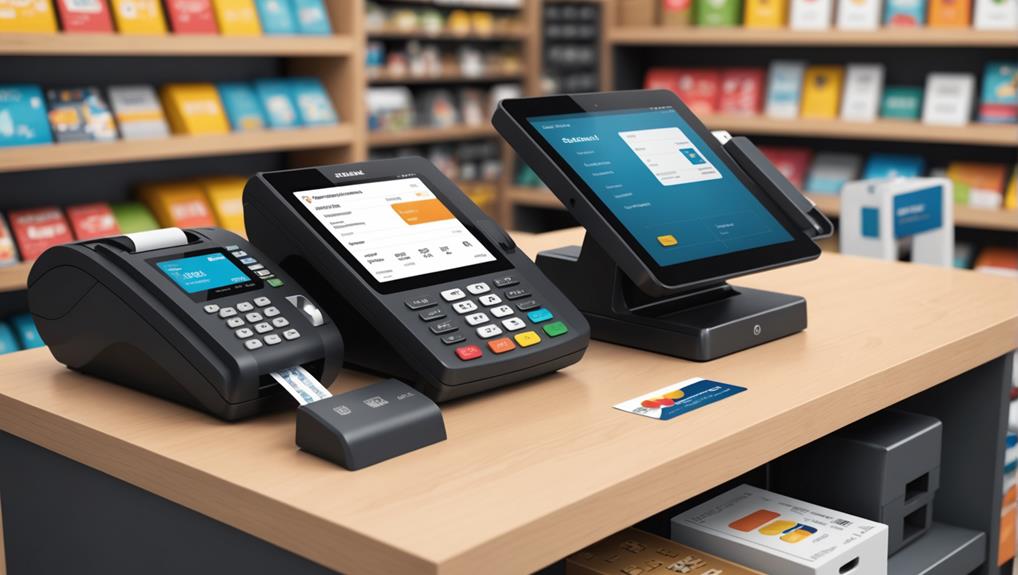
Integrating credit card processing with your POS system can significantly enhance your business's efficiency by speeding up transactions and reducing errors. You'll need to select a credit card processor that offers competitive rates and supports the specific payment types your business handles, such as EMV chip and contactless payments. Make sure the processor you choose can integrate smoothly with your existing POS system to ensure seamless transactions. Setup involves configuring both hardware and software components, establishing secure and reliable connectivity, and conducting tests to confirm everything works correctly. As you progress further, you'll uncover even deeper insights into optimizing this integration for your business's specific needs.
Understanding POS System Basics
To effectively integrate credit card processing, you must first grasp the essentials of a POS (Point of Sale) system. A POS system isn't just about ringing up sales; it's the hub where everything from inventory management to customer interactions happens.
It's important that you understand how a POS system can streamline your operations, especially when it comes to transactions. Your POS system should ideally handle sales reporting, inventory tracking, and customer management in one seamless application.
This centralization makes it easier for you to analyze your business's performance and make informed decisions. You'll find that modern POS systems are designed to be user-friendly, offering touch screens and intuitive interfaces that ensure minimal training is required for your staff.
Moreover, a POS system can enhance customer experiences by speeding up transactions and reducing errors, which in turn, can help increase customer satisfaction and loyalty.
It's crucial to understand that the effectiveness of your credit card processing relies heavily on the capabilities of your POS system. Therefore, selecting a system that supports comprehensive payment solutions, including credit card processing, is essential for maintaining an efficient, modern business.
Choosing the Right Credit Card Processor
Selecting the right credit card processor is crucial for your business's efficiency and cost-effectiveness. You want a partner that not only offers competitive rates but also supports your specific sales volume and business type.
It's essential to compare fees, including transaction, setup, and monthly maintenance charges. Don't get lured by low rates without considering other potential costs.
You'll also need to assess the types of payments each processor accepts. In today's diverse payment landscape, you should ensure they handle everything from traditional magnetic stripe and EMV chip cards to contactless payments like Apple Pay and Google Wallet. This versatility can enhance customer satisfaction by providing them with the convenience of multiple payment options.
Furthermore, consider the processor's integration capabilities with your existing POS system. Seamless integration simplifies transactions, reduces errors, and saves time.
Make sure they offer robust support and security measures to protect against data breaches, which are vital for maintaining customer trust and compliance with PCI DSS standards.
Lastly, read reviews and possibly reach out to other businesses using the processor. Their experiences can provide valuable insights into reliability and customer service, helping you make a well-informed decision that aligns with your business needs.
Setting Up Hardware Components
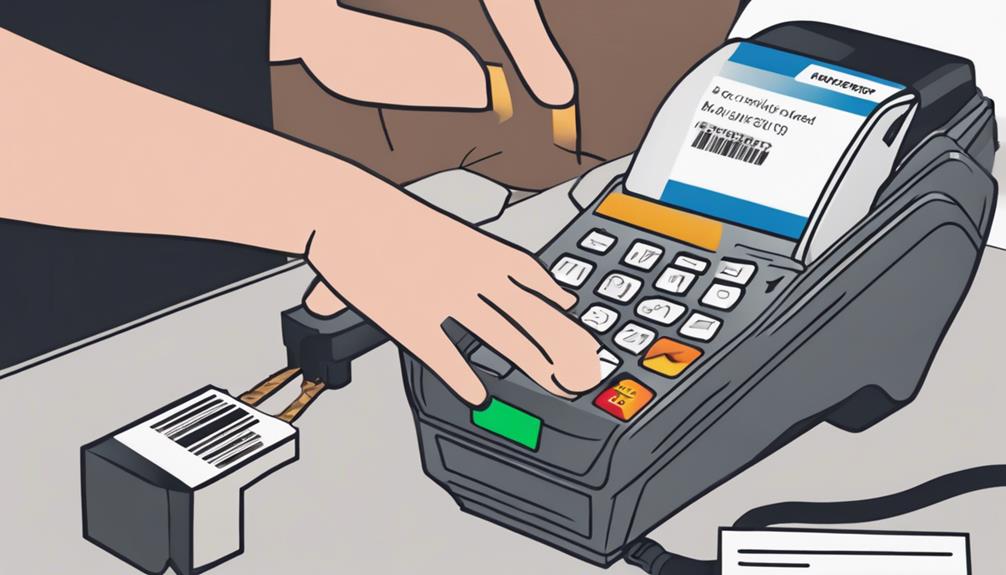
Once you have chosen a credit card processor that fits well with your POS system, the next step is setting up the necessary hardware components.
You'll deal with a few key pieces of equipment: the card reader, the receipt printer, and often, a barcode scanner.
Start by positioning your card reader where it's easily accessible to both staff and customers. It should be near the main POS terminal to maintain a smooth workflow. You'll plug the card reader into your POS terminal, typically using a USB or an Ethernet cable.
Make sure the connection is secure and the device is stable, so it doesn't move around when swiped or tapped by a credit card.
Next, set up your receipt printer. Like the card reader, it usually connects to your POS terminal via USB. Place it where you can easily grab the receipt without obstructing the transaction process.
After it's connected, load it with thermal paper. Ensure there's an extra roll at your station to avoid running out during busy hours.
If your setup includes a barcode scanner, connect it similarly and test it by scanning a few items to confirm it's working correctly.
This basic setup will streamline transactions, making the payment process swift and efficient.
Configuring Software and Connectivity
Begin by installing the necessary software for your POS system, ensuring it's fully compatible with your hardware components. This software acts as the brain of your operations, handling everything from sales data to credit card processing.
After installing, you'll need to configure the settings to align with your business's specific needs. This includes setting up user permissions, tax rates, and security measures.
Next, focus on the connectivity aspects. Your POS system must stay connected to process transactions smoothly. Ensure you've got a reliable internet connection; consider a dedicated line if your business volume demands it.
Connect your POS system to other devices, such as credit card terminals, via secure networks to safeguard customer information.
You'll also want to integrate your POS with any existing business software — like inventory management or customer relationship management systems. This integration allows for seamless data transfer across platforms, enhancing efficiency and accuracy in your business operations.
Lastly, update all your systems regularly. Software updates often contain important security patches and new features that can improve functionality and protect against data breaches.
Staying current with these updates is crucial for maintaining a secure and efficient operation.
Testing Transaction Processes
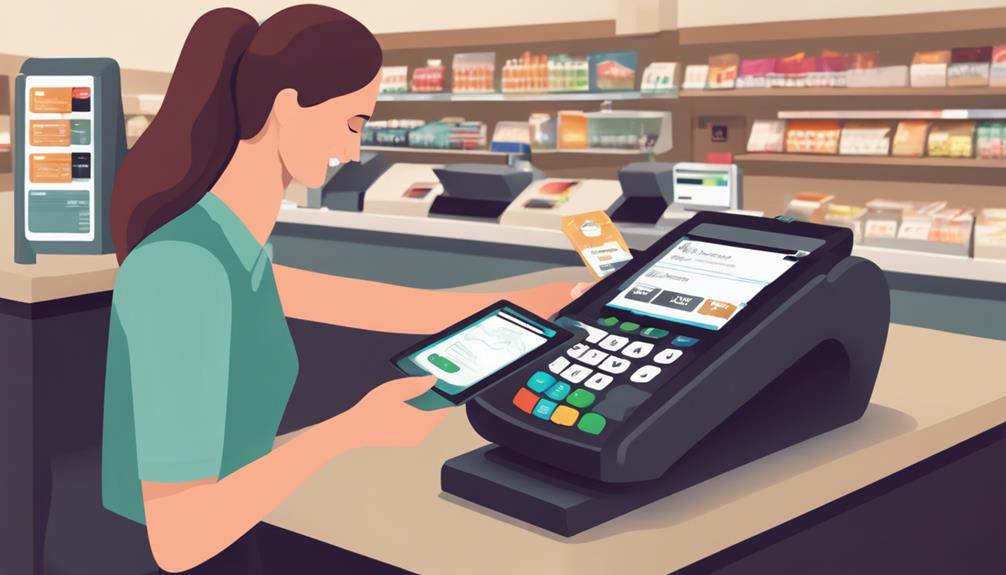
After configuring your POS system and ensuring all software and connectivity are in place, it's crucial to test transaction processes to verify that everything functions as expected.
Start by running several mock transactions to see how the system handles different payment methods including credit cards, debit cards, and mobile payments. You'll want to ensure that each payment processes correctly and that the receipts reflect accurate details.
Next, simulate a few common transaction issues, such as declined cards or network failures, to check how the system and your staff respond. It's essential that error messages are clear and that there are straightforward steps for your team to follow in resolving these issues.
This not only helps in troubleshooting but also prepares your staff for real-world scenarios.
Don't forget to verify the security of each transaction. Check that encryption and other security measures are functioning properly to protect customer data.
Maintenance and Troubleshooting Tips
Regular maintenance of your POS system is essential to ensure its longevity and reliability. You'll need to regularly clean hardware components like scanners, printers, and terminals to prevent dust and debris from causing malfunctions.
It's also vital to check connections and cables for any signs of wear or damage. Regular software updates are crucial as well; they not only enhance features but also fix bugs and close security gaps.
When troubleshooting, always start by verifying all connections are secure and functioning. If your system is unresponsive, try rebooting it before diving deeper into diagnostics.
For payment processing issues, first ensure your internet connection is stable and fast. If problems persist, review error messages carefully — they often point directly to the source of the issue.
Keep a log of any recurring problems and how you resolved them. This can speed up future troubleshooting and help you identify patterns or recurring issues.
Don't hesitate to contact customer support if you're stuck. They're equipped to help you navigate more complex problems, especially those related to software glitches or hardware failures.
Frequently Asked Questions
How Does POS Integration Impact Customer Experience?
You'll notice smoother transactions and less waiting at checkout, enhancing your shopping experience. It also provides you with more payment options and better service, making your overall interaction quicker and more efficient.
Are Mobile Payments Compatible With All POS Systems?
No, not all POS systems support mobile payments. You'll need to check if your specific system accepts these transactions. Compatibility often depends on the software and hardware capabilities of the POS system.
Can POS Systems Track Customer Loyalty and Rewards?
Yes, POS systems can track customer loyalty and rewards. They'll store purchase history and apply rewards automatically. You'll see points accumulate and discounts apply directly through your transactions, making tracking effortless for you.
What Are the PCI Compliance Requirements for Pos?
You'll need to ensure your POS system meets PCI compliance requirements, which include maintaining a secure network, protecting cardholder data, and conducting regular monitoring and testing to prevent security vulnerabilities.
How Does POS Integration Affect Return and Refund Policies?
When you integrate POS systems, it can streamline your return and refund policies, making the process quicker and more reliable by automatically updating transaction records and providing clear, immediate proof of transactions.
Conclusion
You've got the basics down and chosen the perfect credit card processor. Now that you've set up your hardware and configured the software, it's time to test those transactions. Remember, practice makes perfect! Keep an eye on how everything functions and don't hesitate to tweak settings for better performance. Routine maintenance and quick troubleshooting will keep your system running smoothly. You're all set to process payments efficiently and enhance your customers' checkout experience. Keep up the great work!
Related articles: Why Do POS System Debit Card Fees Vary? · Guide to Comparing Debit Card Fees for POS Systems · 3 Tips: Comparing Debit Card Fees for POS Systems