

When selecting the top inventory management for your POS system, consider solutions like Vend, which offers real-time tracking, Lightspeed Retail for managing multiple locations, Shopify POS for integrating online and in-store sales, and Square POS, suitable for small to medium businesses. These systems help streamline stock across channels, and reduce errors through automated tracking, ultimately enhancing your business's operational efficiency. Each platform has unique features that cater to different retail needs, offering extensive analytics to better understand sales patterns and manage inventory effectively. Exploring these options further could uncover which is the best fit for enhancing your operational workflow.
Understanding POS Inventory Management

Understanding POS inventory management is crucial for any retailer looking to streamline operations. When you integrate inventory management into your point of sale (POS) system, you're not just keeping track of what's sold and what's in stock; you're setting the stage for a smarter workflow.
This type of system automatically updates inventory levels as sales are made, ensuring that your data is always accurate and up-to-date.
You might wonder how this affects your day-to-day operations. Imagine you're running a promotion on certain items. As these products are sold, your POS system adjusts the stock levels in real time.
You won't have to manually count items at the end of the day or guess whether you need to reorder, which saves you time and reduces errors.
Additionally, this automation means you can quickly identify trends in product sales, allowing you to adjust your purchasing decisions effectively.
If a product starts flying off the shelves, you'll know instantly and can respond to meet customer demand without missing a beat.
Benefits of Integrated Inventory Systems
With integrated inventory systems, you gain significant advantages that can transform your business operations. These systems streamline the way you manage stock across multiple channels and locations, ensuring you're never caught off-guard by low inventory levels or overstock situations.
You'll notice a sharp reduction in errors too. By automating inventory tracking, you eliminate the risk of human error that can lead to miscounts and incorrect data entry. This accuracy not only saves you time but also reduces the money lost due to mistakes.
Another key benefit is enhanced customer satisfaction. When your inventory data is accurate and updated in real-time, you can provide customers with reliable information about product availability. This reliability can significantly boost your customers' trust in your brand, encouraging repeat business.
Additionally, integrated systems provide valuable insights through data analytics. You'll understand inventory trends and consumer behavior better, allowing you to make informed decisions about which products to stock up on and which ones to phase out. This strategic approach to inventory management can lead to improved profitability and a stronger market position.
In short, integrating your inventory system with your POS allows you to operate more efficiently, make smarter decisions, and offer better service—all of which are crucial for staying competitive in today's market.
Key Features to Look For
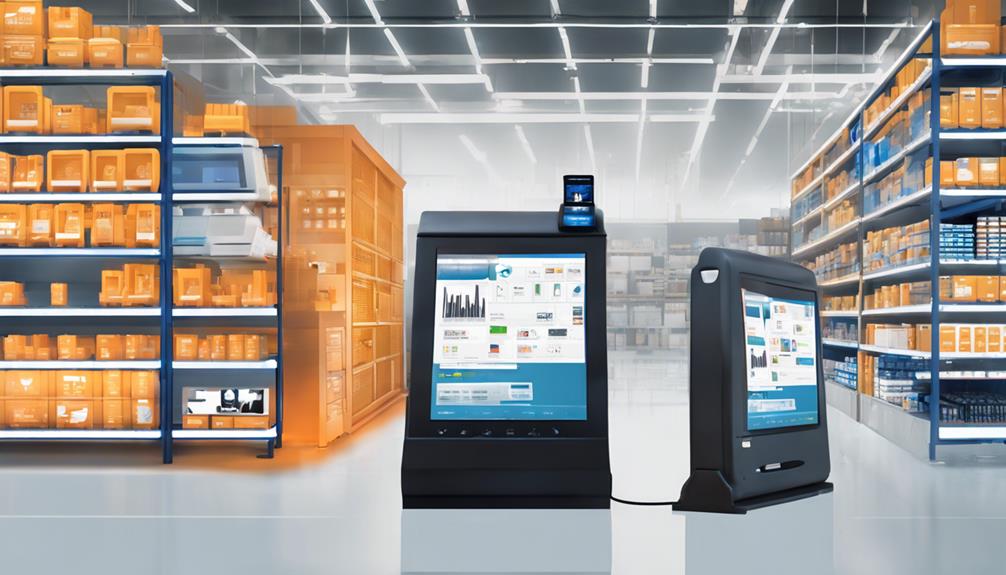
As you recognize the importance of integrating your inventory system with your POS, it's equally important to know what features to look for in an effective solution.
First off, you'll want real-time inventory tracking. This lets you view stock levels instantly, which helps in making quick, informed decisions. Look for systems that update immediately when a sale is made or when new stock is received.
Another crucial feature is the ability to manage multiple locations. If you're running several stores or warehouses, you need a system that can track inventory across all sites seamlessly. This not only simplifies management but also aids in optimizing stock levels based on regional sales trends.
You should also consider systems that offer detailed analytics and reporting tools. These features allow you to understand sales patterns, identify best-selling items, and plan future purchases more effectively. Being able to pull comprehensive reports quickly can significantly enhance your strategic planning.
Lastly, ensure the system includes robust integration capabilities. It should easily connect with other tools you use, such as ecommerce platforms and accounting software, to streamline all aspects of business operations. This integration minimizes errors and saves time, making your business operations smoother and more efficient.
Top Inventory Management Software Options
Several top inventory management software options can streamline your business operations effectively.
Let's delve into some of the best choices you've got on the market today.
First up is Vend, a cloud-based software that works wonders if you're in retail. It offers real-time inventory tracking, which means you can see stock levels update instantly as sales are made.
It's a lifesaver during busy periods or sales.
Next, consider Lightspeed Retail. This option is fantastic for multi-store retailers. It helps you manage inventory across different locations and includes features like order management, which can help you keep track of what needs to be reordered and when.
Shopify POS is another great choice, especially if you're already using their e-commerce platform. It seamlessly integrates your online and physical store, making inventory management a breeze.
Plus, it supports various hardware and has an easy-to-use interface.
Lastly, Square POS is ideal for small to medium-sized businesses. It's not just a payment processor; it offers solid inventory features like stock alerts and detailed sales reports that help you make informed decisions about your stock levels.
These tools can truly transform how you manage your inventory, making your operations smoother and more efficient.
Implementing Your Chosen Solution

Now that you've selected the best inventory management software for your business, it's time to focus on implementing your chosen solution effectively.
First, you'll need to set up a dedicated team for the implementation process. This team should include members who are tech-savvy and understand your inventory needs well. They'll be crucial in ensuring a smooth transition.
Next, schedule a training session for all users. It's vital that everyone who'll interact with the software understands how to use it properly. Your software provider likely offers training resources or sessions—make use of these. They're designed to help you get the most out of your new system.
You'll also want to start transferring your existing inventory data into the new system. Depending on the amount of data you have, this can be quite a task, so it's wise to plan this step carefully.
Consider doing it in stages to minimize disruptions to your daily operations.
Analyzing System Performance
Once your new inventory management system is in place, it's crucial to monitor its performance to ensure it meets your business needs.
You'll want to keep an eye on several key performance indicators (KPIs) that give you a clear picture of how well your system is functioning. These might include inventory accuracy, order fulfillment rates, and inventory turnover rates.
To analyze your system's performance effectively, start by setting up regular check-ins. You might schedule weekly or monthly reviews depending on the volume of your transactions.
During these sessions, compare current data with historical data to spot trends, anomalies, or areas needing improvement. It's also wise to integrate real-time analytics if your system supports it, allowing you to make quicker decisions based on the latest information.
Don't forget to gather feedback from your staff who interact with the system daily. They can provide insights into what's working well and what isn't.
If certain processes are consistently problematic, consider whether adjustments or additional training might be necessary.
Frequently Asked Questions
How Does Inventory Management Impact Customer Satisfaction?
Effective inventory management ensures you've always got the right products available, preventing stockouts and delays. This reliability boosts your customers' satisfaction by providing them with a seamless shopping experience every time they visit.
Can POS Systems Track Inventory Across Multiple Locations?
Yes, you can track inventory across multiple locations with POS systems. They're designed to handle complex stock levels efficiently, ensuring you're always informed about your inventory, no matter where it's located.
Are There POS Options for Seasonal Inventory Fluctuations?
Yes, there are POS systems designed to handle seasonal inventory fluctuations. You'll find options that adjust stock levels automatically based on seasonal trends, helping you manage demand efficiently during peak and off-peak seasons.
How Secure Are Cloud-Based Inventory Management Systems?
Cloud-based inventory management systems are generally secure, using encryption and regular updates to protect your data. You'll enjoy real-time access and backups, but always verify the provider's security certifications and compliance standards.
What Training Is Required for Employees Using New POS Systems?
You'll need to ensure your employees receive comprehensive training on the new POS systems, covering both software navigation and transaction handling to optimize efficiency and accuracy in your daily operations.
Conclusion
You've now explored the essentials of POS inventory management and understand how crucial it is for streamlining your operations. With the right system, you'll enjoy numerous benefits, from improved accuracy to better customer service. Remember to prioritize key features that meet your business's specific needs when choosing software. Once implemented, keep a close eye on system performance to ensure it delivers the expected benefits. Embrace these tools to keep your inventory in check and your business thriving!
Related articles: Why Choose Top Inventory Management for POS Systems? · What Does POS System Inventory Integration Achieve? · 5 Tips for Seamless POS and Inventory Software Sync