
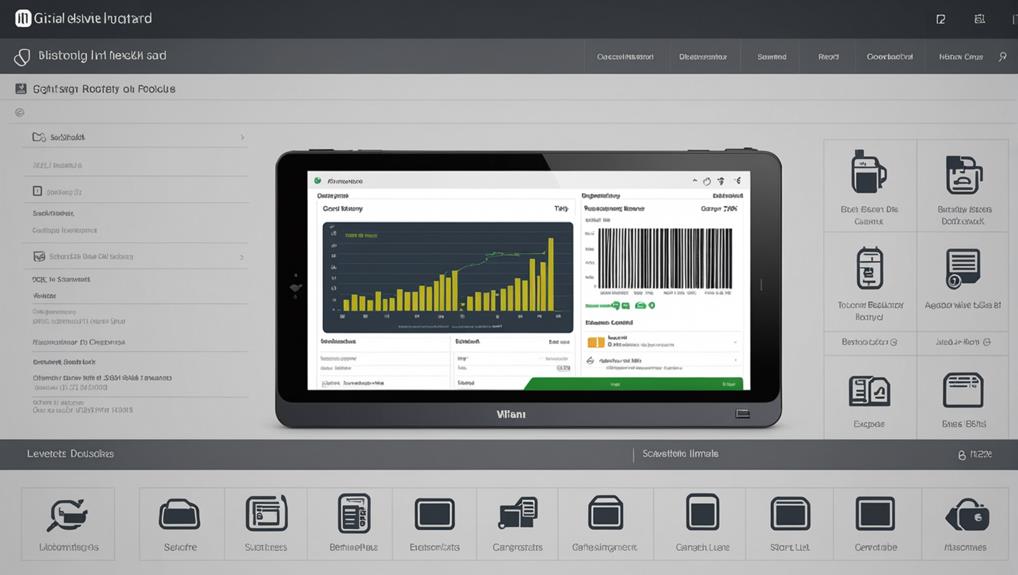
To optimize your inventory management, you'll need a POS system equipped with key features. Real-time inventory tracking keeps you updated on stock levels, while an automated reordering system ensures you're never out of essential items. It's also crucial to have supplier management integration for seamless vendor communication. Multi-location stock balancing optimizes inventory across various sites, and detailed reporting analytics provide deep insights into your operations. Don't forget barcode scanning capabilities for accuracy and efficiency, and product variants and categorization to manage diverse inventory effectively. These tools not only streamline your process but also pave the way for further strategic enhancements.
Real-Time Inventory Tracking
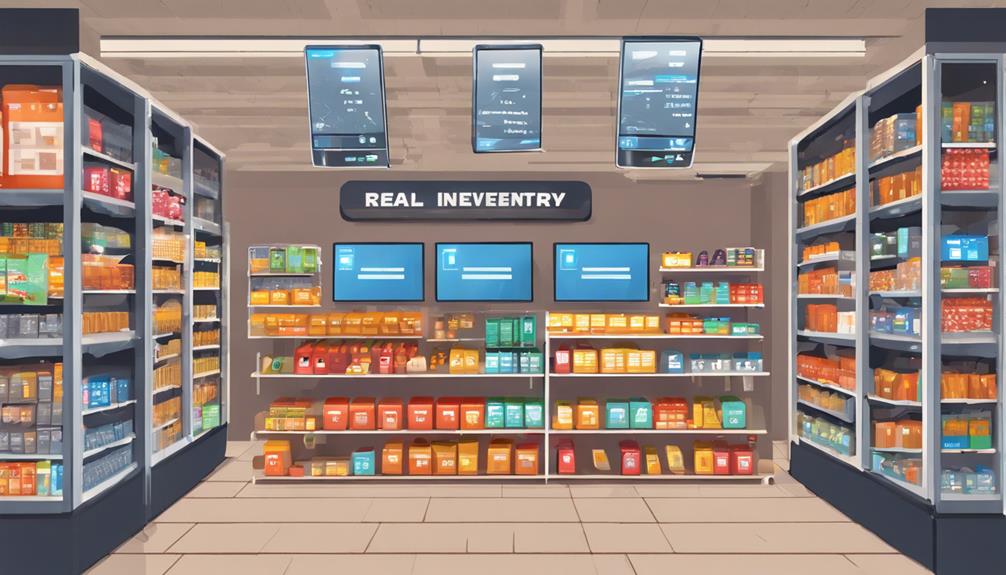
With real-time inventory tracking, you gain immediate visibility into your stock levels across all locations. This means you can see exactly what's in stock, in real-time, from anywhere. No more guessing or making unnecessary trips to check on inventory. You'll know when to promote items that are overstocked and prevent sales of items that are out of stock.
This feature also lets you monitor sales trends with precision. You can identify which products are flying off the shelves and which aren't, allowing you to adjust your procurement strategy accordingly. It's not just about having the right amount of stock; it's about having the right stock at the right time. This can significantly reduce instances of dead stock and increase the turnover rate.
Additionally, the system alerts you to discrepancies. If there's a mismatch between what should be in stock and what's actually in stock, you'll know immediately. This quick notification enables you to address potential issues before they become bigger problems, such as theft or supplier errors, ensuring that your business runs smoothly and your financial records are accurate.
Automated Reordering System
Efficiency is key in managing inventory effectively, and an automated reordering system streamlines this process beautifully. With this system, you don't have to manually check stock levels or worry about running out of popular items. It automatically reorders products based on predetermined thresholds that you set, ensuring you're always stocked up according to your business needs.
You'll find that this feature saves you a significant amount of time. Instead of constantly reviewing inventory levels, you can focus on other areas of your business. The system sends you alerts when it places orders, so you're always in the loop without needing to micromanage the details. This kind of automation reduces the risk of human error, which is common in manual processes.
Additionally, an automated reordering system can adapt to changes in sales patterns. If a product suddenly becomes more popular, the system adjusts the reorder levels based on the new demand trends. This responsiveness ensures that you capitalize on sales opportunities and minimize overstocking, which can tie up your capital unnecessarily.
Implementing this system not only optimizes your inventory management but also enhances overall operational efficiency, making it a crucial tool for any business aiming to streamline operations and boost profitability.
Supplier Management Integration
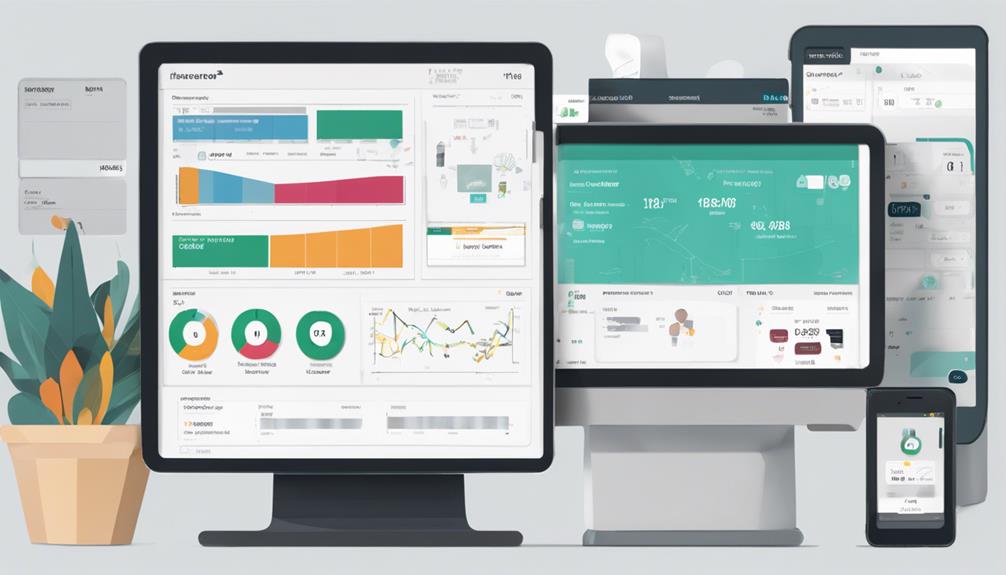
As you integrate supplier management into your POS system, you'll notice a significant enhancement in how you interact with your vendors. This streamlined integration allows for real-time communication and data sharing, making it easier to manage orders and maintain relationships.
With supplier management tools, you're able to access detailed vendor profiles directly from your POS interface. This includes tracking past orders, payment histories, and contact information, all centralized in one place. You'll spend less time hunting down details and more time optimizing your supply chain.
The system also alerts you to discrepancies in orders or delays from suppliers. If there's a hitch, you can address it quickly, directly through the POS. This proactive approach helps you avoid potential stockouts or excess inventory, keeping your business running smoothly.
Moreover, by analyzing vendor performance metrics such as delivery times, quality of goods, and responsiveness, you can make informed decisions about which suppliers to prioritize or reconsider.
It's all about making smarter choices that boost your operational efficiency.
Multi-Location Stock Balancing
Often, successful inventory management hinges on your ability to balance stock across multiple locations effectively. As you manage different storefronts or warehouses, it's crucial to ensure that each one holds the optimal amount of inventory based on specific demands and sales trends.
You don't want to find yourself in a situation where one location is overstocked, leading to potential write-offs, while another is understocked, missing out on sales.
Your POS system can be a game changer here. Look for features that allow you to view real-time inventory levels at all locations. This visibility helps you make informed decisions about where to allocate your stock.
You'll be able to quickly transfer items between locations to meet demand without overstocking.
Additionally, consider POS options that automate this balancing act. Systems with smart forecasting tools analyze sales data to predict future needs and suggest inventory transfers before shortages or surpluses occur.
This proactive approach saves you time and reduces the risk of human error.
Detailed Inventory Reporting
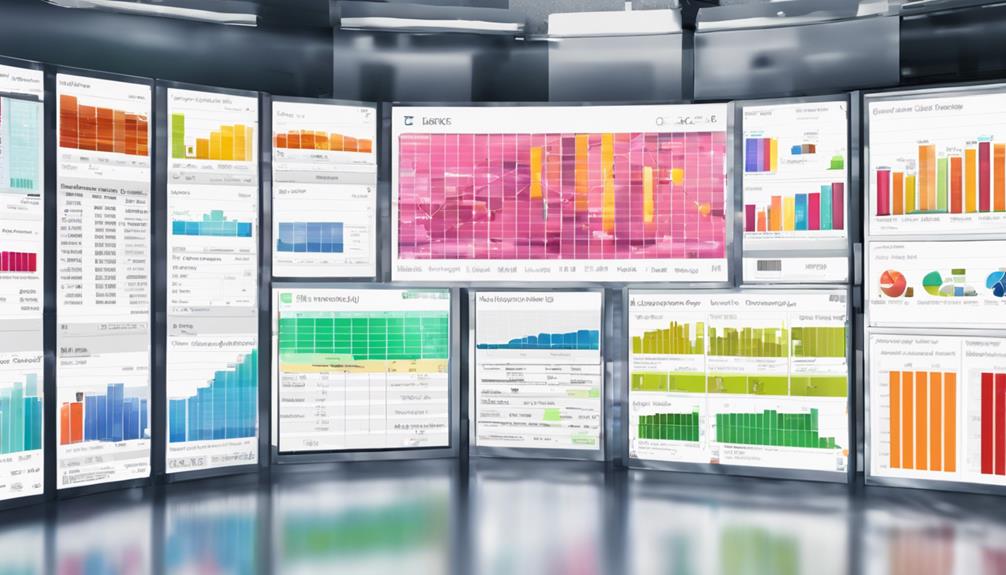
With the right POS system, you can access detailed inventory reports that provide clear insights into your stock levels. Such reports aren't just lists; they're dynamic tools that help you understand what's selling, what's not, and how your inventory aligns with market trends.
You'll see which items are underperforming, so you can make informed decisions about promotions or discounts. Moreover, you'll be able to track seasonal trends and plan purchases accordingly.
Detailed inventory reports also highlight variations in sales patterns, enabling you to adjust your stock levels based on actual sales history rather than guesstimates. This means you can optimize your inventory turnover rates, reducing both overstock and stockouts.
You'll know exactly when to reorder and how much to purchase, keeping your cash flow as fluid as possible.
These reports can further break down sales data by categories, brands, or even individual SKUs, providing you with a granular view of your inventory's performance across different segments.
This level of detail is invaluable for tailoring your stocking strategy to meet customer demands more precisely, enhancing both customer satisfaction and your bottom line.
Barcode Scanning Capabilities
Integrating barcode scanning into your POS system streamlines the inventory management process by quickly capturing product information at checkout. This feature not only speeds up transactions but also reduces human error that can occur with manual data entry.
As you scan items, the system automatically updates inventory levels, ensuring that your stock counts are always accurate and up-to-date.
With barcode scanning, you can easily track sales trends and understand which products are performing well. This insight allows you to make informed decisions about restocking and promotions, optimizing your inventory for better sales.
Additionally, barcode scanning facilitates faster stock audits, saving you time and labor costs.
Moreover, implementing this technology can enhance the customer experience. Quick checkouts lead to shorter lines and a more efficient shopping environment, boosting customer satisfaction and loyalty.
It's also easier to manage returns as the system instantly retrieves the item's sale history through its barcode, simplifying the return process.
Product Variants and Categorization
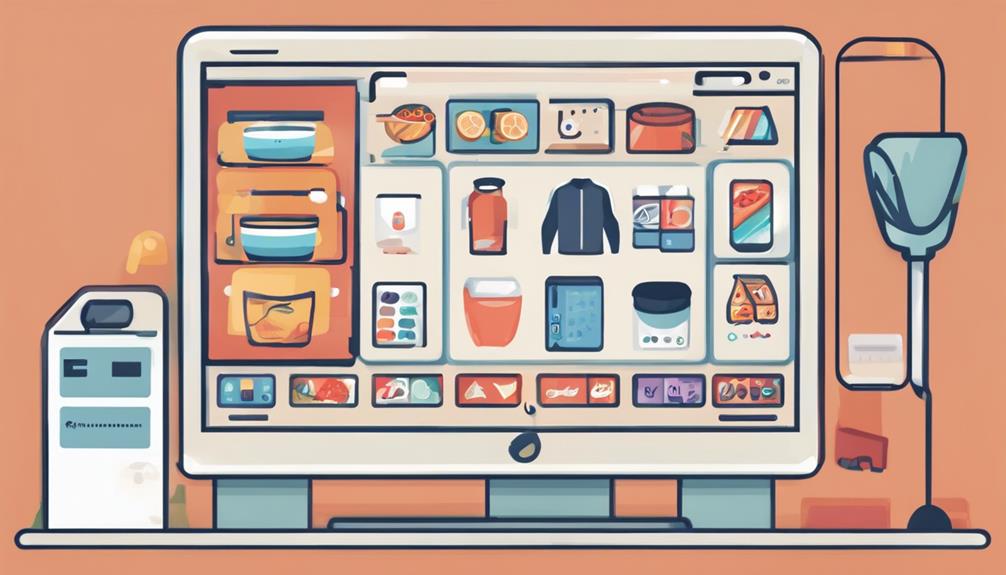
Building on the efficiency of barcode scanning, managing product variants and categorization in your POS system is equally vital for maintaining a streamlined inventory. You've got to nail this down to ensure that every item, no matter how similar it seems, is perfectly tracked and accounted for.
When you add a new product to your inventory, you're not just adding a SKU. You're potentially adding multiple variants of that product—different sizes, colors, materials, and more. Each variant might behave differently in the market, so tracking them separately in your POS system lets you see which versions are selling and which aren't. This insight is crucial for making informed decisions about stock levels, promotions, and discontinuations.
Moreover, effective categorization enhances this process. By grouping products in a meaningful way, you can quickly analyze the performance of different categories, streamline purchasing decisions, and improve customer recommendations.
Think of it as creating a map of your inventory where every product is easy to find and manage.
Frequently Asked Questions
How Does POS Inventory Management Impact Customer Satisfaction?
Effective inventory management ensures you're never out of stock, so you can always meet customer demands promptly. This reliability boosts your reputation, encouraging repeat business and enhancing overall customer satisfaction.
Can POS Systems Integrate With E-Commerce Platforms?
Yes, you can integrate POS systems with e-commerce platforms to streamline operations. This integration allows you to manage inventory and sales data across both physical and online stores from a single system.
What Are the Costs of Implementing a POS Inventory System?
You'll find that the costs of implementing a POS inventory system vary widely. It depends on the system's sophistication, features included, and scale of your operations. Setup, hardware, and software licenses contribute to expenses.
How Secure Is Data in POS Inventory Management Systems?
You're likely concerned about data security in POS inventory systems. Generally, they're quite secure, featuring encryption, secure user access, and regular updates to protect against breaches and ensure your data stays safe.
What Training Is Required to Operate a POS Inventory System?
To operate a POS inventory system, you'll need training on software navigation, data entry, and security protocols. It generally includes hands-on sessions and tutorials to ensure you're comfortable managing the system efficiently.
Conclusion
You've got all the tools you need to streamline your inventory management with these essential POS features. From real-time tracking to automated reordering, and barcode scanning, each feature integrates seamlessly to keep your stock balanced and your data insightful. Embrace these capabilities to save time, reduce errors, and enhance efficiency across multiple locations. Don't just manage your inventory — master it with precision and ease, ensuring your business stays agile and well-equipped to meet customer demands.
Related articles: Revolutionize Inventory Management With POS Software Features · How to Benefit From Cloud-Based POS Software Features · Why Choose Cloud-Based POS Software?