
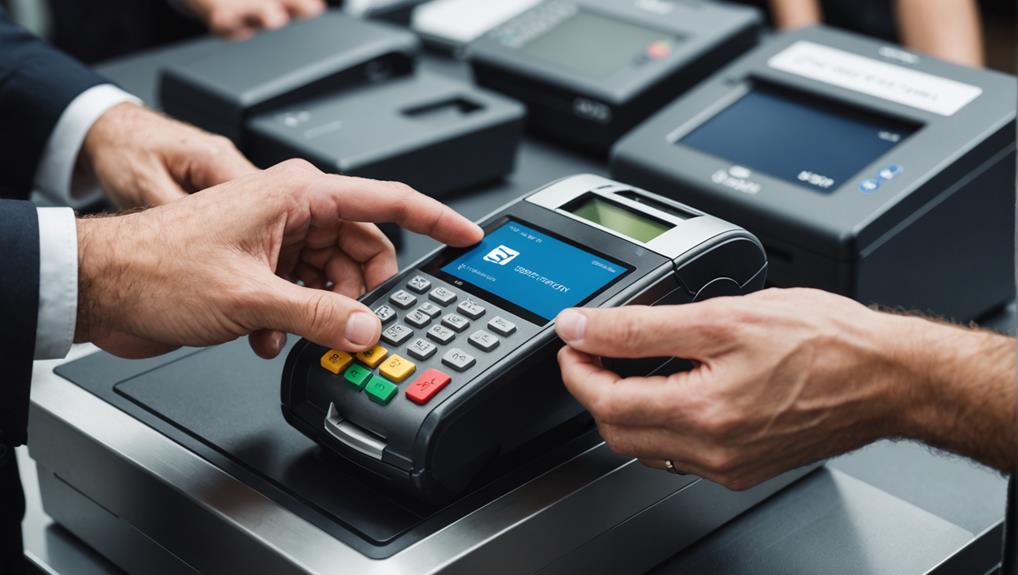
To secure your POS system for payment processing, start by implementing multi-factor authentication to reduce unauthorized access. Ensure all data is encrypted, from capture to processing, and keep your software regularly updated. It's crucial to monitor for suspicious activities, teaching your staff about security threats like phishing. Compliance with PCI DSS isn't just mandatory; it also fosters customer trust. Don't forget to back up data consistently to protect against losses, and deploy anti-fraud algorithms to detect unusual patterns. These steps don't just protect your business; they build customer confidence in your payment security. More insight awaits as you explore these essentials further.
Choose Strong Authentication Methods
To bolster your POS system's security, opt for strong authentication methods. You'll significantly reduce the risk of unauthorized access by implementing multi-factor authentication (MFA). This involves requiring more than one proof of identity before access is granted. Typically, this means something you know (a password), something you have (a mobile device), and something you're (biometric data).
Don't rely solely on passwords. They're often weak, and if they're stolen or guessed, your system's open to attackers. MFA adds layers that make it tougher for unauthorized users to break in. Consider using biometrics, like fingerprint or facial recognition, as part of your authentication process. These are unique to each user and hard to replicate.
Also, regularly update your authentication protocols. Cyber threats are always evolving, and your defenses should too.
Educate your employees about the importance of strong, unique passwords and the dangers of phishing attacks, which can undermine even the most robust security measures.
Implement End-to-End Encryption
After setting up strong authentication methods, your next step should be to implement end-to-end encryption across your POS system. This means ensuring that data is encrypted from the moment it's captured at your POS terminal until it's decrypted by your payment processor.
It's crucial because it protects sensitive information from potential breaches during transmission. What you're doing here is creating a secure tunnel through which your data travels. Even if intercepted, the information remains unreadable to unauthorized parties.
To start, you'll need to choose an encryption protocol. Most businesses opt for standards like TLS (Transport Layer Security), which secures the data in transit.
Next, you must ensure all devices involved in the transaction are compliant with your encryption standards. This includes not just your POS terminals, but also any routers or servers that handle your data.
Work with your POS vendor or a cybersecurity expert to configure these settings correctly.
Regularly Update Software

While implementing end-to-end encryption strengthens your POS system's security, keeping your software up to date is just as important for maintaining protection against threats.
Developers regularly release software updates that not only introduce new features but also fix security vulnerabilities. If you're not updating your POS software, you're leaving a door wide open for cybercriminals.
You've got to make it a routine to check for updates or set your system to update automatically. This ensures you're always running the latest version, packed with the most recent security patches and improvements.
Remember, it's not just the POS software itself; the operating system and any third-party applications you use need regular updates too.
Neglecting updates can lead to malware infections, data breaches, and even financial loss.
Moreover, staying current with software releases can help you comply with industry standards and regulations, such as PCI DSS, which can mandate certain security practices.
Monitor for Suspicious Activity
Keeping a vigilant eye on your POS system for any unusual activity is crucial. You've got to watch out for signs that something's off. This might be a sudden increase in refunds or cancellations, unusually large transactions, or a pattern of transactions that all occur at odd hours. These can all be red flags indicating potential fraud or system breaches.
You should also keep an eye on the hardware itself. Check if there's any sign of tampering. Skimmers, which can steal card information, are sometimes added to POS systems. If the hardware looks different or if you notice anything out of place, don't ignore it. It's better to investigate it sooner rather than risk a security breach.
Additionally, monitoring software can be a lifesaver. It can alert you to suspicious activity automatically. This includes large numbers of transactions in a short time or multiple failed transaction attempts.
These systems often provide real-time alerts, so you can act quickly to prevent further damage. Staying on top of these signs and using the right tools will help you protect your business from financial losses and maintain your customers' trust.
Educate Employees on Security

Monitoring your POS system for suspicious activity is just one layer of defense. To bolster your security, you've got to ensure that every team member is educated about the potential threats and the best practices to mitigate them.
You're not just dealing with technology; you're managing people who interact with your systems every day.
Start by holding regular training sessions. You'll want to cover how to recognize phishing attempts and social engineering scams.
Teach your staff about the importance of strong passwords and the dangers of sharing login credentials. It's essential they understand that what might seem like a minor oversight can lead to significant security breaches.
Make sure everyone knows who to contact if they spot something amiss. Having a clear action plan can make all the difference in preventing or responding to security incidents.
Encourage an environment where employees feel comfortable reporting their suspicions without fear of reprisal.
Use Secure Hardware Components
Secure hardware components are crucial in safeguarding your POS system against physical tampering and cyber threats. By choosing devices that meet high security standards, you're taking a significant step toward protecting your customers' data and your business's reputation.
It's vital to select hardware from reputable manufacturers known for their commitment to security. Look for devices that boast end-to-end encryption capabilities, which ensure that data is protected from the moment it's entered into the POS terminal until it completes its journey at the bank.
You'll also want to consider the physical security of your devices. Hardware that's resistant to tampering and designed to alert you in case of any unauthorized access attempts can provide an additional layer of security. This means investing in terminals that can seal their ports against intruders and have customizable security settings that fit your specific business needs.
Moreover, regular updates and maintenance are essential. Manufacturers often release security patches that address newly discovered vulnerabilities. Ensure you're promptly implementing these updates to maintain optimal protection.
Don't overlook the importance of a secure setup; ensuring your hardware isn't only robust but also properly configured is key to maintaining a secure POS system.
Apply Multi-factor Authentication
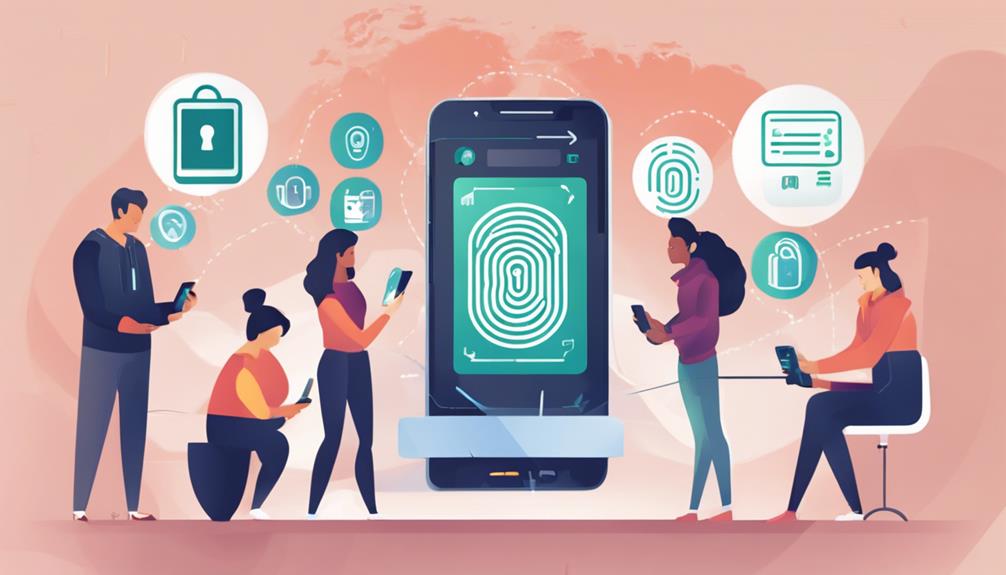
While implementing secure hardware components significantly bolsters your POS system's security, adding multi-factor authentication (MFA) further shields against unauthorized access. MFA requires users to present two or more verification factors to access a system, which significantly decreases the risk of a security breach.
You're not just relying on a single password, which can be stolen or guessed.
Here's how you can integrate MFA into your POS system. First, choose a reliable MFA provider. Look for one that supports a range of authentication methods, such as biometrics, hardware tokens, or SMS codes.
You'll want to ensure it's compatible with your current POS setup.
Next, train your staff on how to use MFA. They'll need to understand the importance of this security measure and how to handle authentication processes.
This step is crucial—your MFA is only as good as the users operating it.
Maintain PCI DSS Compliance
Ensuring your business's POS system adheres to the Payment Card Industry Data Security Standard (PCI DSS) isn't just a good practice; it's a necessity. This set of regulations protects cardholder data, reducing the risk of data breaches. As you prepare to comply, start by understanding the requirements that apply specifically to your business level and processing volume.
You'll need to establish a secure network to shield cardholder data. This involves installing and maintaining a firewall configuration to protect data. Make sure you're not using vendor-supplied defaults for system passwords and other security parameters. Instead, customize these settings to enhance security.
Regularly update your antivirus software and develop secure systems and applications. It's crucial to protect against malware and continuously update your security measures to tackle new vulnerabilities.
Limit access to cardholder data to only those employees who need it to perform their jobs. Each person with computer access should have a unique ID to ensure that all actions on your POS system can be traced to specific users.
Lastly, monitoring and testing networks regularly is key. Track and monitor all access to network resources and cardholder data to ensure that security measures are effective. Always stay vigilant to maintain compliance and secure your customers' transactions.
Backup Data Consistently

To safeguard your business against data loss, consistently back up your POS system data. Regular backups are your safety net against unforeseeable events like hardware failures, cyberattacks, or natural disasters.
It's not just about securing transactions; it's about ensuring you can quickly restore operations with minimal disruption.
You've got options when it comes to backup frequency and methods. Aim for at least daily backups. For bustling businesses, consider real-time or hourly backups to capture every transaction.
Utilize both on-site and off-site solutions to diversify your safety strategy. On-site backups offer quick restoration, while off-site backups protect against physical damage to your primary business location.
Deploy Anti-Fraud Algorithms
Deploying anti-fraud algorithms is essential for protecting your POS system from unauthorized transactions and security breaches. These sophisticated tools analyze transaction patterns and flag activities that deviate from the norm. By implementing these algorithms, you're not just safeguarding your data, but also ensuring your customers' trust remains intact.
You'll find that anti-fraud algorithms can be integrated directly into your POS system, offering real-time defense against fraud. They work by continuously learning and adapting to new fraudulent techniques. This means the more they're used, the smarter they become, enhancing their effectiveness.
However, it's crucial you stay updated with the latest security updates provided by your POS system vendor. These updates often include enhancements to the anti-fraud algorithms that respond to emerging threats. Without these updates, even the best algorithms might fall short against newer fraud tactics.
Additionally, complement these algorithms with stringent verification processes for both credit card transactions and returns. This extra layer of verification can deter scammers who might otherwise slip through initial security checks.
Frequently Asked Questions
How Does Weather Affect Wireless POS System Transactions?
Weather can impact your wireless POS transactions by causing signal disruptions. Heavy rain, storms, or extreme cold might slow down or even halt the connection, affecting transaction speed and reliability. Keep this in mind.
Can Customers Track Their Data Usage Within POS Systems?
You can't generally track your data usage directly through POS systems, as they're designed primarily for transactions. For detailed usage data, you'd need to check with your service provider or system administrator.
What Are the Costs of Transitioning to a Secure POS System?
You'll find that the costs of transitioning to a secure POS system vary based on features and vendor. Initial setup, software upgrades, and possible training are the main expenses you'll encounter.
How Do POS Systems Handle Multiple Currencies or Tax Rates?
POS systems are designed to handle multiple currencies and tax rates efficiently. You'll find that they automatically adjust prices and taxes based on the customer's location, simplifying your sales process significantly.
Are There Eco-Friendly Options for POS Hardware?
Yes, you'll find eco-friendly POS hardware options available. They're made from sustainable materials and designed to consume less energy, helping you reduce your carbon footprint while managing sales efficiently.
Conclusion
You've got the tools to safeguard your POS system now. Always choose strong authentication and apply multi-factor security. Don't forget to encrypt all transactions from end-to-end and keep your software up-to-date. Stay vigilant for any odd activity and make sure your team knows the security drill. Compliance with PCI DSS isn't just a guideline; it's a necessity. Backup your data regularly and use anti-fraud algorithms to stay one step ahead. Secure payment processing is in your hands!