
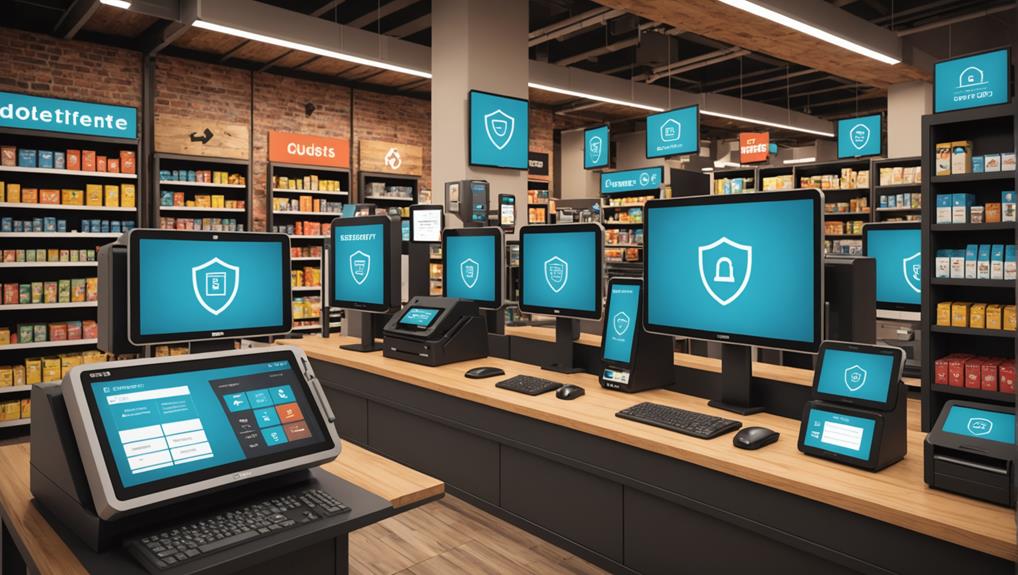
To boost your POS system's security, you should start by implementing end-to-end encryption, ensuring that customer data remains protected during transactions. Don't overlook the value of multi-factor authentication; it's crucial for preventing unauthorized access. Regularly monitor all transactions in real time to quickly spot and address any fraudulent activities. Keep all software up-to-date to defend against the latest cyber threats. Limiting user access based on specific roles minimizes internal risks, while securing your network connections is essential for safeguarding data in transit. Lastly, make sure to conduct regular security audits to spot any potential vulnerabilities. Each step offers deeper insights into keeping your systems safe.
Implement End-to-End Encryption
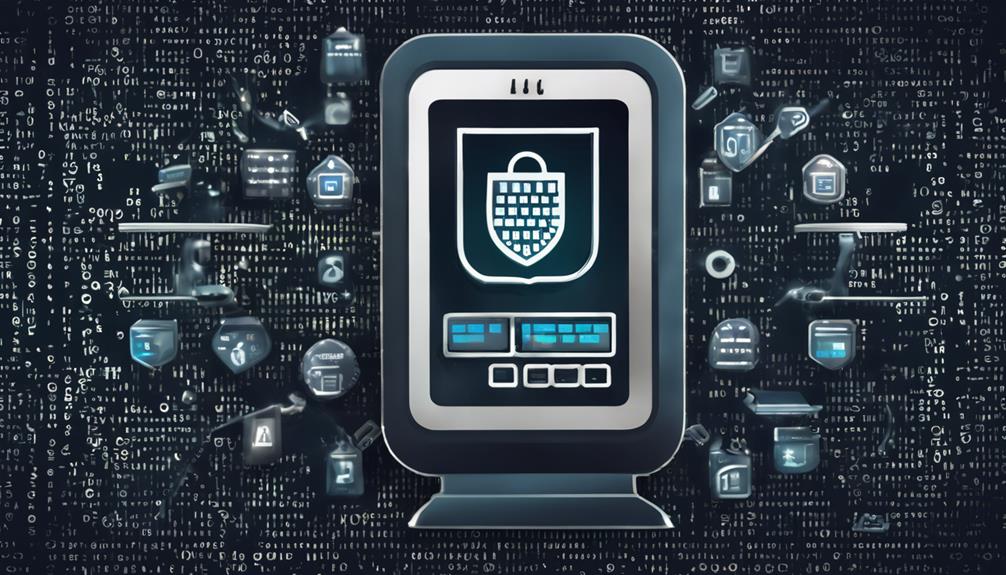
To safeguard your transactions, implementing end-to-end encryption is essential. This security measure ensures that data sent from your customer's credit card to your POS system remains inaccessible to any unauthorized parties.
When you're handling sensitive financial information, you can't afford to skimp on protection. Here's what you need to know.
End-to-end encryption works by scrambling data at the source and only decrypting it at its final destination. It means that during transmission, the data is rendered useless to anyone who might intercept it.
You'll want to ensure your POS provider offers this feature as standard. Not all systems do, so it's crucial you verify this before making a purchase.
Moreover, staying updated with the latest encryption standards, like AES (Advanced Encryption Standard), provides an additional layer of security.
Regular updates from your POS provider will help protect against new vulnerabilities. Make sure you're proactive about receiving and installing these updates.
Use Multi-Factor Authentication
Integrating multi-factor authentication (MFA) significantly enhances your POS system's security. By requiring more than one form of verification, you're not just relying on a simple password. Instead, you're adding layers—something you know, something you have, or something you are. This could mean combining a password with a fingerprint or a code sent to a mobile device.
Think of MFA as a robust barrier. Even if a hacker cracks your password, they'd still need the second factor to breach your system. It's like having a double-locked door—much harder to break into.
You'll want to choose factors that are convenient yet secure, ensuring that the extra step doesn't frustrate you or slow down your transactions too much.
Moreover, training your staff on the importance of MFA is crucial. They should understand how it works and why it's essential for safeguarding customer data. Make it clear that every extra step is a stride toward more secure transactions.
Enable Real-Time Transaction Monitoring

Enabling real-time transaction monitoring on your POS system offers immediate insights into all transactions as they occur. This proactive approach alerts you to potentially fraudulent activities the moment they happen, allowing you to respond swiftly and effectively.
You'll see exactly when and where transactions are processed, which helps you keep a tight grip on the financial pulse of your business.
By monitoring transactions in real time, you're not just protecting your revenue; you're also safeguarding your customers' trust. Suspicious activities, such as unusually large transactions or an abnormal frequency of refunds, can be flagged and investigated immediately.
This isn't just about catching bad actors; it's about preventing damage before it escalates.
Moreover, this system enables you to track performance and identify trends quickly. You'll spot which items are selling fast, understand customer behavior better, and adjust your stock accordingly.
It's a powerful tool for enhancing customer satisfaction and optimizing your inventory management.
Regularly Update Software
Regularly updating your POS system's software is crucial for maintaining top-notch security. It's not just about adding new features; these updates often patch vulnerabilities that could be exploited by hackers. When you're running outdated software, you're essentially leaving the door wide open for cybercriminals to access sensitive data.
Think of software updates as your first line of defense. Developers continuously work to identify and fix security holes. By keeping your system updated, you're applying these essential fixes, drastically reducing your vulnerability to attacks. It's like updating your virus definitions in antivirus software; without the latest updates, you're not protected against the newest threats.
Remember, cyber threats evolve rapidly. Hackers are always on the lookout for systems they can exploit. By delaying updates, you're giving them more opportunities to find a way into your system.
Make it a habit to check for software updates at least once a month. Most modern POS systems offer automatic update features, enabling you to set up your system to install updates as they become available automatically.
Staying on top of these updates minimizes the risk of data breaches and ensures your POS system runs smoothly, keeping your business and customer data safe.
Limit Access With User Permissions

While keeping your POS software up to date is a key step in protecting your data, setting strict user permissions plays an equally important role. You've got to ensure that only the right eyes and hands access sensitive information. Here's how you can tighten security with user permissions.
First off, create unique user accounts for each employee. This means everyone has their own login details, and you can track who does what. Don't just hand out generic logins; it's a security nightmare waiting to happen!
Next, customize access levels based on job roles. Not everyone needs to see everything. Limit access to critical financial data to your managers and accounting team. Sales staff? They typically just need access to the sales interface and inventory, nothing more. By segmenting access, you reduce the risk of insider threats and accidental data leaks.
Also, regularly review and update these permissions. People's roles can change, and you'll need to adjust their access accordingly. Make it a routine check—say, every quarter—to ensure the permissions are still appropriate.
And don't forget to immediately revoke access for employees who leave. Keeping your POS system secure is ongoing, but with these steps, you're on the right track.
Secure Network Connections
Although your POS system may be secured internally with user permissions, it's crucial to ensure that every network connection is equally protected. Hackers often target weak network links, so you've got to be vigilant.
Start by implementing a Virtual Private Network (VPN). A VPN encrypts your internet traffic, which means that even if someone intercepts it, they can't decipher the data. You'd be adding a robust layer of security that wards off potential intruders.
Next, ensure your Wi-Fi network is secure. Use WPA3 encryption—it's currently the strongest. Regularly update your Wi-Fi password, and make it complex. Don't stick with the default settings; they're often easy prey for cybercriminals.
Additionally, consider the security of your hardware connections. Disable any unused ports on your routers and switches. It's a simple step, but it significantly reduces your vulnerability.
Lastly, keep your firewall settings strict. Configure it to block unauthorized access while allowing outgoing traffic from your POS system. This setup prevents external attacks and stops potential data leaks from within.
Conduct Regular Security Audits

After ensuring your network connections are secure, it's important to verify that these measures remain effective over time. That's where regular security audits come in. You'll want to schedule these audits at least once a year, though more frequent reviews might be necessary depending on your business's volume and the sensitivity of the data you handle.
Start by hiring an external auditor with experience in POS systems. They'll bring an unbiased eye and can spot vulnerabilities you might've missed. During the audit, they'll scrutinize your system's compliance with the latest security standards and regulations. This includes checking for software updates, verifying encryption practices, and assessing the overall effectiveness of your security protocols.
Don't forget to review the physical security of your systems too. Ensure that your POS devices are in secure locations and that access is restricted to authorized personnel only.
The auditor should also evaluate employee access controls and training procedures to prevent internal threats.
Frequently Asked Questions
How Can Weather Impact POS System Security?
Extreme weather can disrupt your POS system's operations and security. It's crucial you protect equipment from water damage and power surges. Additionally, ensure your data backups are secure and readily accessible remotely.
What Are Common Physical Threats to POS Systems?
Common physical threats to your POS system include theft, vandalism, and accidental damage. You'll face risks from both employees and outsiders, so securing your hardware and monitoring access are crucial steps to take.
Can Outdated POS Hardware Compromise Security?
Yes, outdated POS hardware can compromise your security. It's more vulnerable to breaches and malware, lacking the latest defenses. Always update your systems to protect your data from modern security threats effectively.
How Does Staff Turnover Affect POS Security?
High staff turnover can compromise your POS security as new employees might not be fully trained on security protocols, increasing the risk of errors or security breaches. It's crucial to train everyone thoroughly.
Are There Specific Cybersecurity Insurance Plans for POS Systems?
Yes, there are specific cybersecurity insurance plans designed for POS systems. You'll find they cover data breaches, system hacks, and other security incidents, which can mitigate financial risks from cyber threats. Always compare options.
Conclusion
You've got the power to protect your POS system by implementing these robust security measures. Remember, always encrypt your data from end to end and use multi-factor authentication to keep it tight. Keep your software updated and monitor transactions in real time. Limit access with smart user permissions and ensure your network connections are secure. Don't forget, conducting regular security audits can catch any vulnerabilities early. Stay vigilant, and you'll keep your system safe and sound.